Free Image to Pixel Art Online

Convert any image into pixel art in seconds. Adjust pixel size, brightness, contrast, and saturation with real-time preview. No signup required.

  • JPG, PNG, WebP · Max 10MB
  • ✓ 100% Free✓ No Watermark
  • ✓ No Signup✓ Runs in Your Browser
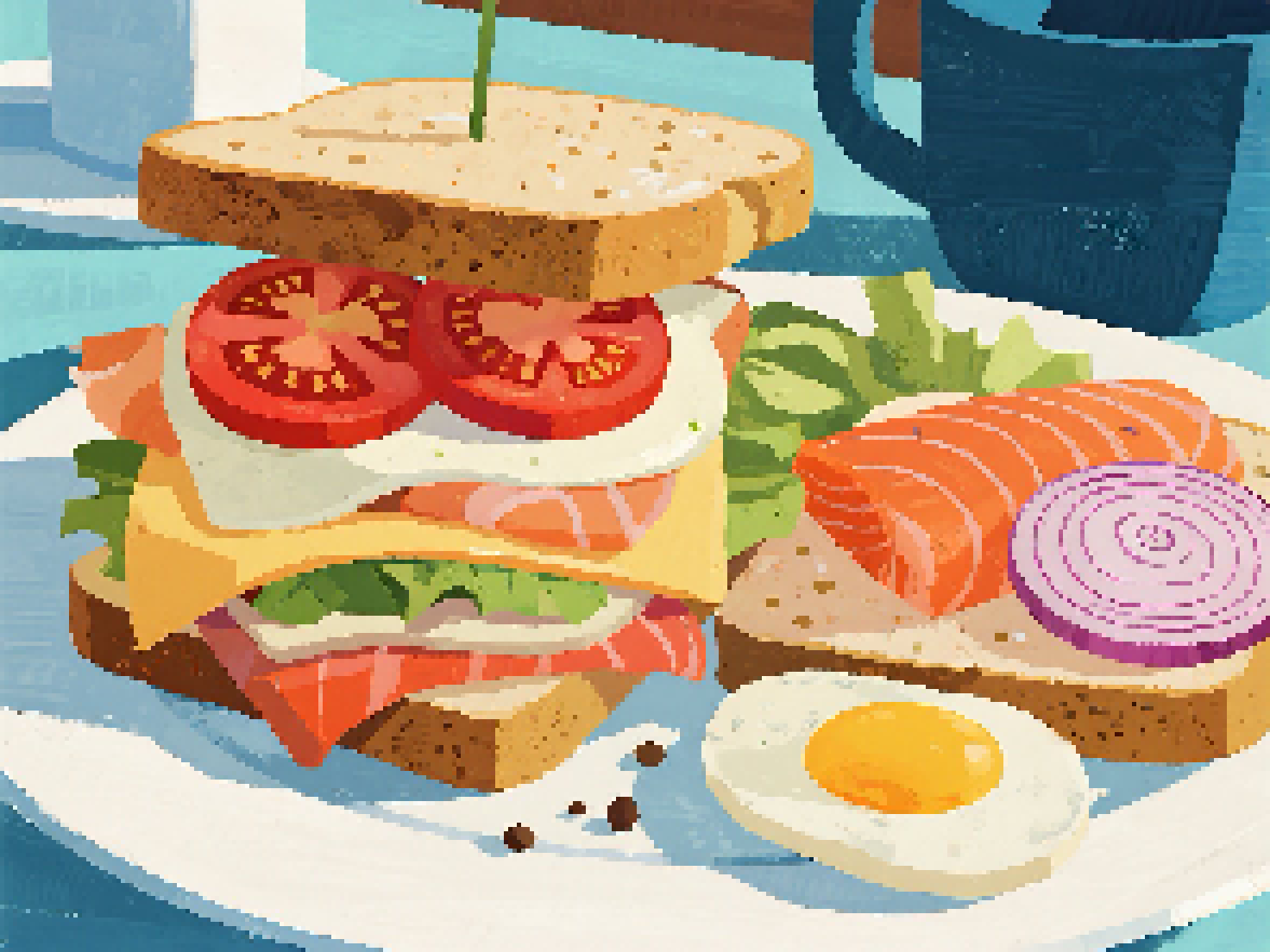
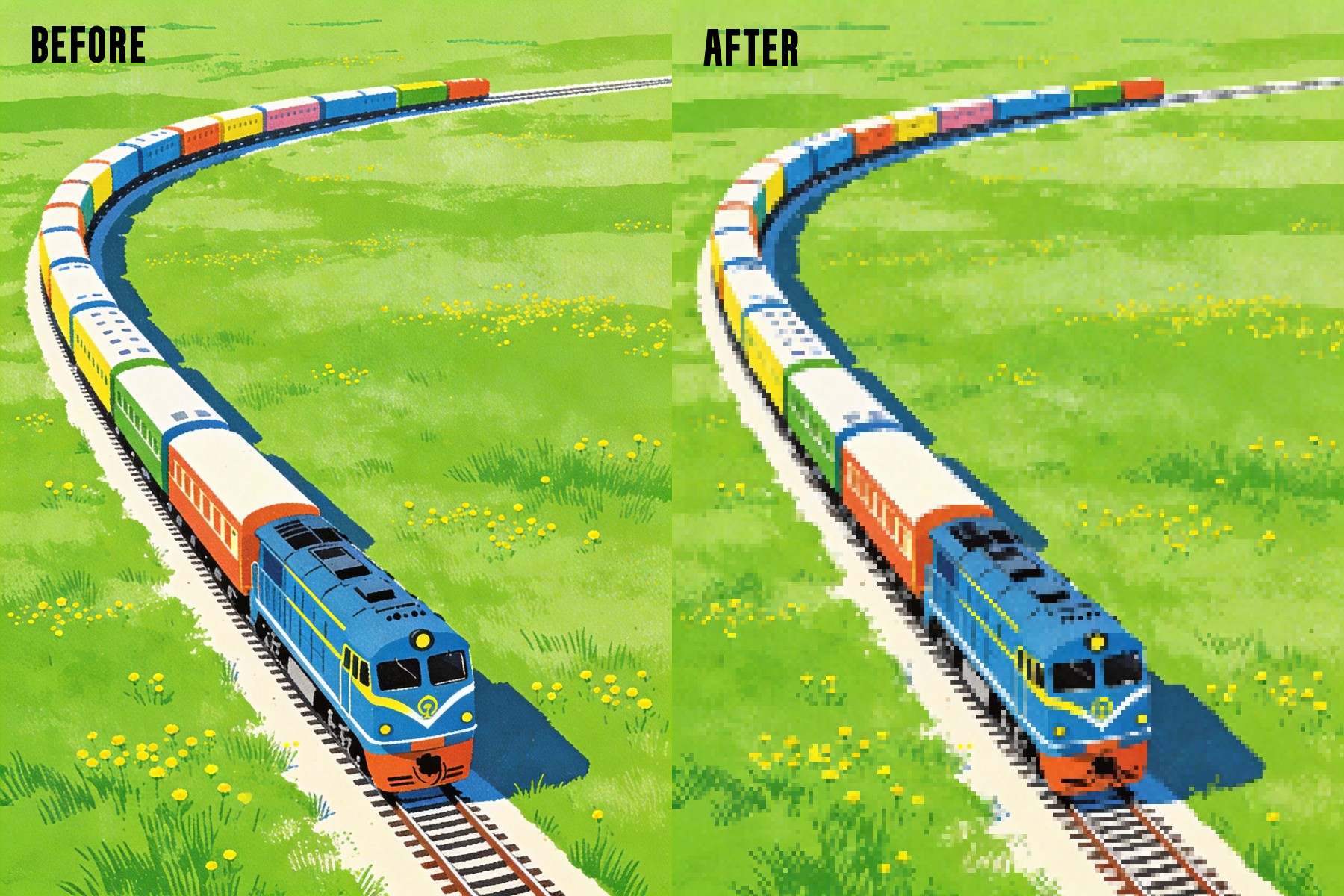
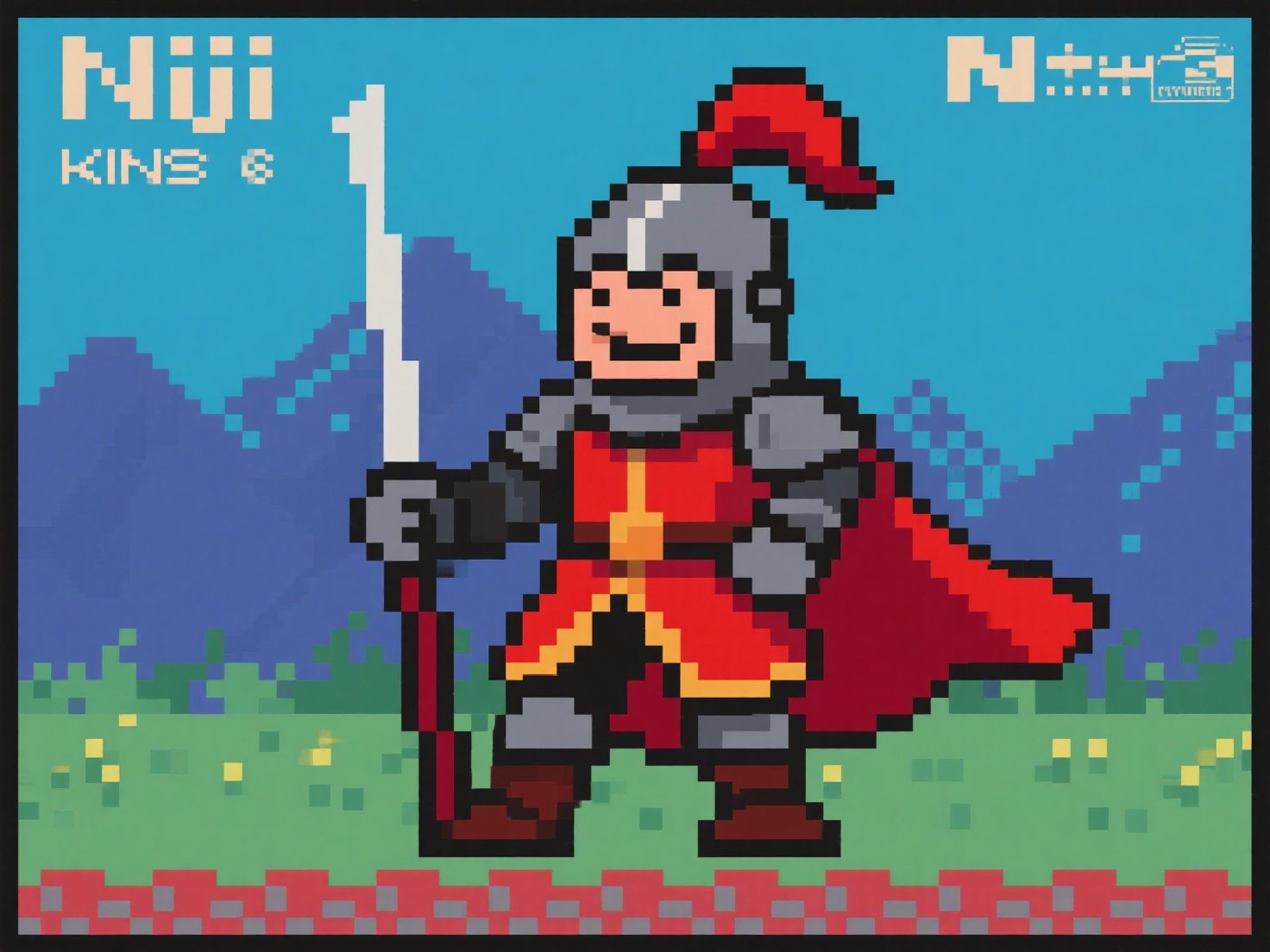
Pixel Art Example

Adjust Parameters

16px
Fine Coarse
0
-50 0 +50
0
-50 0 +50
0
-50 0 +50

Preview

🖼️

Processing...

How to Turn an Image into Pixel Art

Create pixel art in three simple steps

Upload

Upload your image

Upload, drag and drop, or paste your image into the tool. It appears instantly in the preview panel.

Convert

Convert to pixel art

Adjust pixel size, brightness, contrast, and saturation using the sliders. The image updates instantly as you make changes.

Download

Preview and download

Review your pixel art live. Once it looks right, click Download to save your image in high quality.

Simple to use, powerful to create

Once your image is in place, everything happens instantly. Explore the full potential of this pixel art generator and see how easily you can transform images into clean, high-quality pixel art.

Convert images to pixel art instantly

Upload any image and see it transform into pixel art right away. The built-in pixel art generator updates your image in real time, making it easy to preview the effect and refine the result as you go.

Instant Conversion

Enjoy a simple and intuitive creation process

Working with pixel art should feel smooth and effortless. Upload your image, adjust the sliders, and explore different styles with a clean interface designed for focus and creativity.

Simple Interface

Generate clean pixel art with no watermark

Download high-quality pixel art without any watermarks. Your images are ready to use for social media, design work, or personal projects without extra editing.

No Watermark

Design your own block-style masterpiece for free

Transform images into blocky designs inspired by Minecraft. Great for planning builds, designing game assets, or experimenting with classic pixel-style layouts.

Block-Style Design

Why Choose PicToPixel.art

The smartest choice for pixel art creation

Free

Free to Use

Start creating pixel art instantly without signing up or paying anything. The process is straightforward and designed for anyone to use.

Precise

Precise Control

Adjust pixel size, brightness, contrast, and saturation with accuracy. Fine-tune your image to achieve exactly the pixel art style you want.

High Quality

High-quality Pixel Art

Get clean, sharp, and visually balanced results. Every image is rendered with clear pixel edges and consistent quality.

Private

Private and Secure

All image processing happens directly in your browser. Your files are never uploaded or stored, so your data stays completely private.

Works with any image

Works with Any Image

Upload photos, illustrations, or graphics and turn them into pixel art with ease. The tool adapts well to different image types and styles.

No Watermark

Watermark-free

Download your pixel art without any branding or restrictions. Your final image is ready to use anywhere.

Pixel Art Showcase

See what you can create with PictoPixel

Pixel Art Portrait
Pixel Art Icon
Pixel Art Character
Pixel Art Sprite
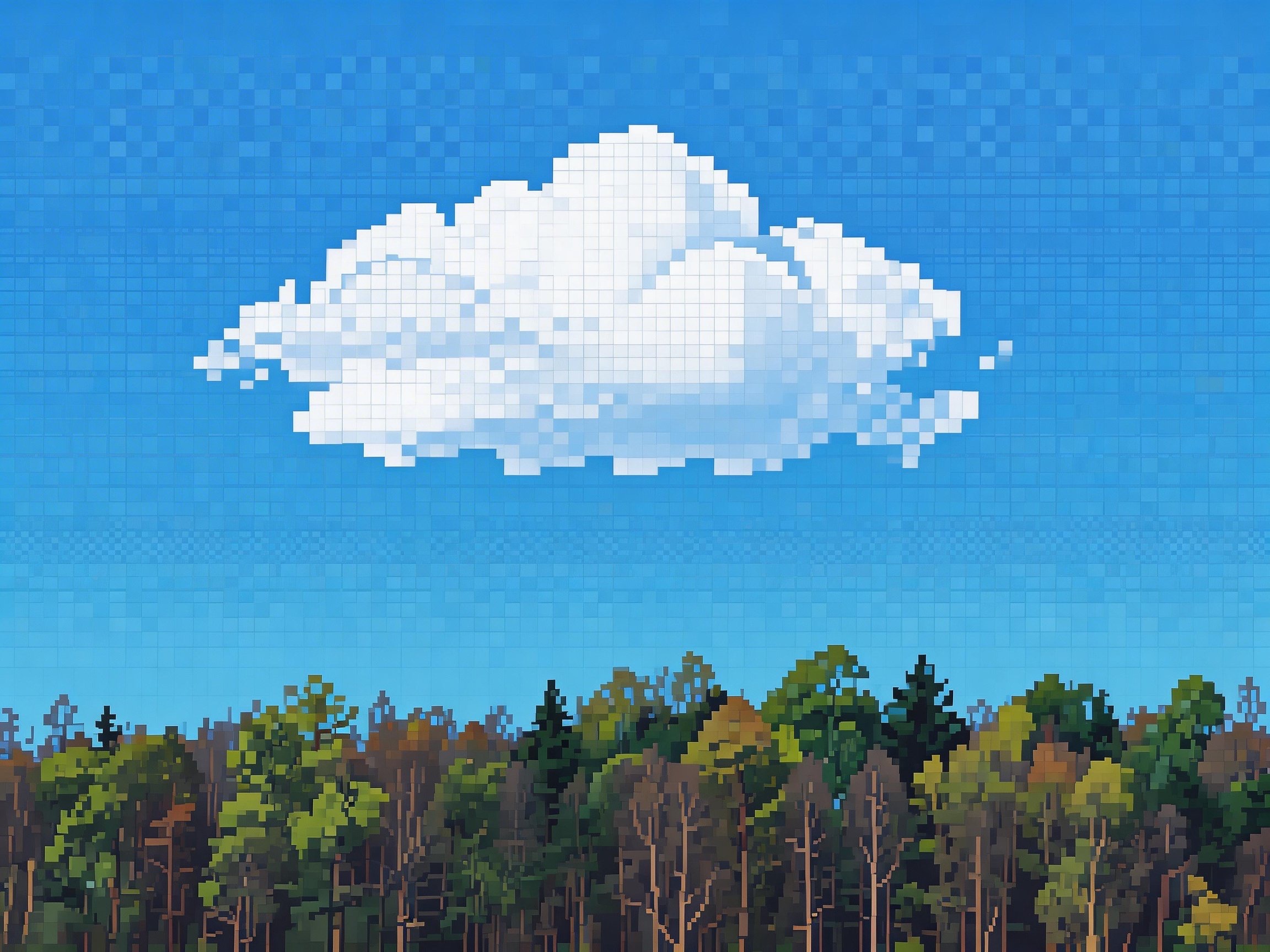
Pixel Art Landscape
Pixel Art Avatar
Pixel Art Scene
Pixel Art Artwork

Bring Your Pixel Art Ideas to Life with PicToPixel

Hello Kitty Pixel Art Pokemon Pixel Art Mario Pixel Art Words to Pixel Art Cat Pixel Art Anime Girl Pixel Art Flower Pixel Art Pixel Art Background Halloween Pixel Art Pixel Art Heart Pixel Art Animals Pixel Art Pikachu

Frequently Asked Questions

Find answers to common questions

A picture to pixel art converter is a tool that transforms regular images into pixel-style graphics. It reduces image detail into visible blocks, creating a retro or stylized pixel art effect commonly used in games and digital art.

PicToPixel.art converts images into pixel art by grouping pixels into larger blocks based on your selected pixel size. Each block takes an average color value from the original image, creating a simplified, pixelated look.

At the same time, brightness, contrast, and saturation adjustments are applied in real time, allowing you to refine the final result instantly without reprocessing the image.

No. Instead of blurring, the tool creates a sharp pixelated effect. The image becomes more blocky and stylized, with clear edges between pixels. Adjusting the pixel size lets you control how detailed or abstract the final result looks.

Yes, the tool is completely free to use. There are no hidden fees, subscriptions, or limitations.

No signup is required. You can upload your image and start creating pixel art immediately.

The best pixel size depends on the style you want. Smaller values keep more detail, while larger values create a stronger, more abstract pixel effect. You can adjust it in real time to find the perfect balance.

You can upload common formats such as JPG, PNG, and WebP. The tool works with most standard image types.

Ready to Create Pixel Art?

Join thousands of creators making stunning pixel art every day

Create Pixel Art

No signup required · 100% free · Unlimited conversions