What Is Pixilart?
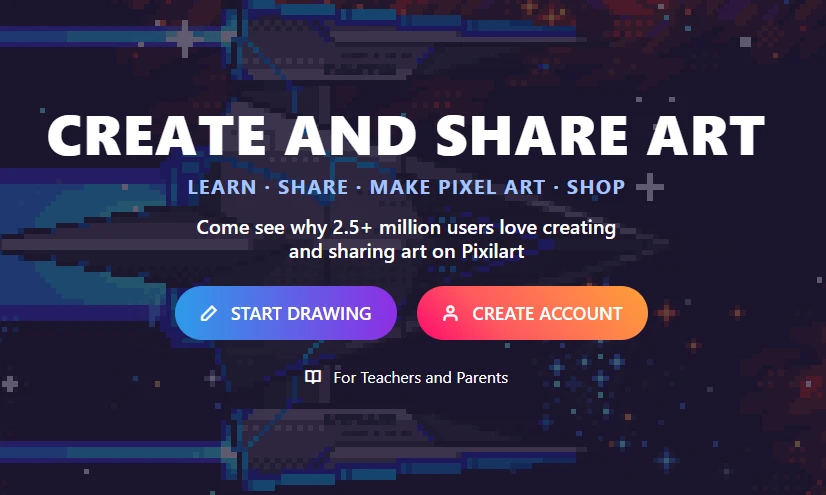
For many artists and game developers, Pixilart has become one of the most recognizable online pixel art platforms. It combines a browser-based pixel art editor with an active creative community, allowing users to draw, animate, and share pixel artwork without installing any software.
Since its launch, Pixilart has attracted beginners, hobbyists, and indie game creators thanks to its accessibility and free-to-use editing tools. Whether you're designing retro game sprites, creating pixel avatars, or experimenting with classic 8-bit artwork, Pixilart provides a convenient place to get started.
Unlike traditional desktop software, Pixilart runs entirely in your web browser, making it easy to create artwork from virtually any device with an internet connection. In addition to its drawing tools, users can browse thousands of community-created artworks, participate in challenges, and interact with other pixel artists.
While Pixilart remains a popular choice, its features and workflow may not suit every creator. Understanding what it offers—and where it falls short—can help you determine whether another pixel art tool better fits your creative needs.
Key Features of Pixilart
Pixilart includes a variety of tools designed for both beginners and experienced pixel artists. Some of its most notable features include:
Browser-Based Pixel Art Editor
Create pixel art directly in your browser without downloading or installing software, making it easy to start drawing from almost any computer.
Layer Support
Organize artwork using multiple layers for greater editing flexibility and more complex compositions.
Animation Tools
Create frame-by-frame animations with a built-in timeline, making Pixilart suitable for animated sprites, GIFs, and simple game assets.
Custom Color Palettes
Build and save custom color palettes or choose from existing palettes to maintain consistent artwork across projects.
Drawing Essentials
Access common pixel art tools such as:
- Pencil
- Eraser
- Fill Bucket
- Line Tool
- Shape Tools
- Color Picker
- Zoom Controls
These tools provide everything needed for creating traditional pixel artwork.
Community Gallery
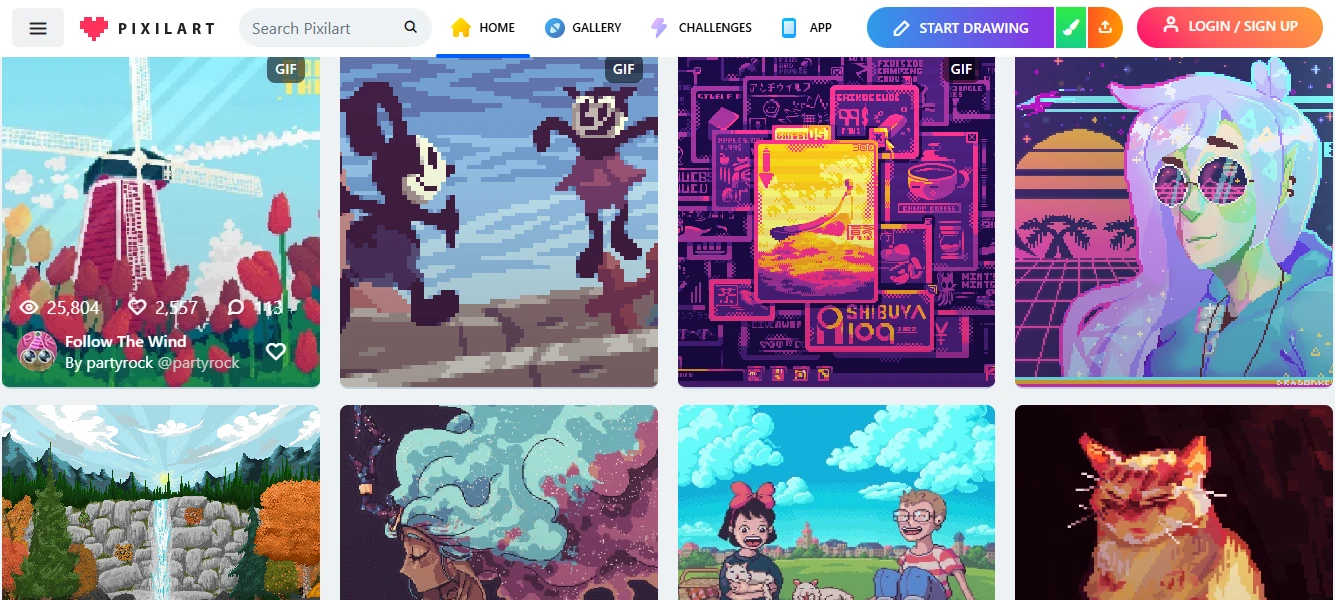
One of Pixilart's standout features is its large online community. Users can publish artwork, discover creations from other artists, follow creators, leave comments, and participate in themed drawing challenges.
Free to Use
Most of Pixilart's core drawing features are available for free, making it an attractive option for beginners who want to start creating pixel art without purchasing software.
Pros and Cons of Pixilart
Like any creative software, Pixilart has strengths and limitations.
Pros
- Completely browser-based with no installation required
- Free core editing tools
- Built-in animation support
- Active community for sharing artwork
- Beginner-friendly interface
- Works across multiple operating systems
Cons
- Interface can feel crowded due to community-focused features
- Limited AI-assisted creation tools
- Less suitable for advanced professional workflows
- Performance may slow with larger or more complex projects
- Some creators prefer a distraction-free editor without social features
Why Look for a Pixilart Alternative?
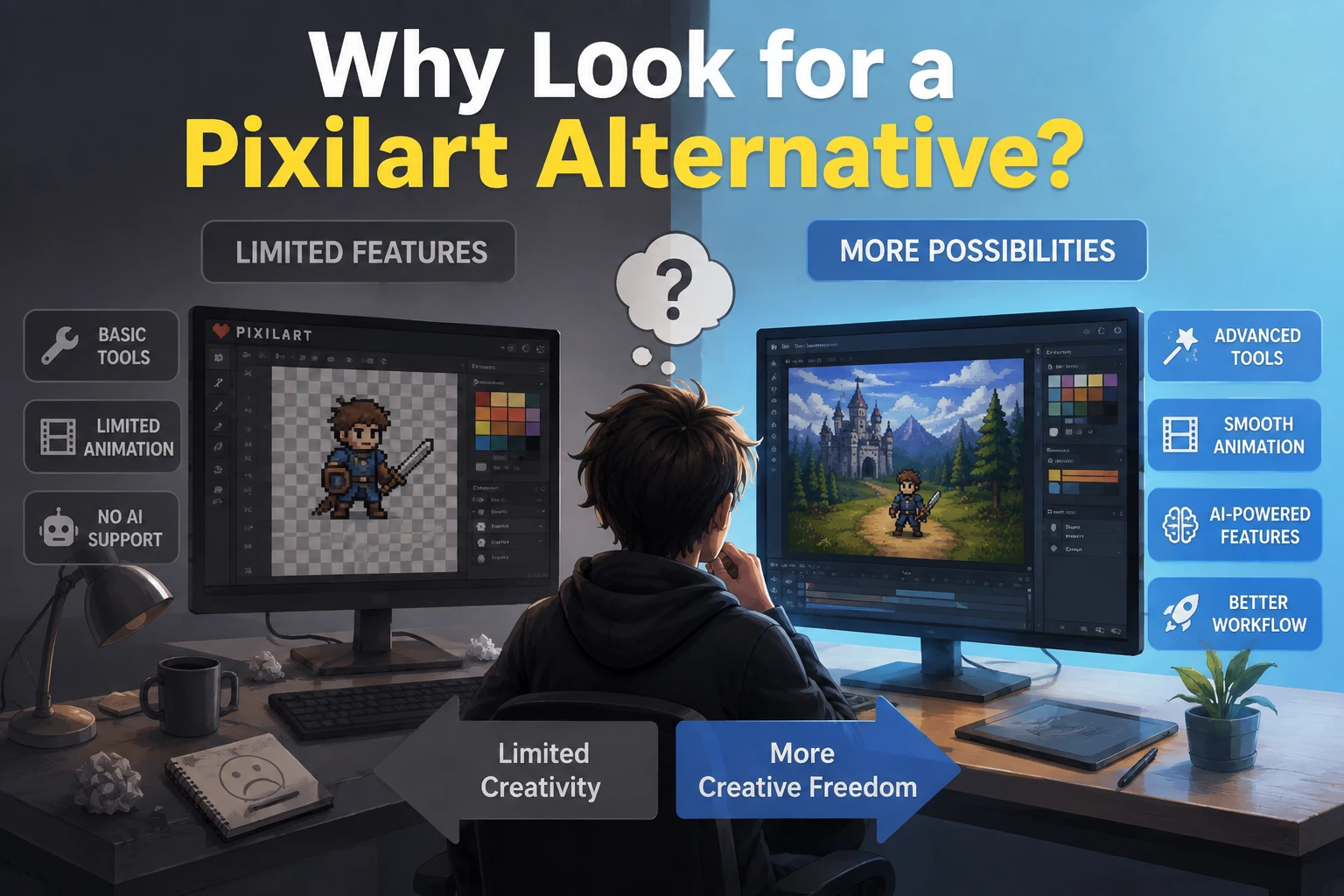
Pixilart is a popular choice for creating pixel art online, especially for beginners and artists who enjoy its community features. However, different creators have different workflows, and another tool may better match your specific needs.
Some common reasons users explore Pixilart alternatives include:
You Want a Simpler Workflow
While Pixilart combines editing tools with community features, some users prefer a more focused workspace for creating and exporting artwork without extra distractions.
You Need More Specialized Features
Different pixel art tools focus on different strengths. Some offer advanced animation features, AI-powered creation, image-to-pixel-art conversion, or more flexible editing workflows.
You Want Faster Creation with AI
AI-powered pixel art tools can help users generate artwork, transform existing images, and experiment with new styles more efficiently compared with traditional manual editing.
You Have Different Creative Goals
The best pixel art tool depends on what you create. Game developers may need animation and sprite tools, while beginners and casual creators may prefer simpler interfaces and faster workflows.
Exploring different Pixilart alternatives can help you find a platform that better fits your creative process.
Best Pixilart Alternatives to Make Free Pixel Art Online
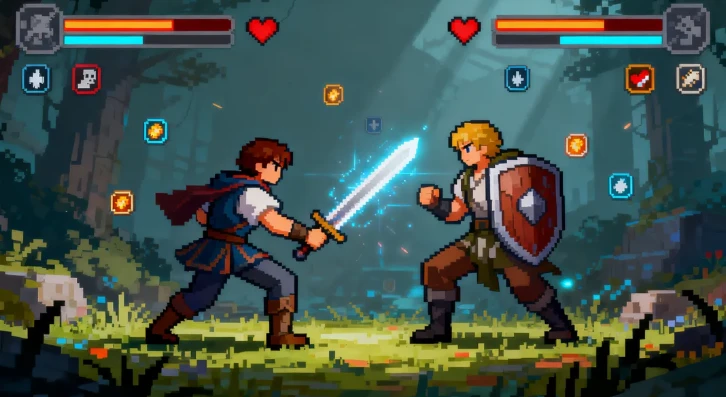
After understanding what makes a great pixel art editor, it's time to explore the best tools available today. The right choice depends on your creative goals—some platforms are ideal for beginners who want a simple drawing experience, while others are better suited for animation, game development, or AI-assisted creation.
Below are the top Pixilart alternatives worth considering, including free online editors, professional pixel art software, and modern AI-powered tools.
PicToPixel – Best Overall Pixilart Alternative for Creating Pixel Art Online
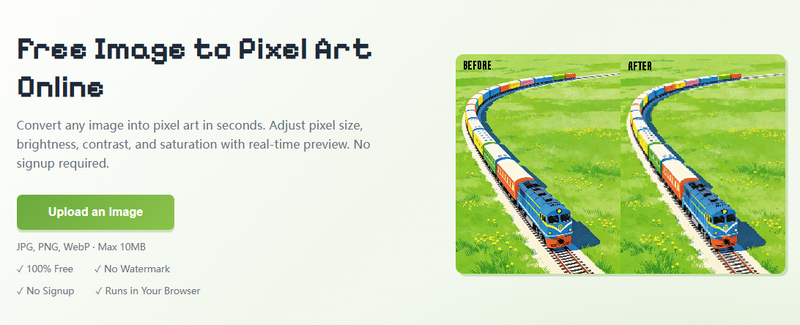
Best for: Beginners, content creators, designers, and anyone who wants to create pixel art quickly with AI assistance.
PicToPixel is a free pixel art creation website designed to make pixel art accessible to everyone. Unlike traditional editors that require users to manually place every pixel, PicToPixel combines a simple workflow with AI-powered features, allowing creators to generate and transform pixel artwork faster.
For users searching for a Pixilart alternative, PicToPixel offers a different approach. Instead of focusing primarily on manual drawing and community interaction, it focuses on helping users create pixel-style visuals efficiently through automation and AI-assisted tools.
Why Use PicToPixel.art to Make Pixel Art Online?
Convert Images Into Pixel Art
The most useful feature of PicToPixel is image-to-pixel-art conversion.
Instead of recreating an image pixel by pixel, users can upload an existing photo or graphic and transform it into a retro pixel style. This can be helpful for creating:
- Profile pictures
- Social media graphics
- Personalized avatars
- Retro-style artwork
- Creative marketing visuals
This workflow saves significant time while still allowing users to achieve the classic pixel art aesthetic.
Simple Browser-Based Workflow
PicToPixel works directly online, meaning users don't need to install desktop software or learn complicated editing programs.
The browser-based workflow makes it easy to:
- Start creating instantly
- Access the tool from different devices
- Experiment with ideas quickly
- Share generated artwork easily
For casual creators and beginners, this simplicity removes many of the barriers commonly associated with learning pixel art.
Designed for Modern Creators
While traditional pixel art tools are often created with game developers in mind, PicToPixel is designed for a broader audience.
Today, pixel-style visuals are used in many areas, including:
- Indie game development
- Social media content
- Digital branding
- Online communities
- Personal avatars
- Creative projects
By combining AI generation with an accessible interface, PicToPixel helps more people explore pixel art without requiring advanced artistic skills.
How to Create Pixel Art Online with PicToPixel
Creating pixel art from scratch can be time-consuming, especially for beginners. PicToPixel provides a simple way to convert images into pixel art directly in your browser. By uploading an image and adjusting a few settings, you can quickly transform your artwork into a retro-style pixel design without any professional editing skills.
Follow the steps below to create pixel art online with PicToPixel.
Step 1: Upload Your Image
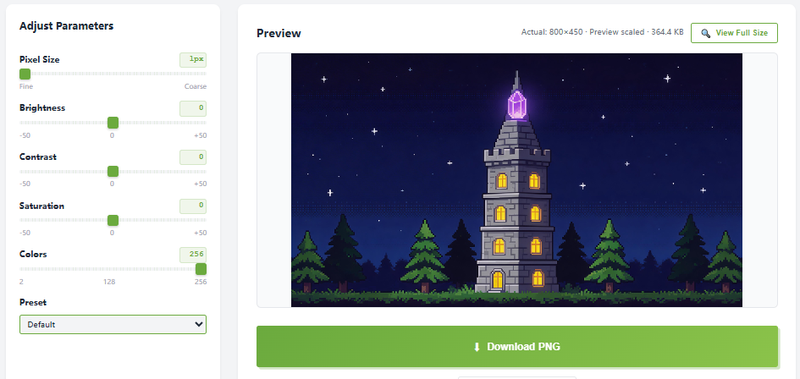
Start by uploading the image you want to convert into pixel art.
Images with clear subjects, strong outlines, and good contrast usually produce better results.
For example, an anime illustration with clear character details can be transformed into a pixel-style artwork while keeping the original visual identity.
Step 2: Adjust the Pixel Size
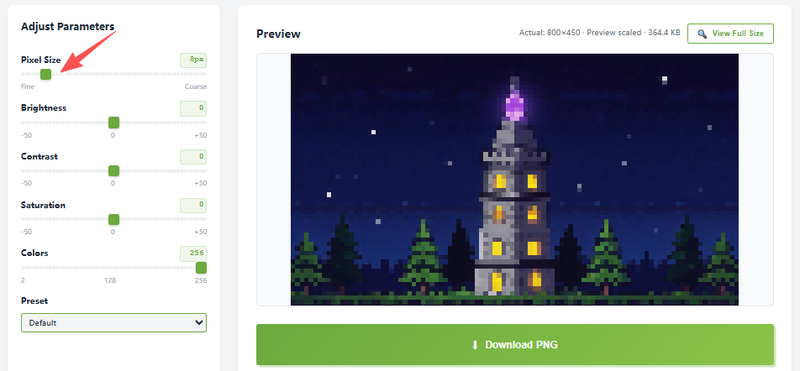
Pixel size determines the level of detail and the overall style of your pixel art.
Smaller pixel sizes preserve more details from the original image, while larger pixel sizes create a stronger retro appearance with more visible pixel blocks.
Adjust the setting based on whether you prefer a detailed pixel style or a more classic 8-bit look.
Step 3: Fine-Tune Colors and Effects
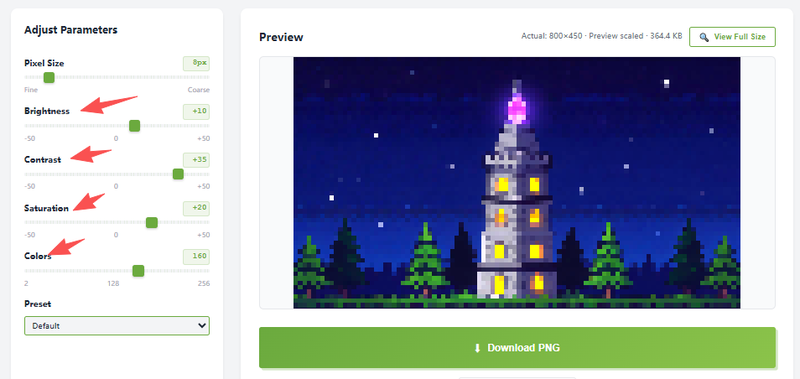
Color adjustments can significantly change the final appearance of your pixel art.
You can modify settings such as contrast, saturation, and color intensity to enhance details and create the style you want. Reducing colors can also help achieve a more traditional pixel art aesthetic.
Step 4: Download Your Pixel Art
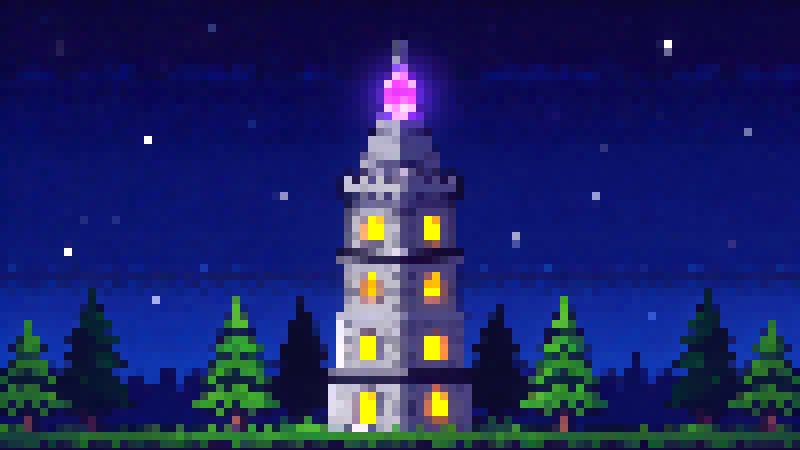
Once you are satisfied with the result, download your finished pixel art image.
The entire process is completed online, allowing you to quickly create pixel artwork without installing additional software.
Use Cases: Create Free Pixel Art with PicToPixel
Create Cute Pixel Art Avatars
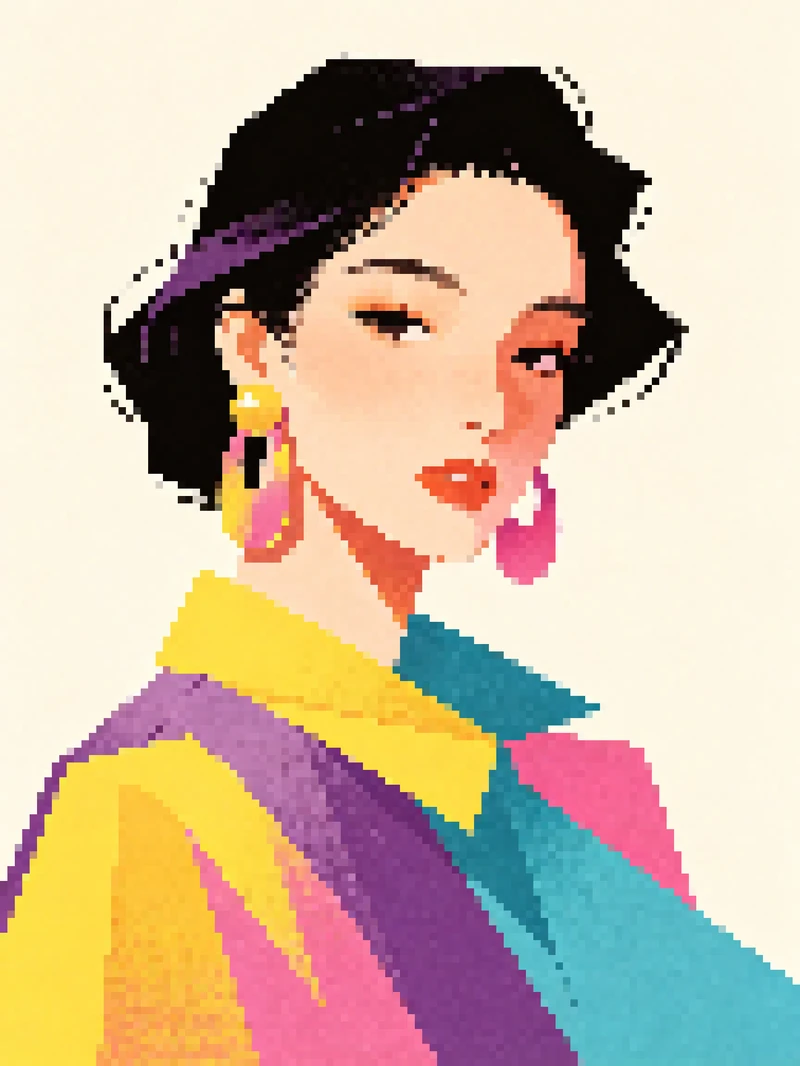
PicToPixel can transform regular images and illustrations into unique pixel-style avatars. Adjust pixel size and colors to create personalized retro profile pictures.
The original photo
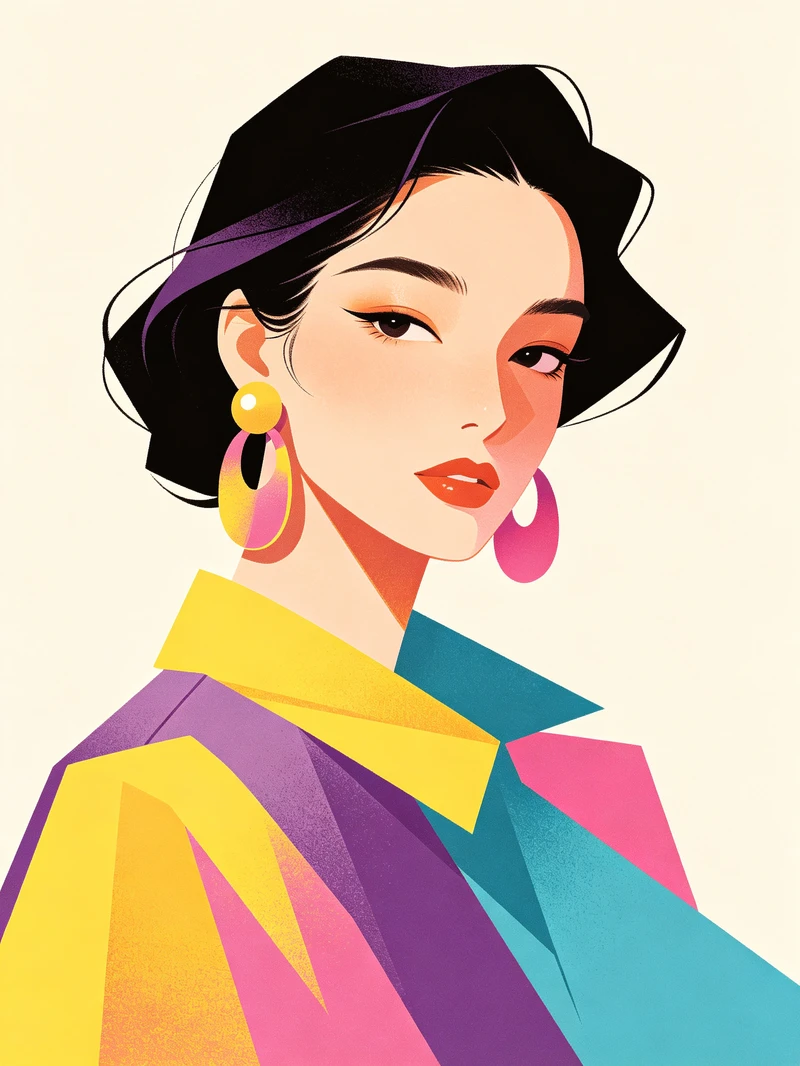
Settings:
- Pixel Size: 16
- Brightness: +0
- Contrast: +0
- Saturation: +0
- Colors: 256
The processed photo
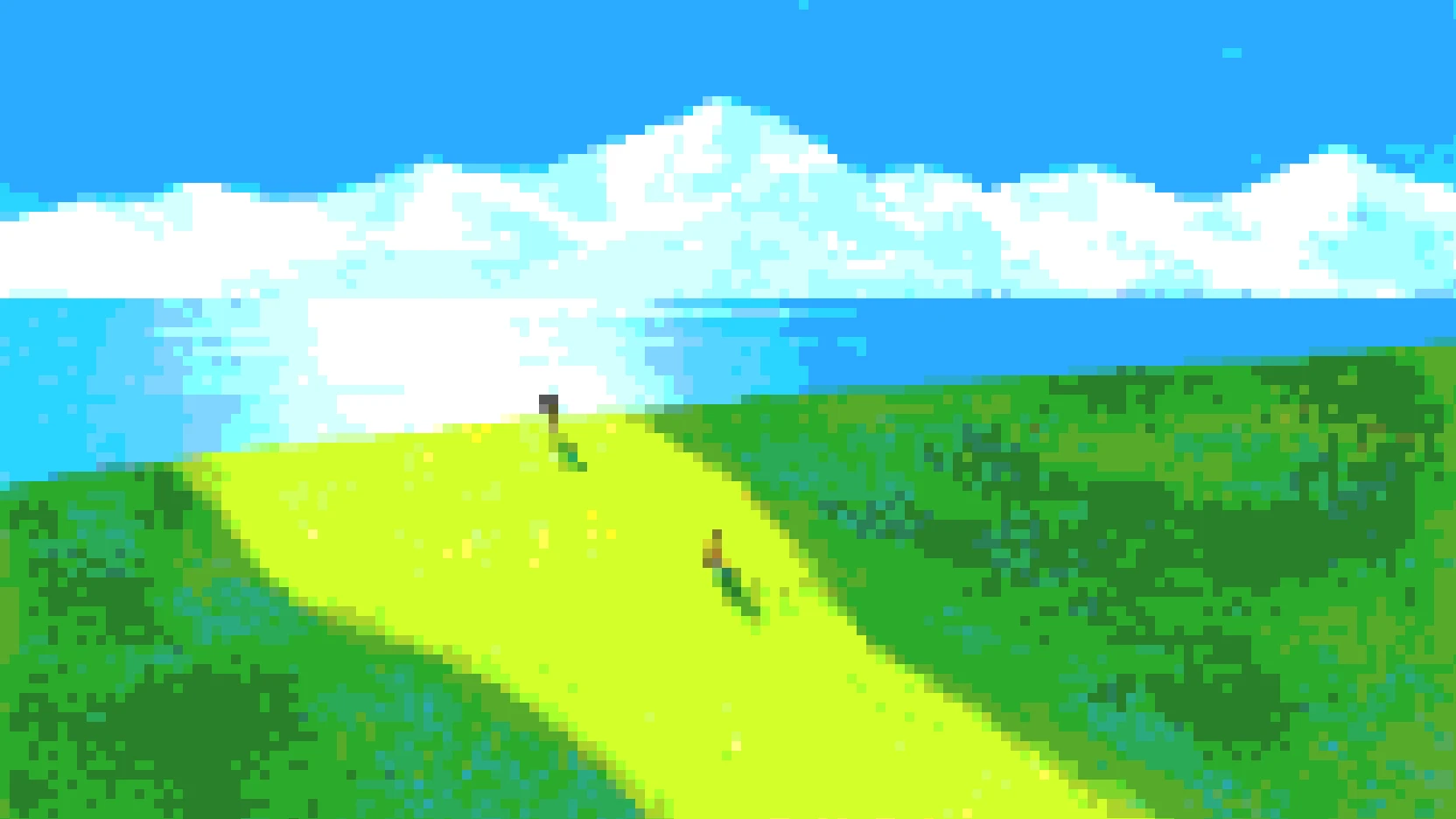
Convert Anime Illustrations into Pixel Art
Anime illustrations can be converted into pixel art while preserving important details such as facial features, hairstyles, and color styles.
The original photo
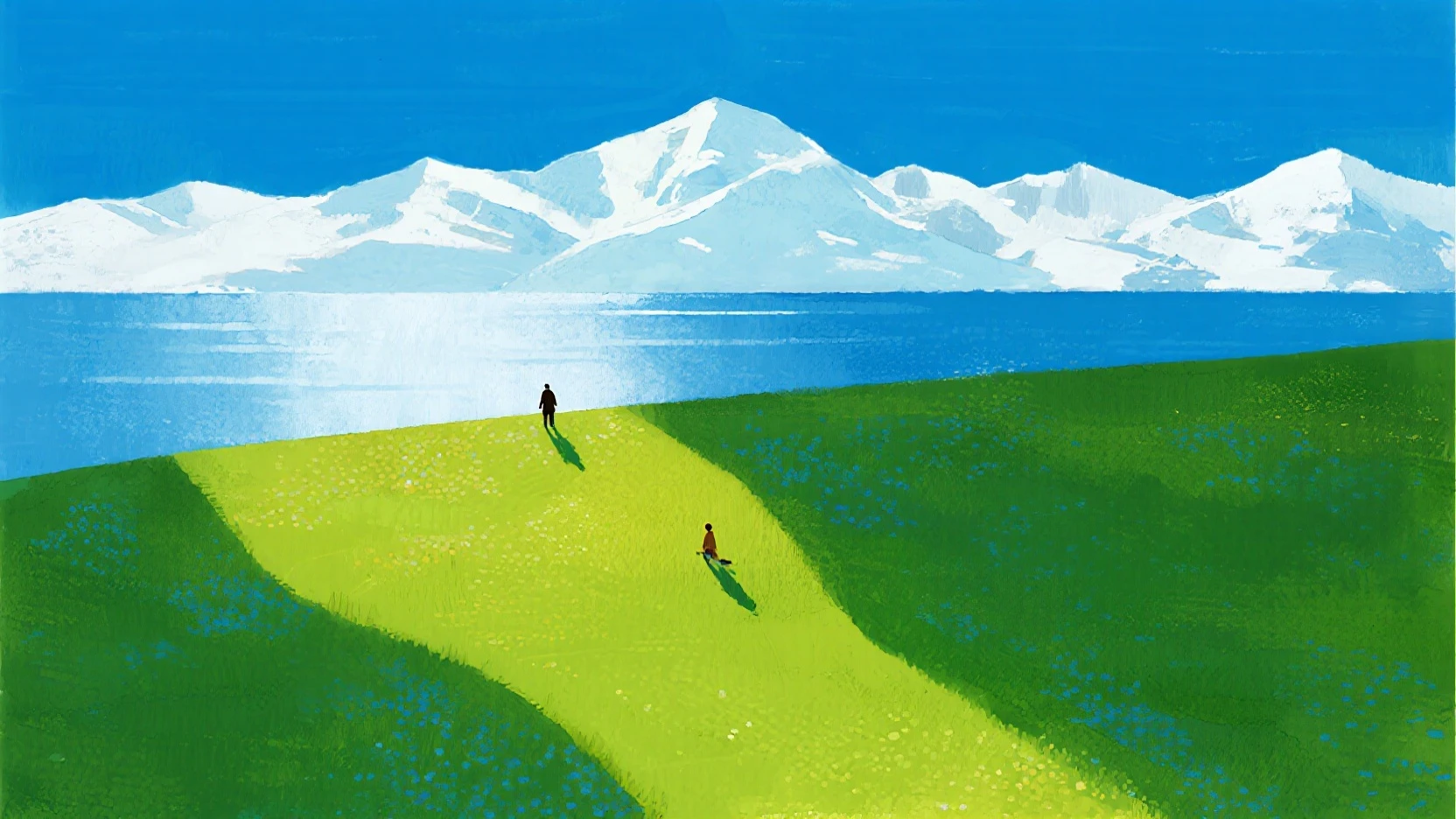
Settings:
- Pixel Size: 11
- Brightness: +10
- Contrast: +5
- Saturation: +10
- Colors: 7
The processed photo
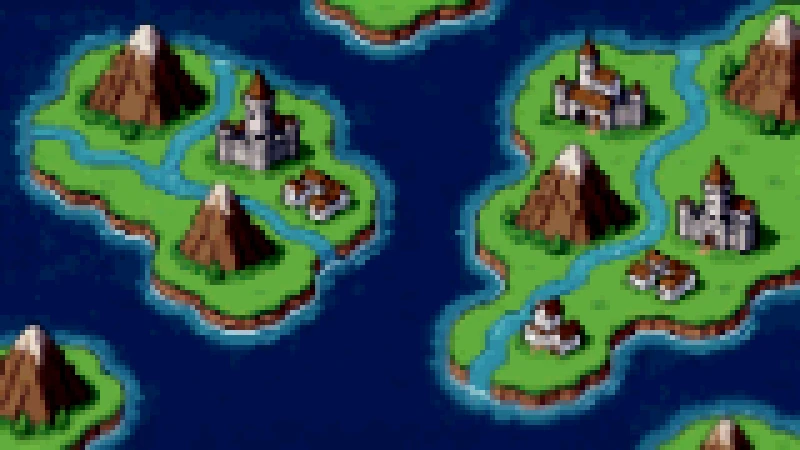
Create Retro Game Style Artwork
PicToPixel helps creators turn images into retro-inspired pixel visuals that can be used for creative projects, game concepts, and digital artwork.
The original photo
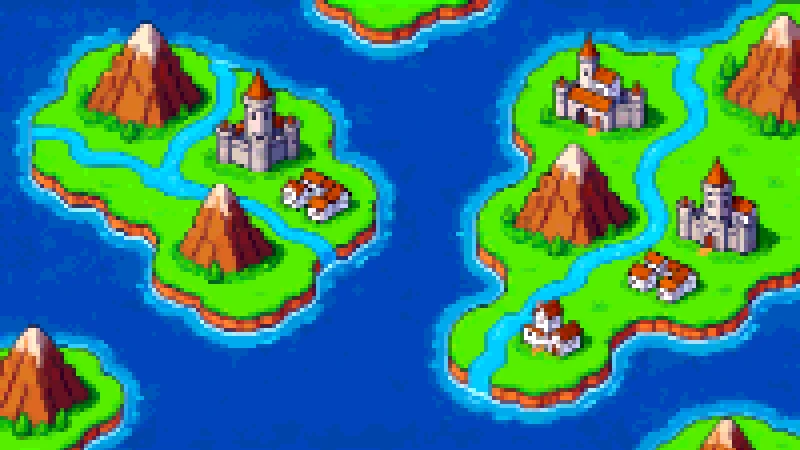
Settings:
- Pixel Size: 5
- Brightness: -10
- Contrast: +15
- Saturation: -30
- Colors: 35
The processed photo
Other Pixilart Alternatives to Make Free Pixel Art Online
Piskel
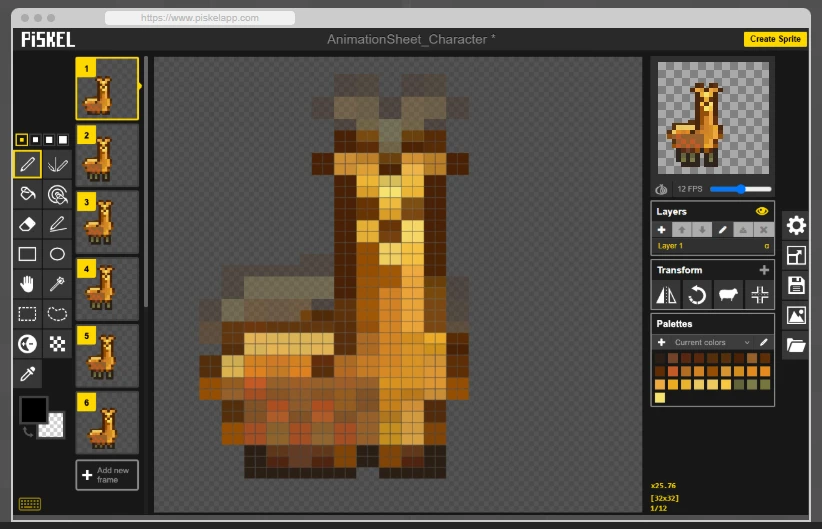
Piskel is a free online pixel art editor focused on creating animated sprites and game assets. Unlike Pixilart, which combines pixel editing with a large creative community, Piskel puts more emphasis on frame-by-frame animation workflows.
The platform provides essential tools for creating pixel animations, including sprite previews, animation frames, and export options for common formats. Its simple interface makes it accessible for beginners while still being useful for indie game developers.
However, Piskel has fewer community features and lacks AI-powered creation tools compared with newer pixel art platforms.
Best for: Users who want to create animated pixel sprites and simple game assets.
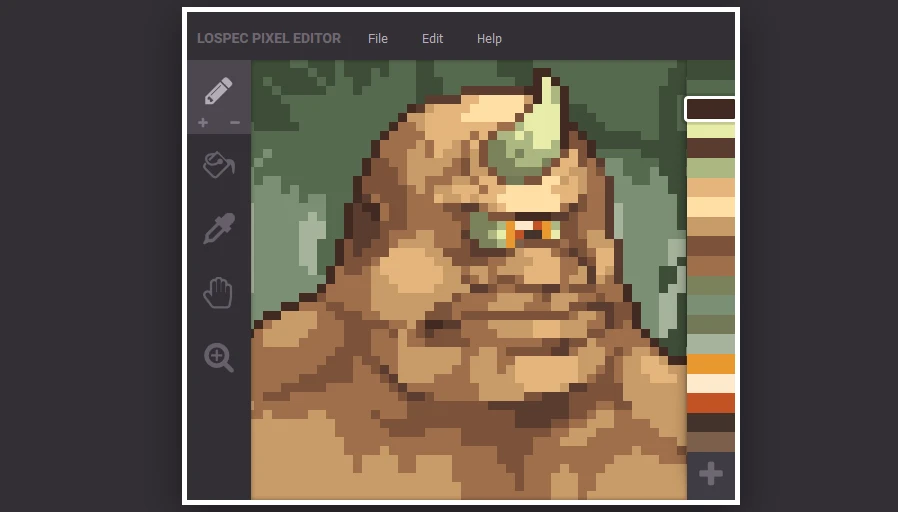
Lospec Pixel Editor
Lospec Pixel Editor is a lightweight browser-based pixel art tool designed for beginners who want a simple and focused drawing experience. It removes unnecessary complexity and provides essential pixel editing features for creating artwork quickly.
The platform works well with Lospec's large collection of pixel art resources, including color palettes and tutorials, making it helpful for users learning pixel art fundamentals.
However, it offers fewer advanced features than professional pixel art software and does not include animation or AI-assisted tools.
Best for: Beginners who want a simple online pixel art editor.
Aseprite
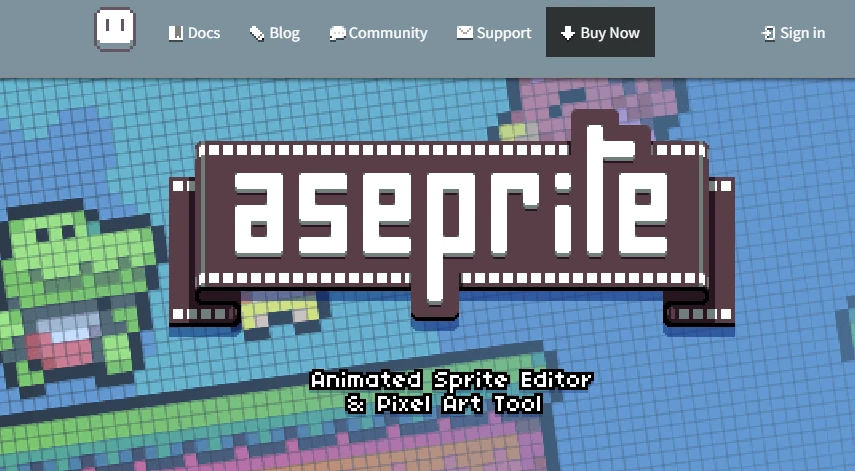
Aseprite is one of the most popular professional pixel art programs used by artists and game developers. Unlike browser-based tools such as Pixilart, Aseprite provides a more advanced desktop workflow with powerful animation, layer management, and sprite editing features.
It is especially popular for creating game characters, animated sprites, and detailed pixel illustrations. Its timeline tools, onion skinning, and precise editing controls make it suitable for complex projects.
However, Aseprite requires a paid license and has a steeper learning curve compared with simpler online editors.
Best for: Professional pixel artists and game developers.
Frequently Asked Questions
Is Pixilart completely free?
Yes. Pixilart offers free access to its core pixel art editor, animation tools, and community features. While most users can create and share artwork without paying, some premium features or account-related options may require a subscription.
What is the best Pixilart alternative?
If you're looking for a faster and easier way to create pixel art, PicToPixel.art is one of the best Pixilart alternatives. It combines image-to-pixel-art conversion with a simple browser-based workflow, allowing you to turn a photo into retro-style pixel artwork in just a few clicks.
Are AI pixel art generators better than traditional pixel art editors?
They serve different purposes. Traditional editors provide full creative control for artists who enjoy drawing pixel by pixel, while AI-powered tools help generate pixel art or convert existing images much faster. Many creators use both depending on the project.
What should I look for in a Pixilart alternative?
When comparing Pixilart alternatives, consider factors such as ease of use, simple workspace, animation support, browser accessibility, export options, and whether the tool matches your creative workflow. The right choice depends on whether you're creating game sprites, digital artwork, avatars, or social media graphics.
Final Thoughts
Pixilart remains a solid choice for creating pixel art online, especially for beginners and creators who enjoy a browser-based editor with community features. However, it isn't the only option available.
Whether you're looking for AI-powered image conversion, advanced animation tools, or a simpler creative workflow, there's a Pixilart alternative that fits your needs. Explore the tools in this guide, compare their features, and choose the one that best supports your creative projects.
Ready to create your own pixel art?