Image to Pixel Art Examples (Before & After)

This page showcases image-to-pixel-art transformation examples made with PicToPixel. Compare before/after results across avatars, flowers, nature scenes, buildings, illustrations, game sprites, and more. Learn what settings create cleaner pixel art. If you love this style, upload your own photo on PicToPixel and start exploring in seconds.
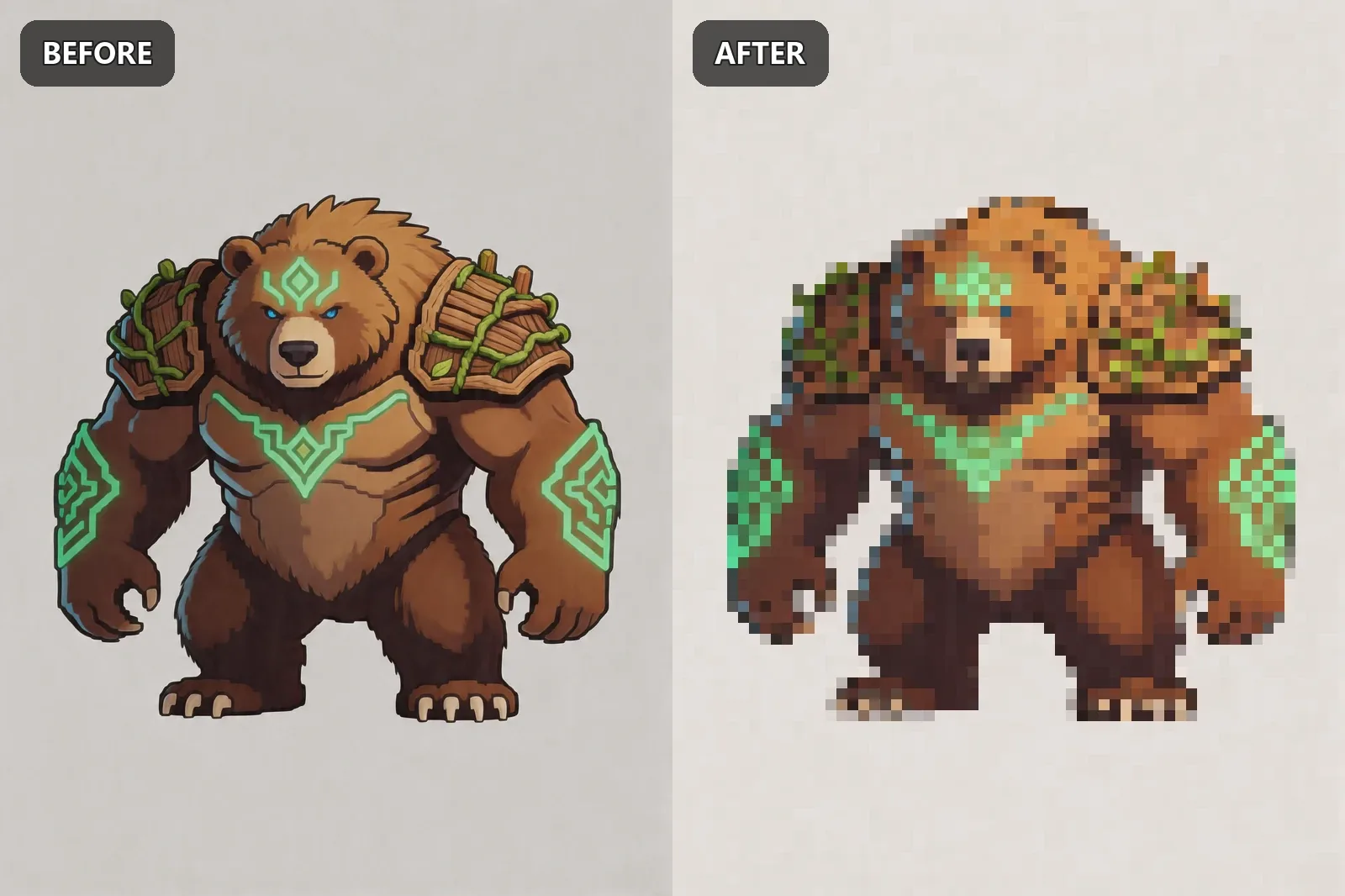
Bear sprite

Bear sprite before and after pixel art conversion
Pixel Size: 5px Contrast: +10 Brightness: +15 Saturation: -20

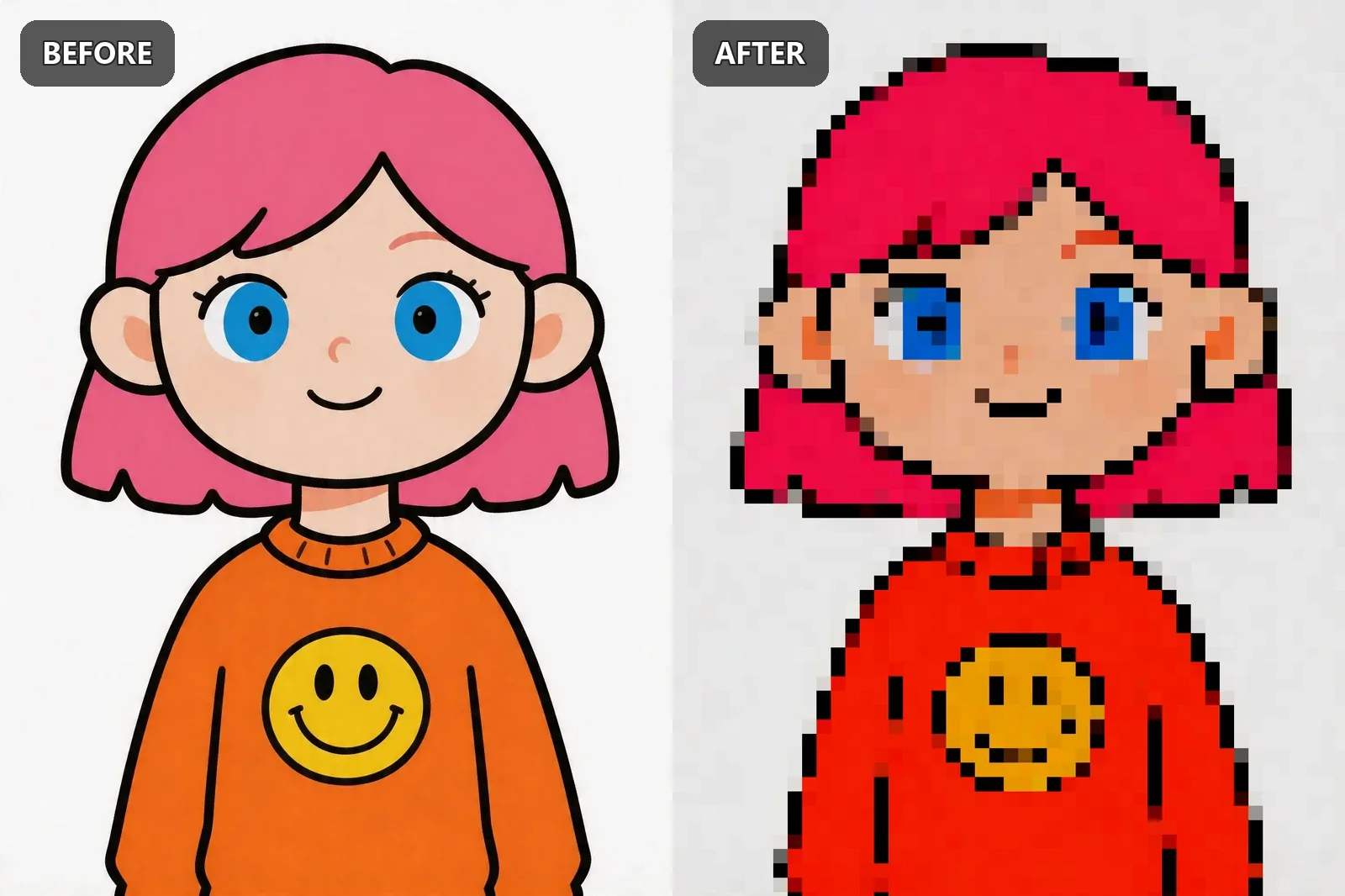
Cartoon

Cartoon before and after pixel art conversion
Pixel Size: 5px Contrast: +10 Brightness: +15 Saturation: -20

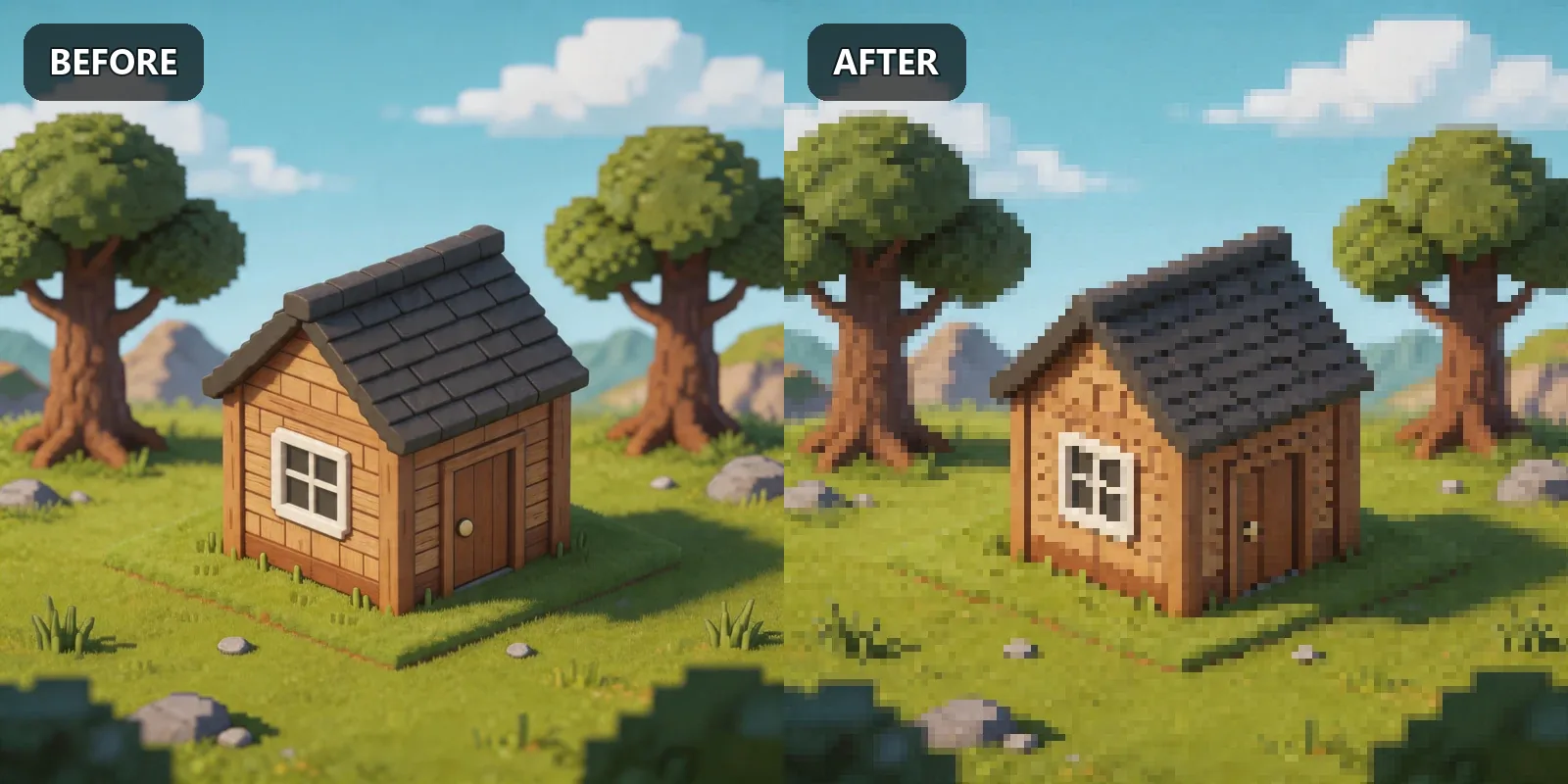
Wooden house

Wooden house before and after pixel art conversion
Pixel Size: 5px Contrast: +10 Brightness: +15 Saturation: -20

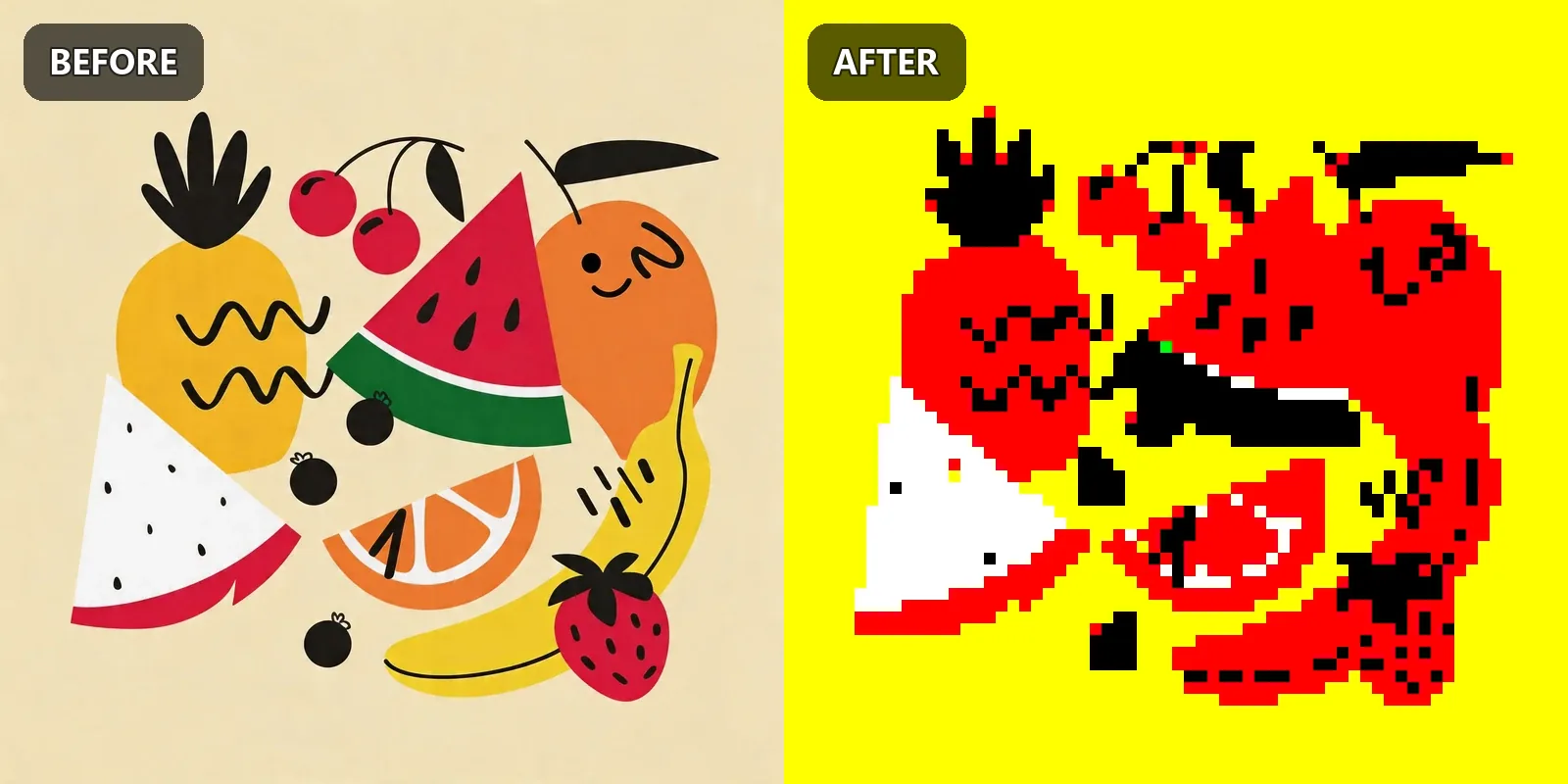
Fruit illustration

Fruit illustration before and after pixel art conversion
Pixel Size: 5px Contrast: +10 Brightness: +15 Saturation: -20

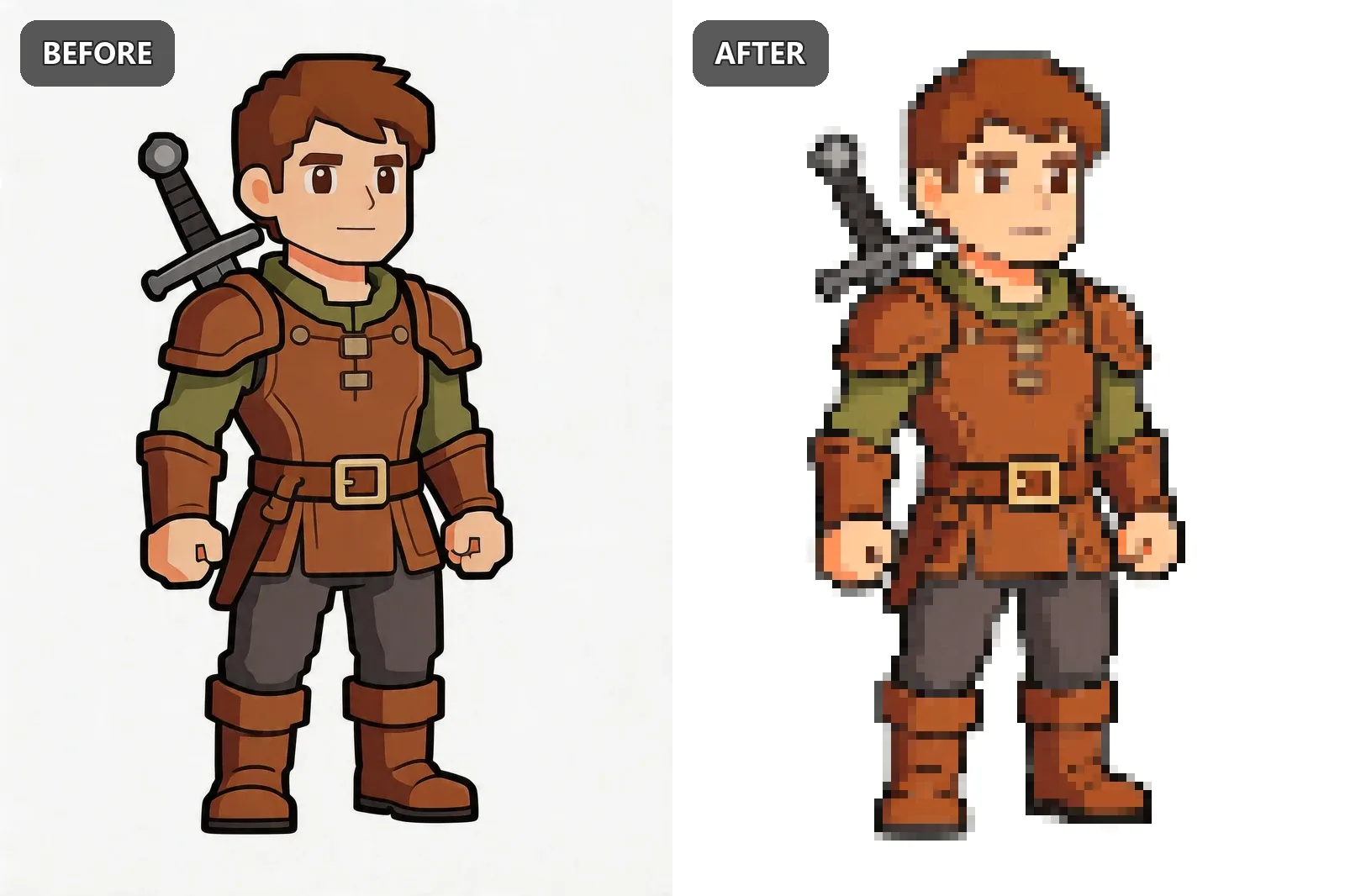
Game sprite avatar

Game sprite avatar before and after pixel art conversion
Pixel Size: 5px Contrast: +10 Brightness: +15 Saturation: -20

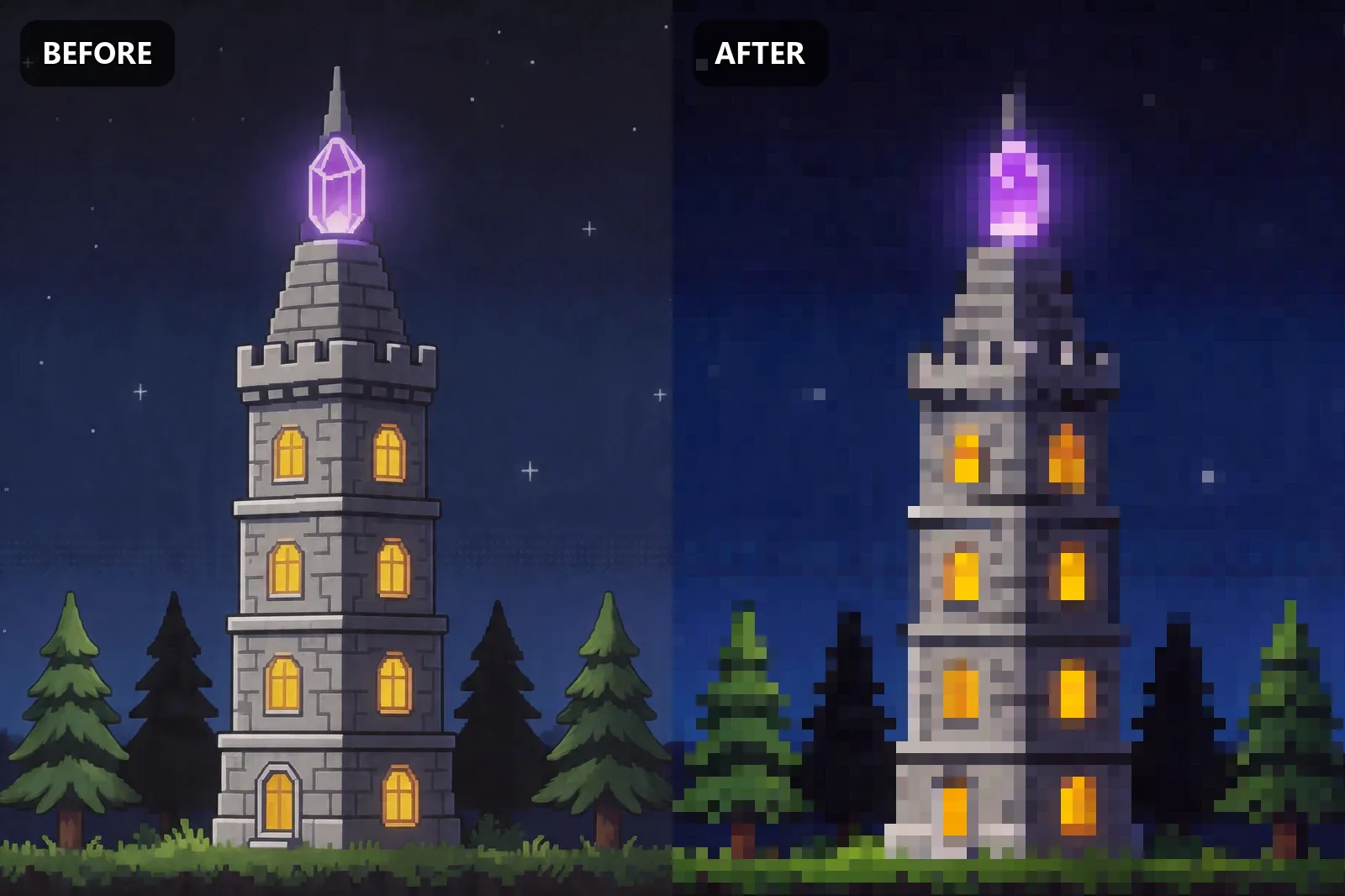
Magic tower

Magic tower before and after pixel art conversion
Pixel Size: 5px Contrast: +10 Brightness: +15 Saturation: -20

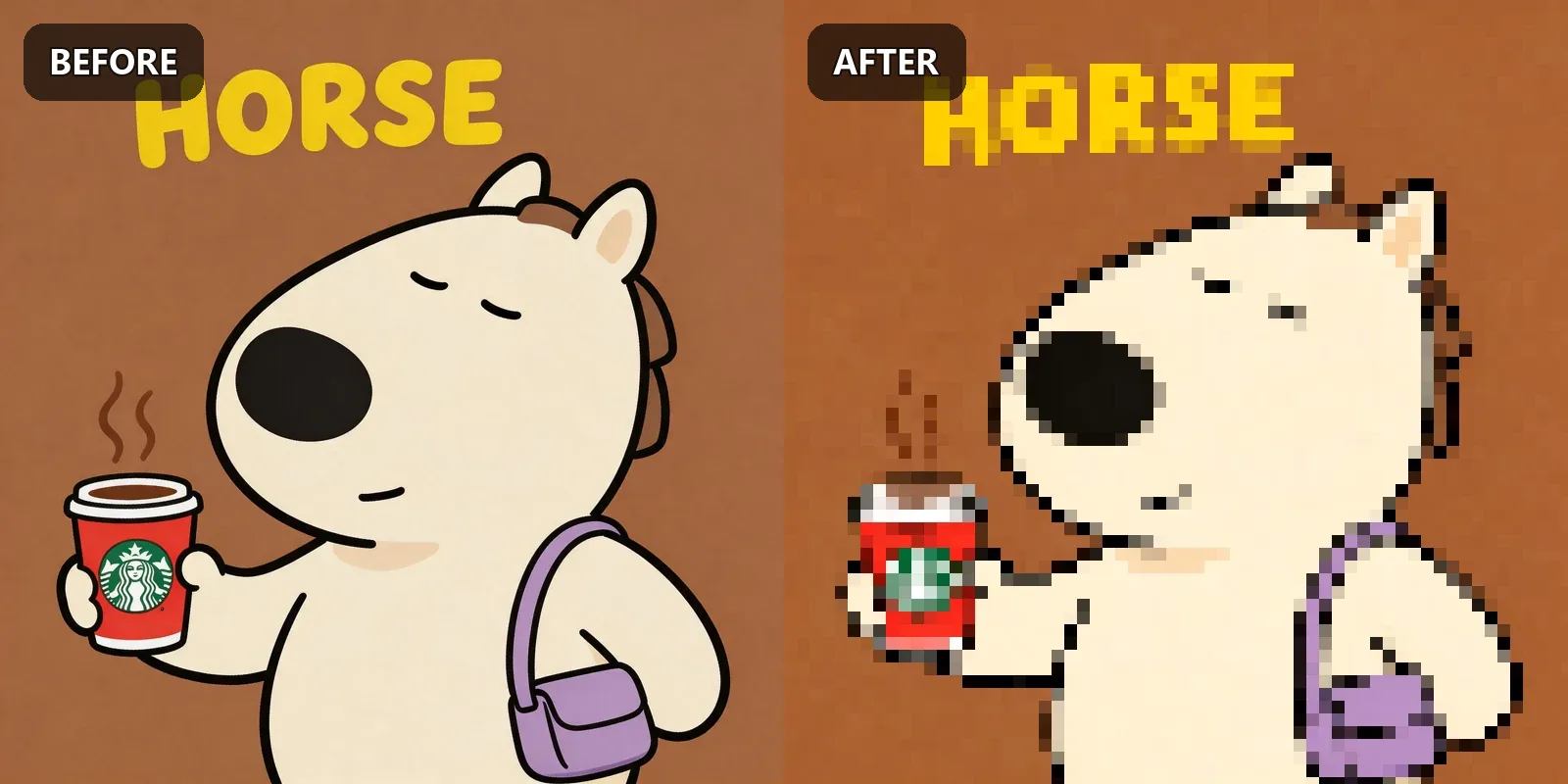
Horse

Horse before and after pixel art conversion
Pixel Size: 5px Contrast: +10 Brightness: +15 Saturation: -20

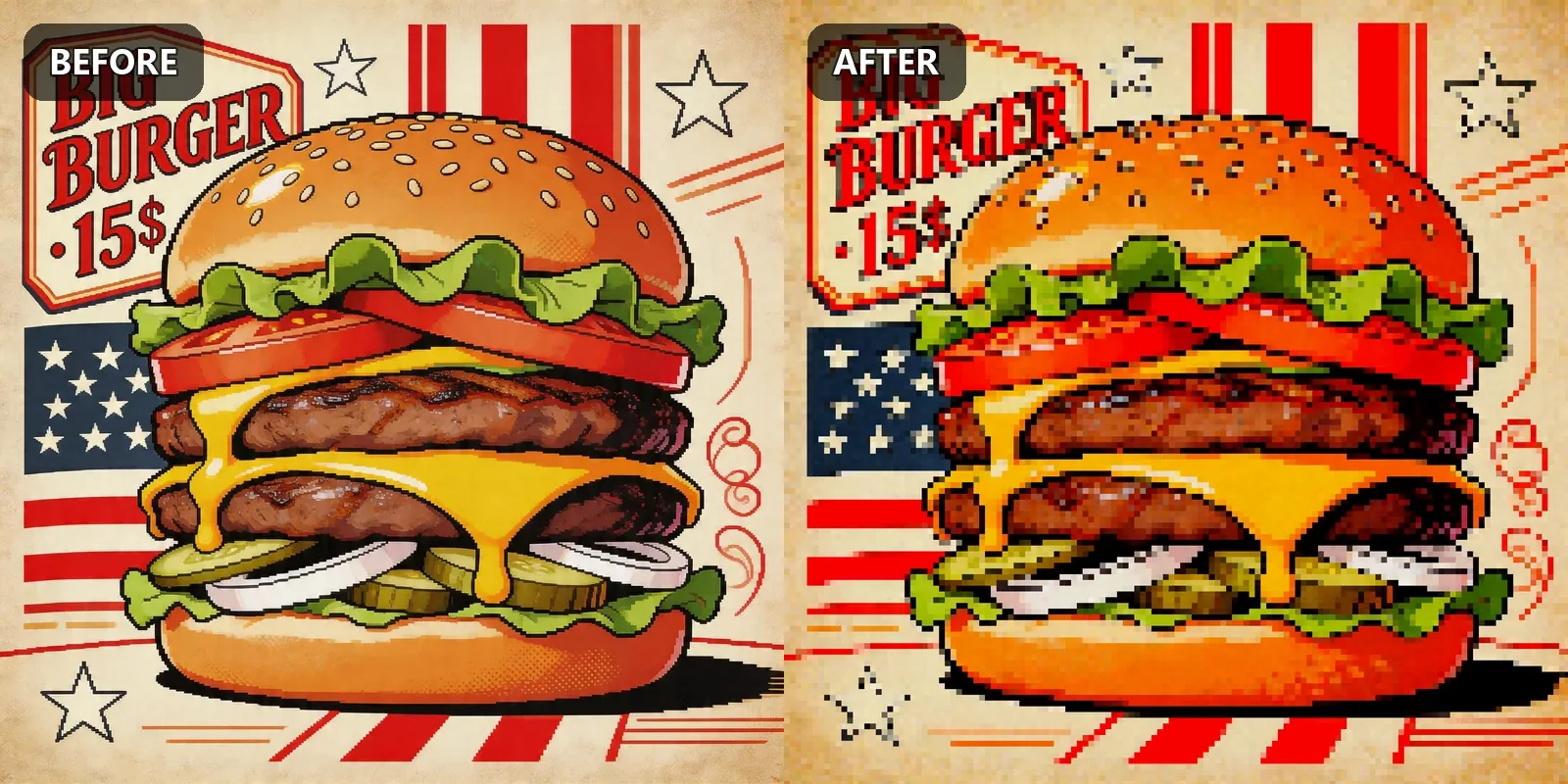
Hamburger

Hamburger before and after pixel art conversion
Pixel Size: 5px Contrast: +10 Brightness: +15 Saturation: -20

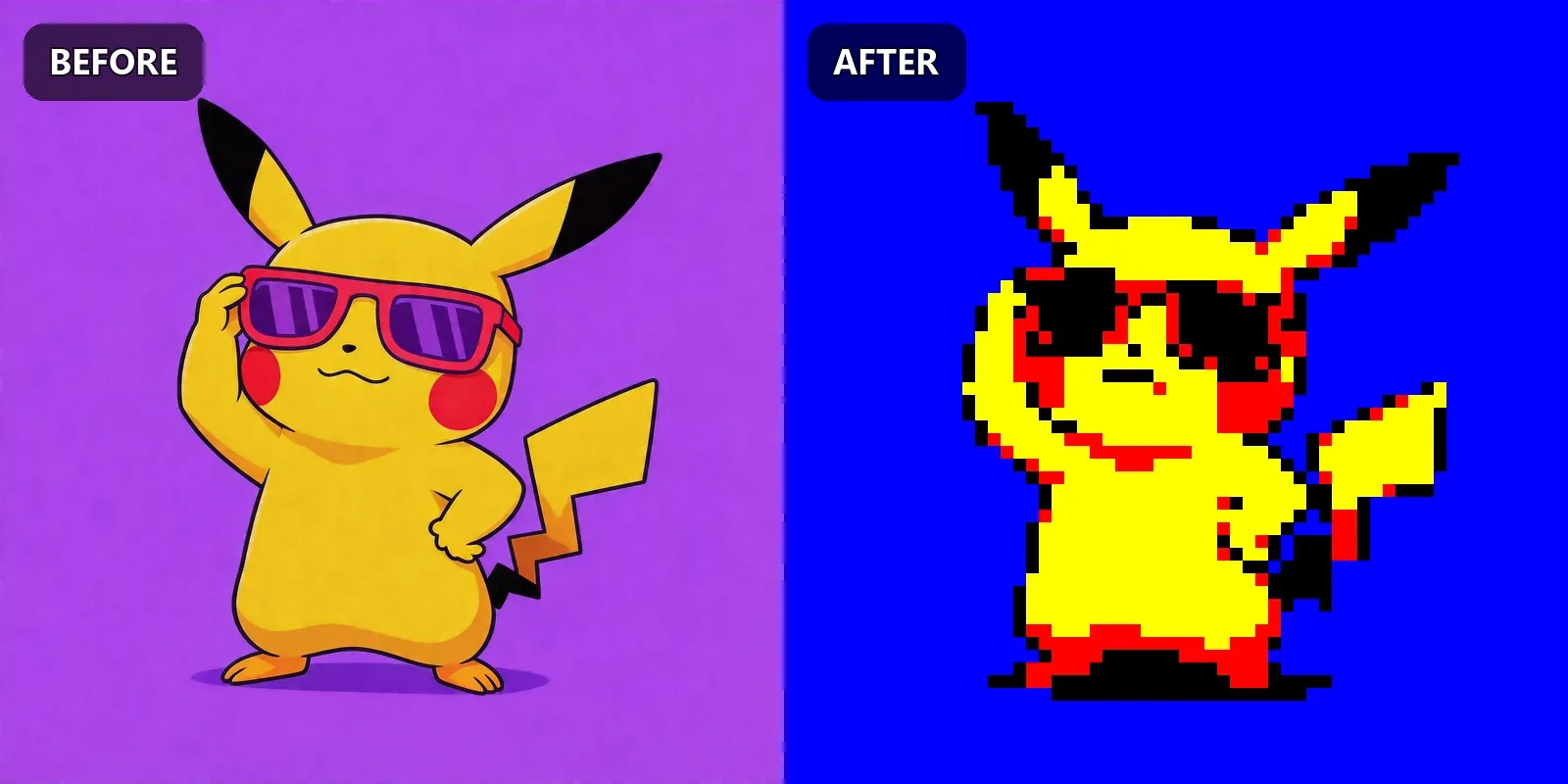
Pikachu character

Pikachu character before and after pixel art conversion
Pixel Size: 5px Contrast: +10 Brightness: +15 Saturation: -20

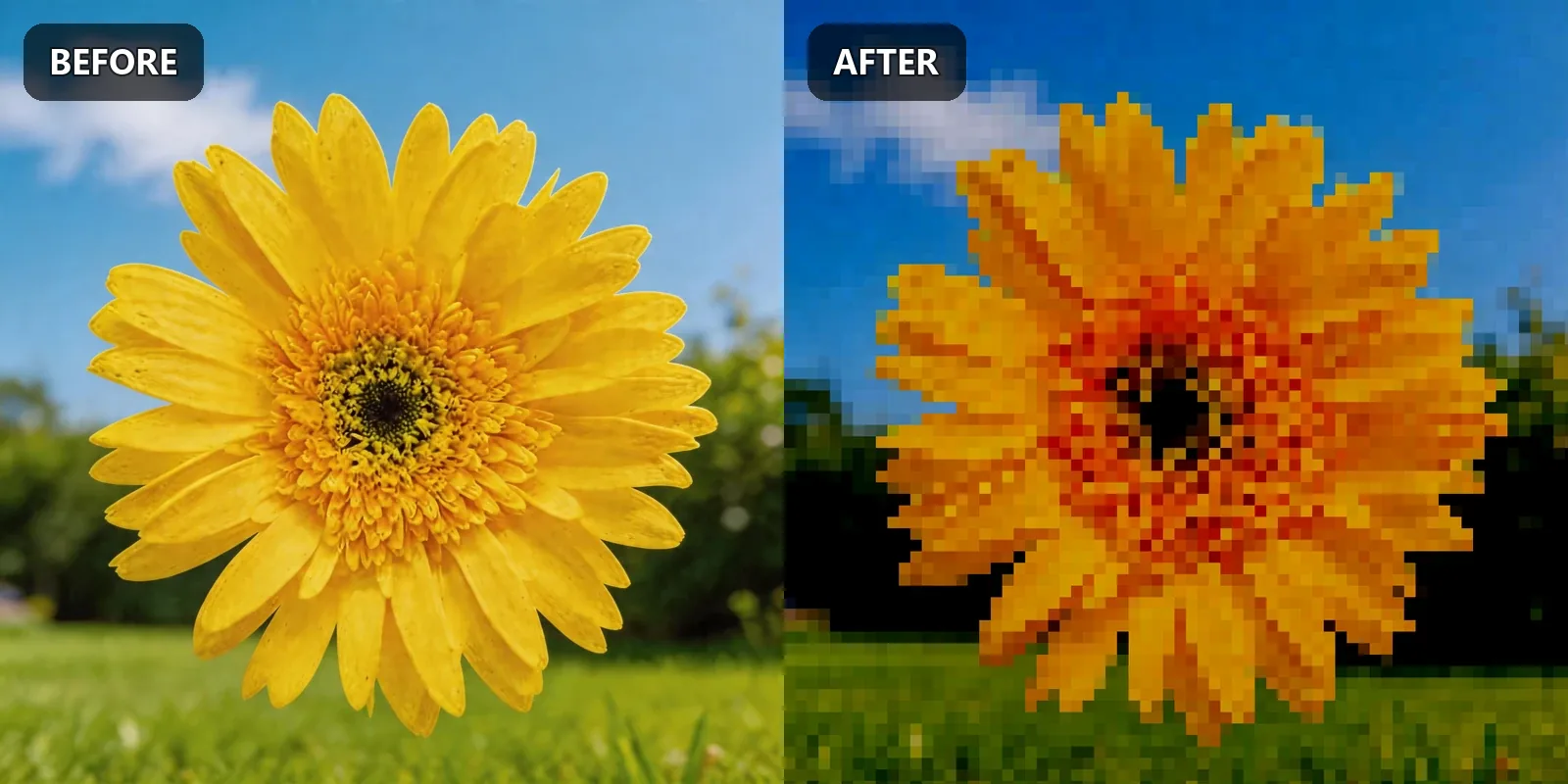
Sunflower

Sunflower before and after pixel art conversion
Pixel Size: 5px Contrast: +10 Brightness: +15 Saturation: -20

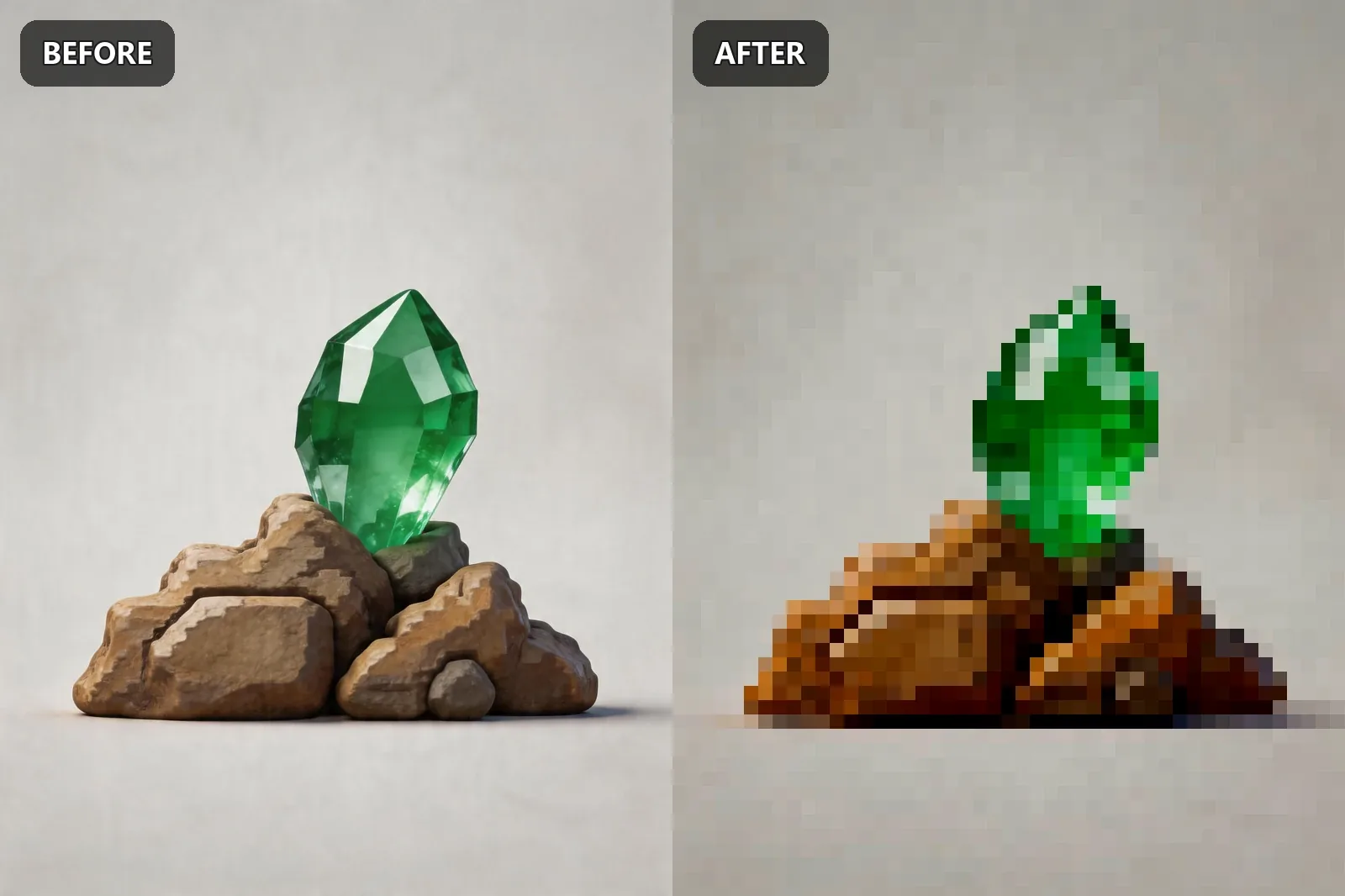
Diamond game assets

Diamond game assets before and after pixel art conversion
Pixel Size: 5px Contrast: +10 Brightness: +15 Saturation: -20

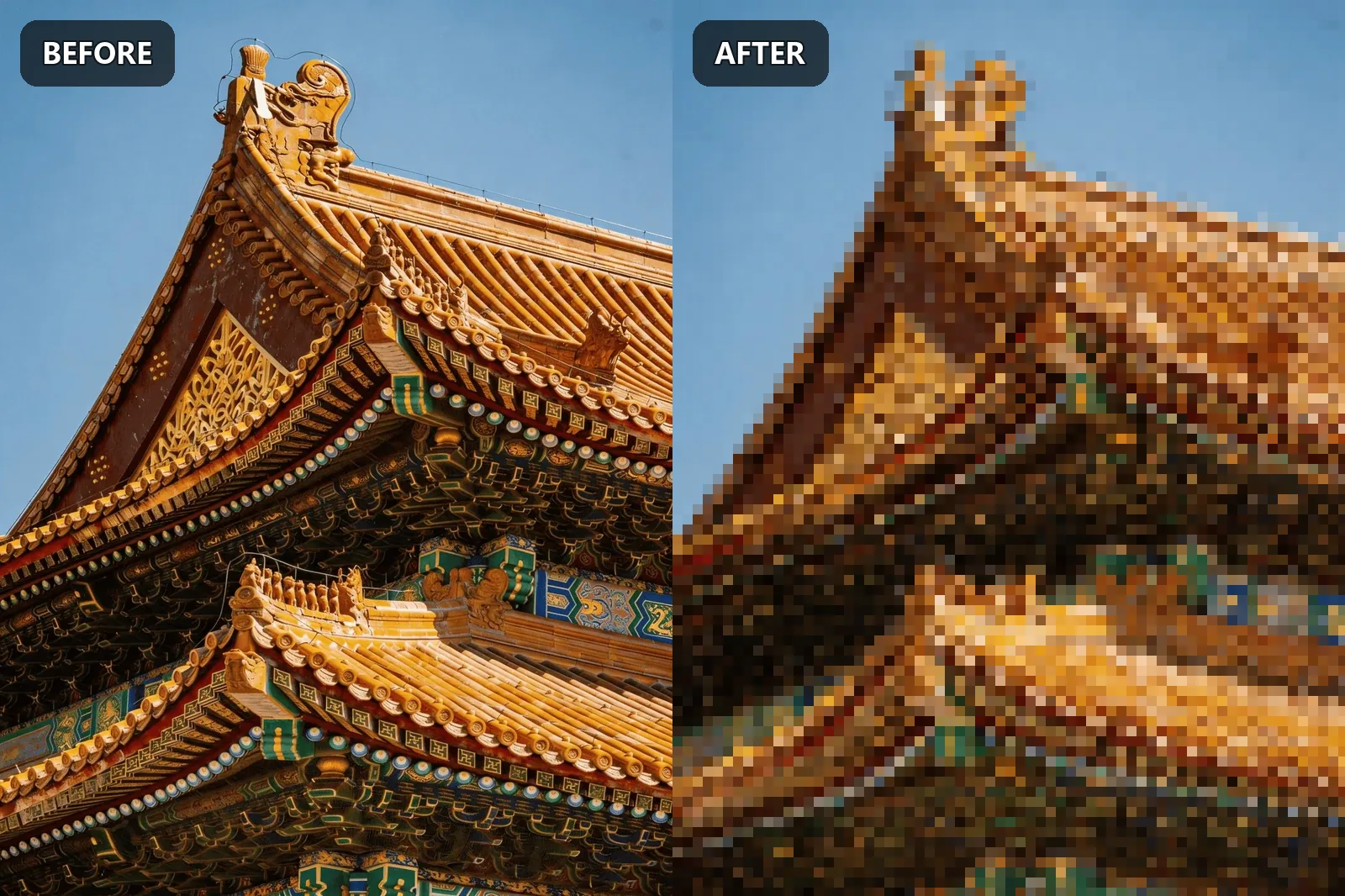
Palace

Palace before and after pixel art conversion
Pixel Size: 5px Contrast: +10 Brightness: +15 Saturation: -20

Try it with your own image

Upload any photo, logo, or character art to convert it into clean pixel art in your browser. Start with a medium pixel size, then tune contrast and palette size until shapes read clearly.

Convert picture into pixel art