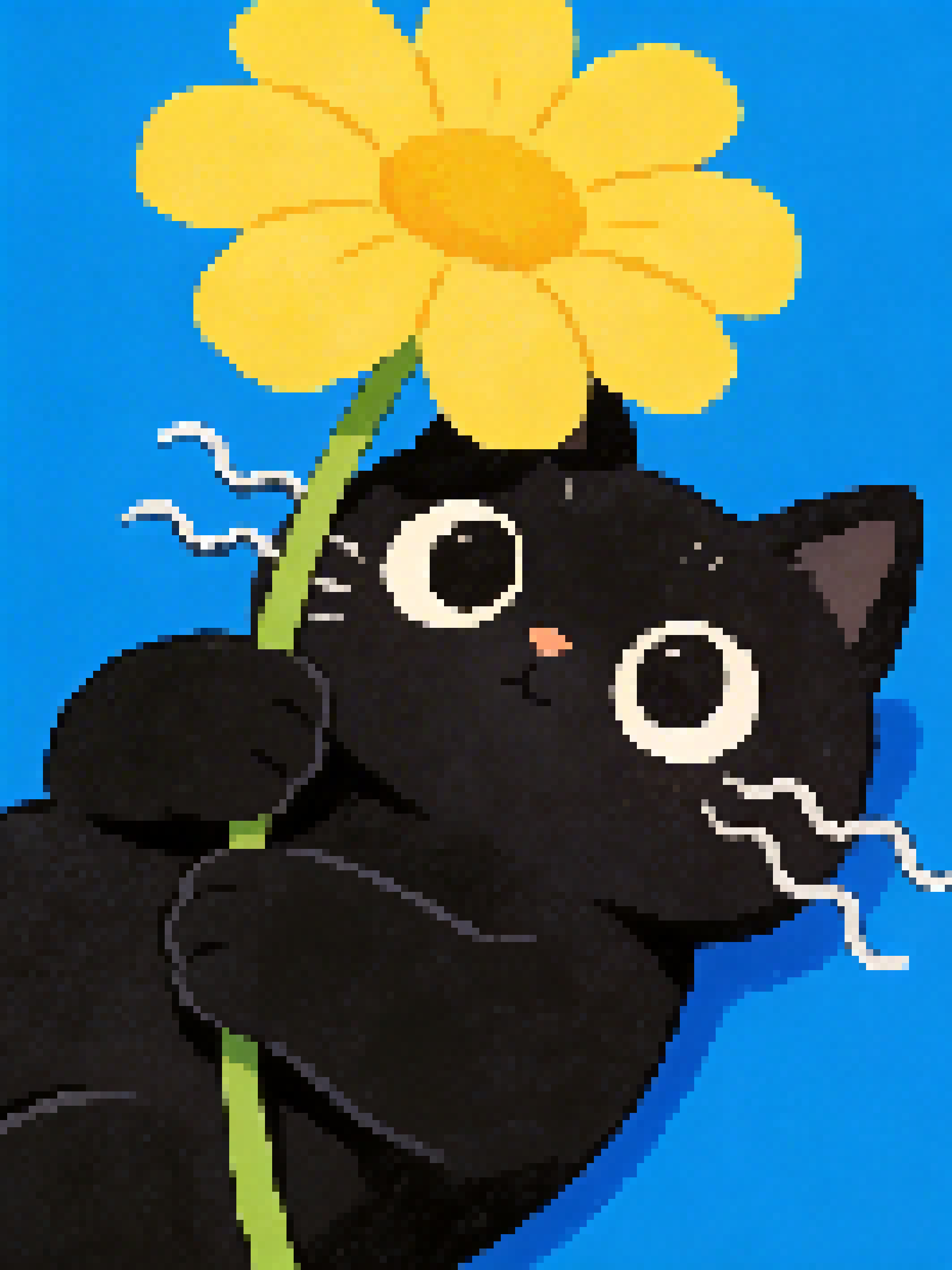
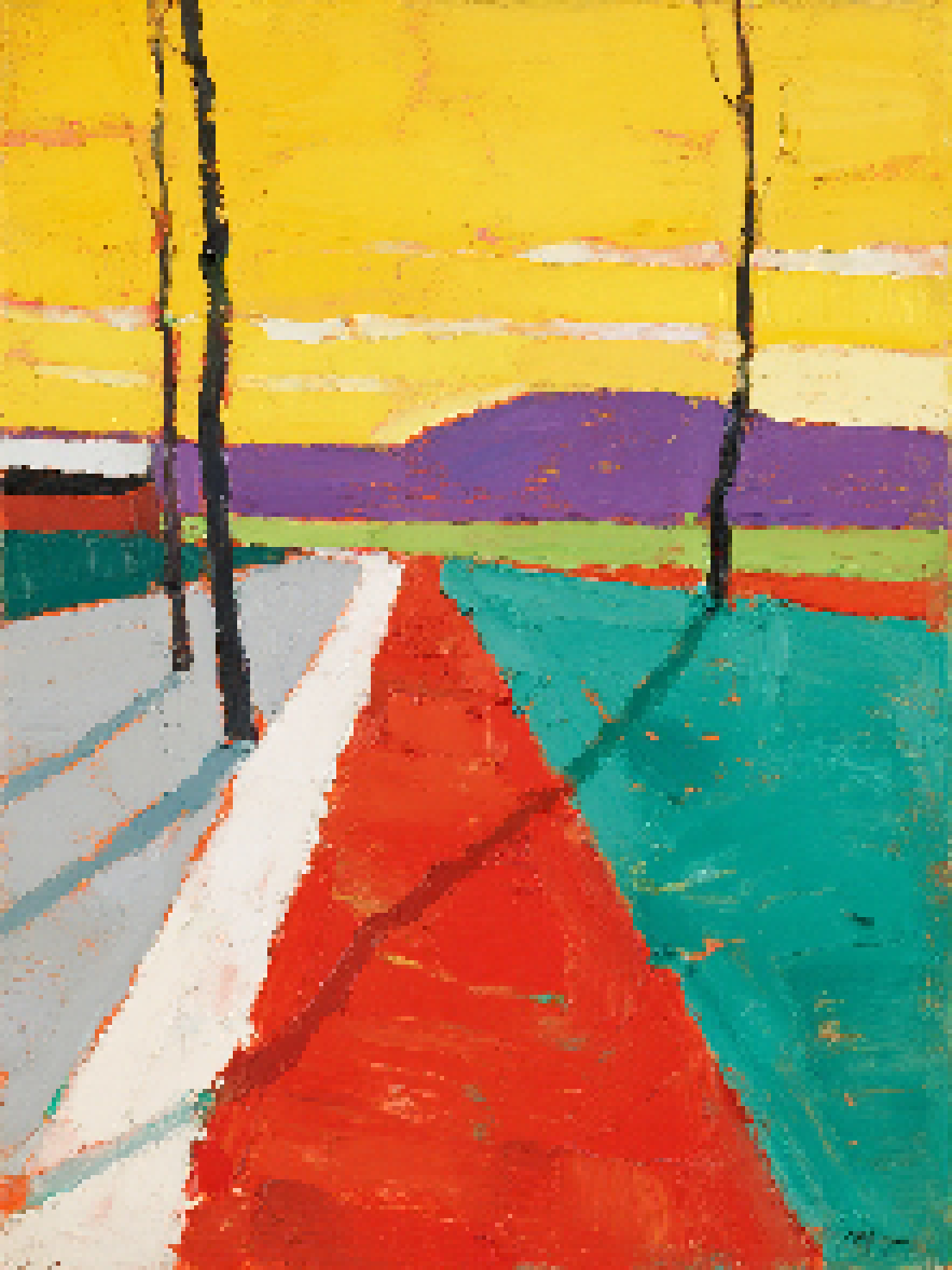
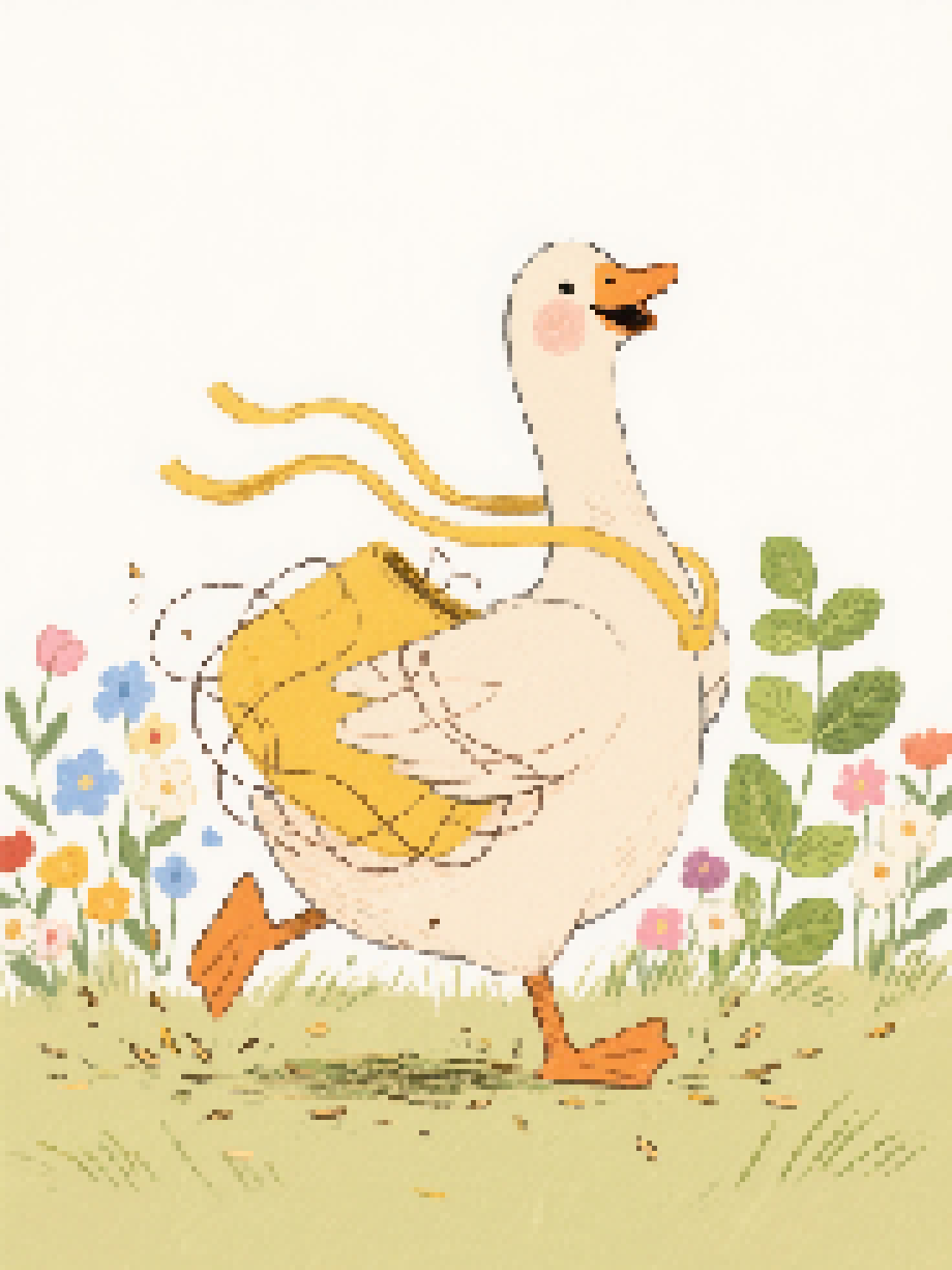
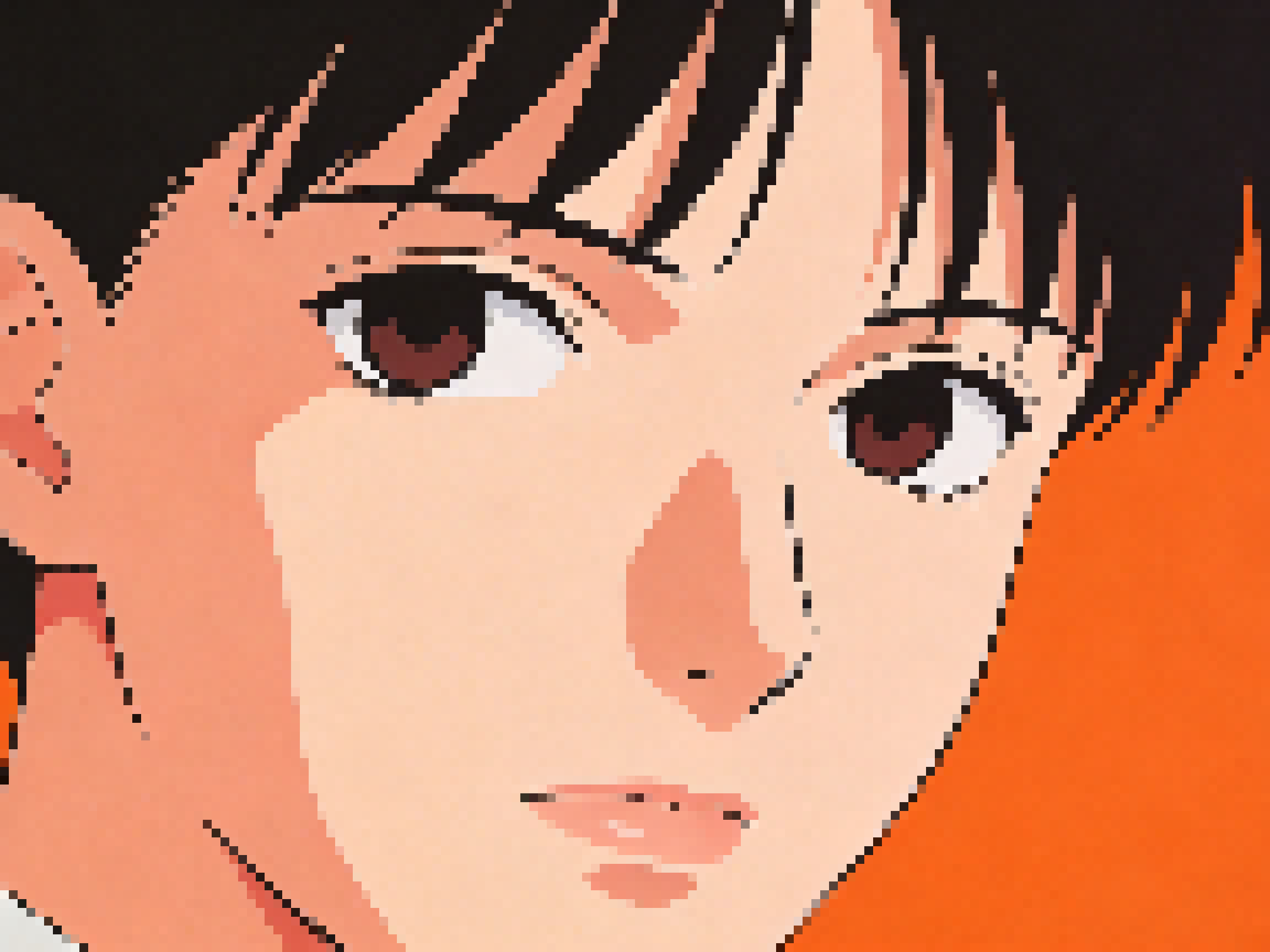
Turn any photo into pixel art in seconds. Tweak pixel size, brightness, contrast, and saturation with a live preview. No account needed.
Processing…
Three quick steps
Choose a file, drag and drop, or paste from the clipboard. Your image appears in the preview right away.
Move the sliders for pixel size, brightness, contrast, and saturation. The preview updates live as you adjust.
When it looks right, download a high-quality PNG — ready for social posts, games, or design mockups.
Once your image is loaded, every change updates instantly. Explore what this pixel art generator can do and dial in clean, high-quality output.
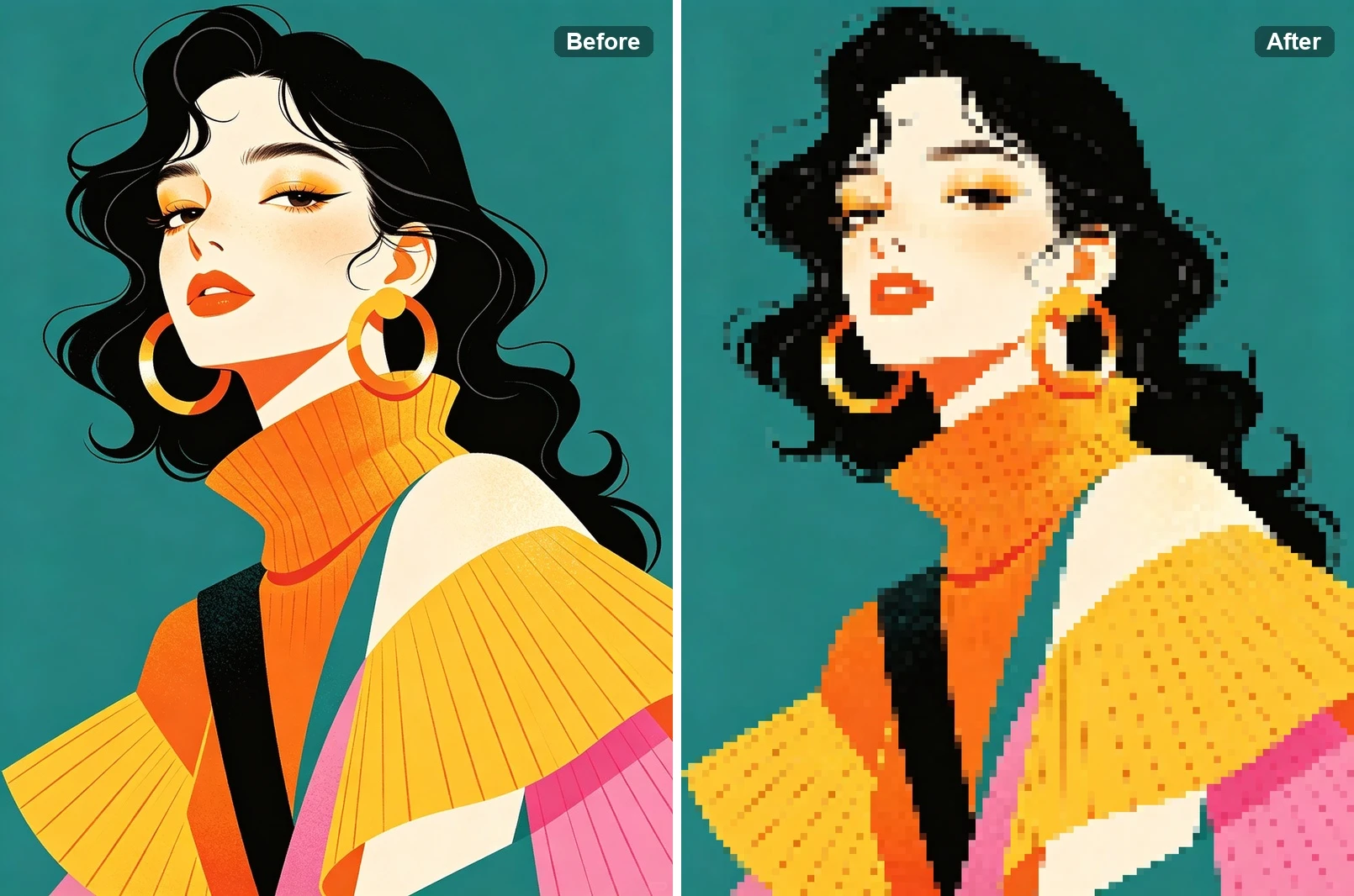
Upload any photo or graphic and watch it become pixel art immediately. The preview updates in real time so you can refine the look without guesswork.
No clutter — just upload, adjust sliders, and try presets. The interface is built so you can stay in flow and experiment quickly.
Download sharp pixel art with no branding added. Use it for avatars, thumbnails, indie game assets, or personal projects as-is.
Push colors and pixel size for chunky, block-inspired visuals — handy for build references, sprites, or retro layouts.
A focused tool for creators, streamers, and hobbyists
Start right away — no paywall and no account. The flow is built so anyone can try pixel art in one visit.
Fine-tune pixel size, brightness, contrast, and saturation until the style matches what you had in mind.
Crisp edges and balanced colors — aimed at results that still read well when you zoom in on pixels.
Effects run locally in your browser. We do not receive your source files for processing on our servers.
Photos, illustrations, or UI shots — the tool adapts to different sources so you can explore many styles.
Save PNGs without added logos or locks — your file is yours to publish or iterate on.
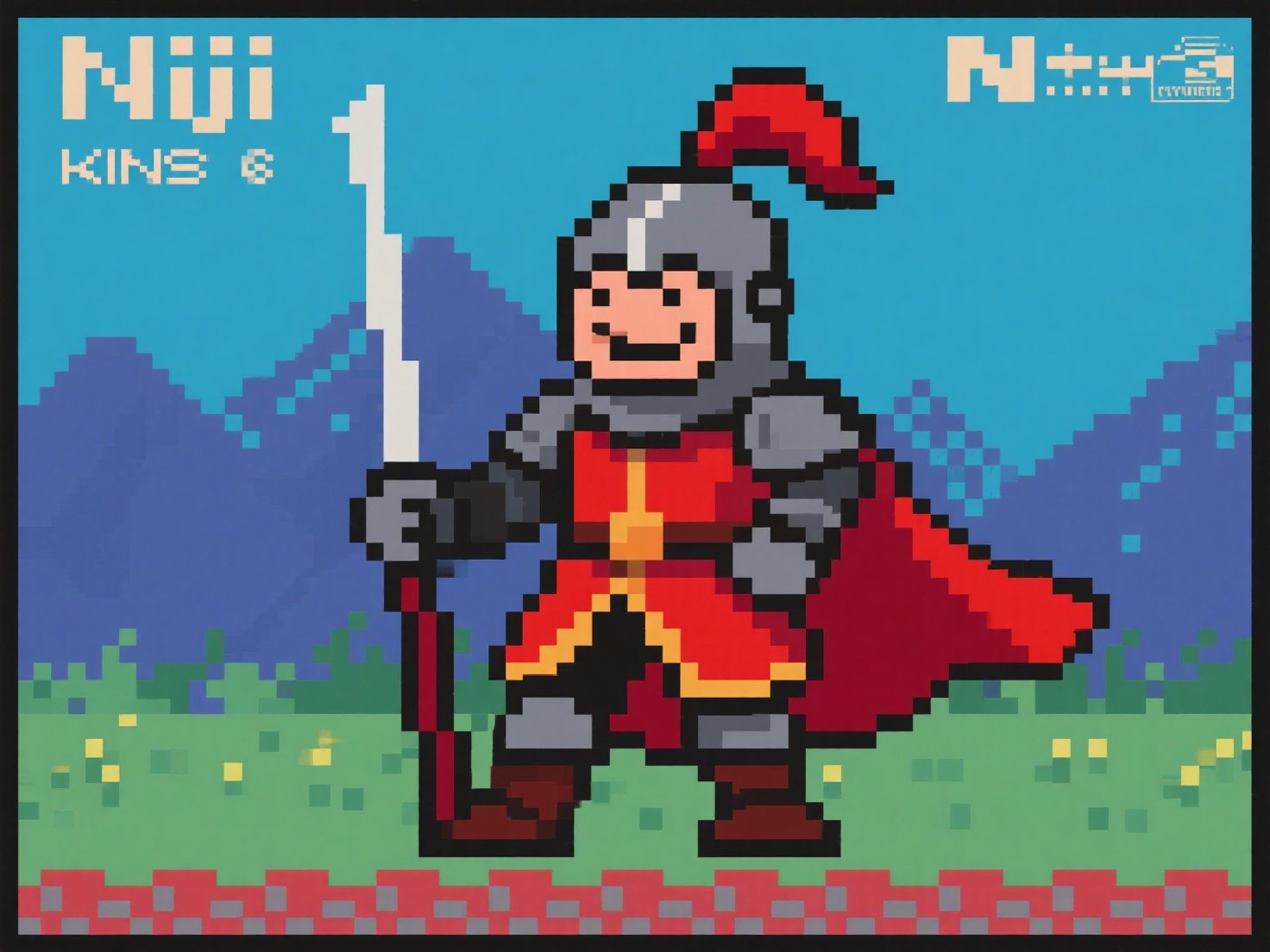
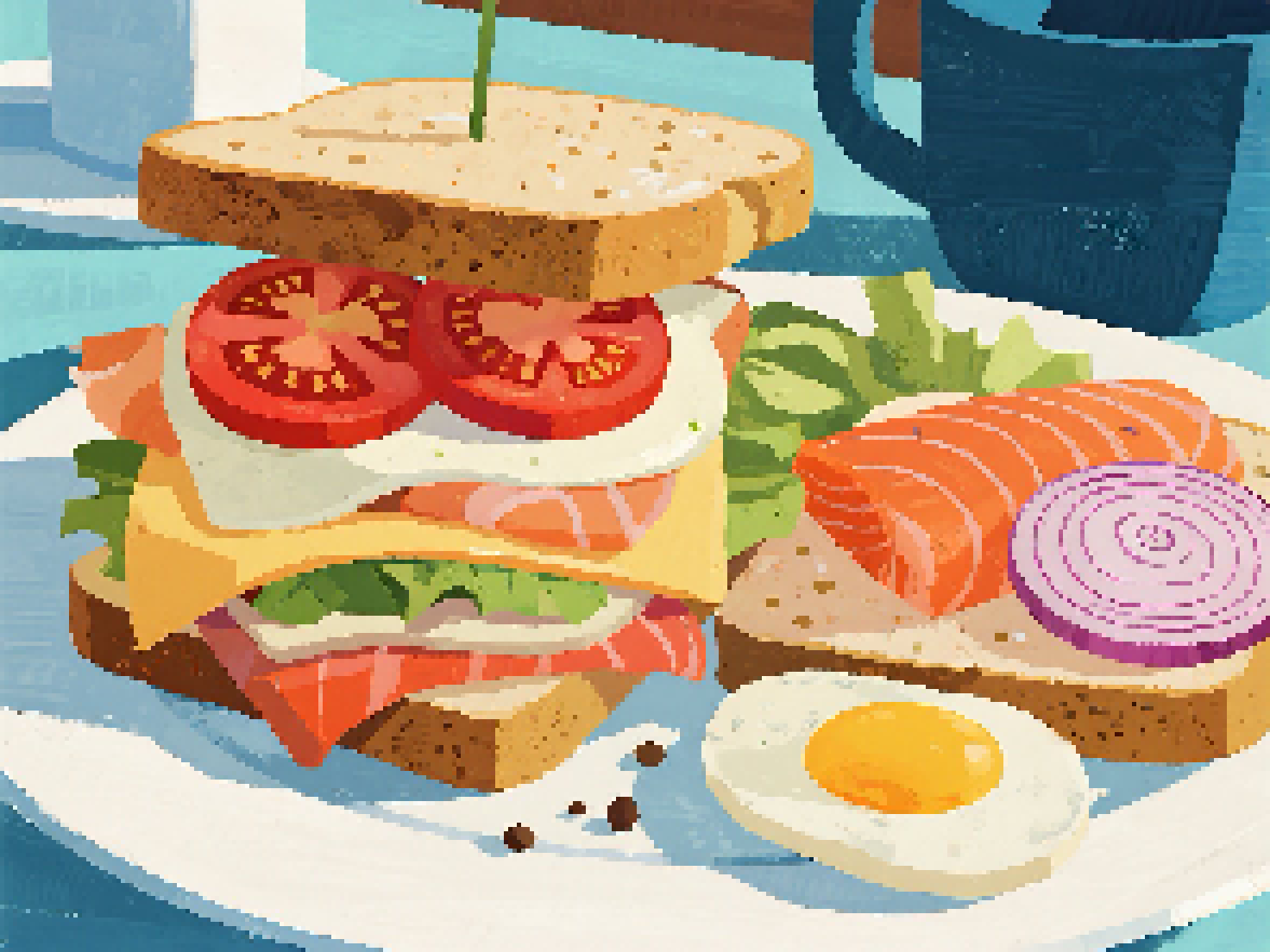
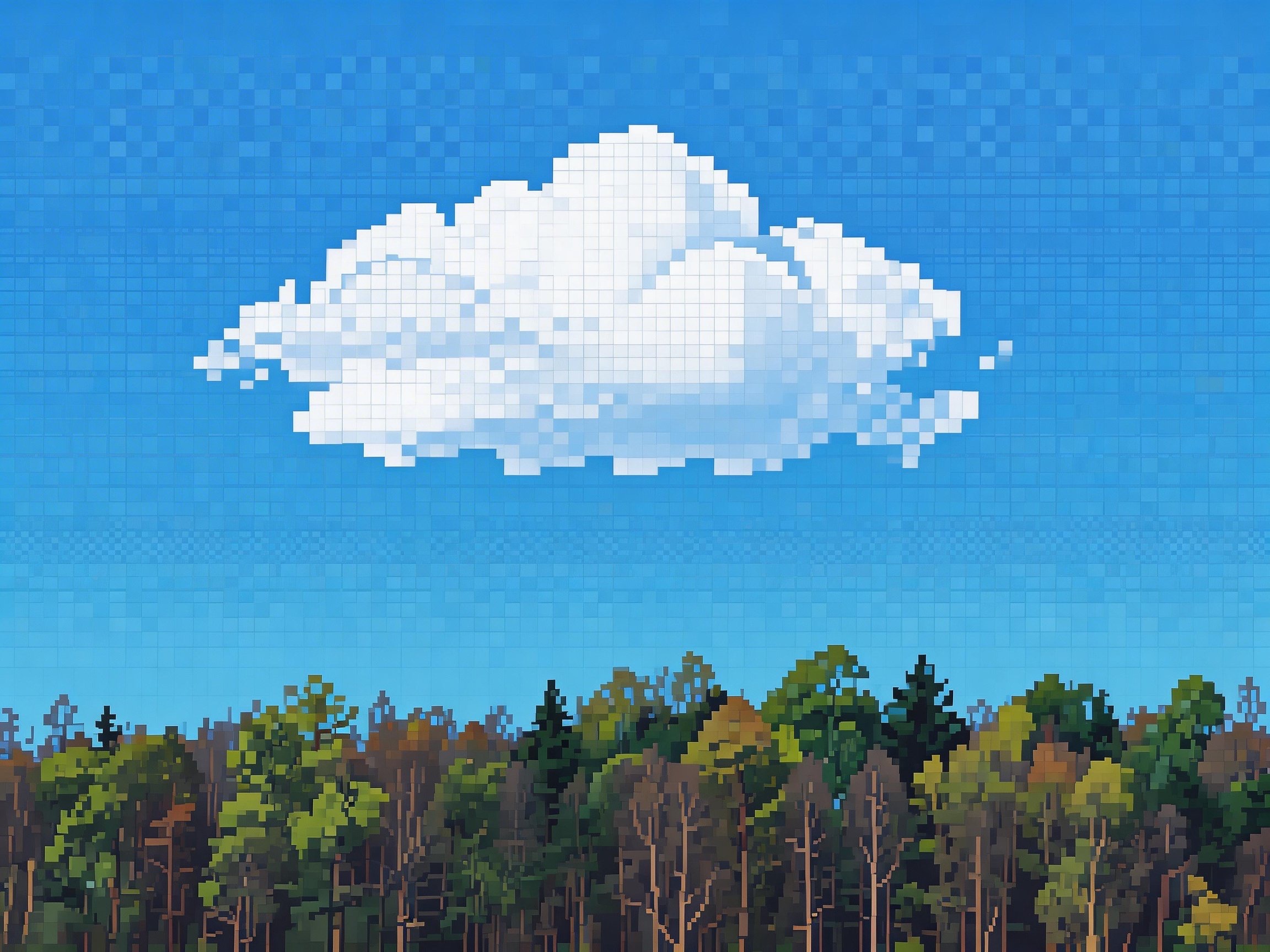
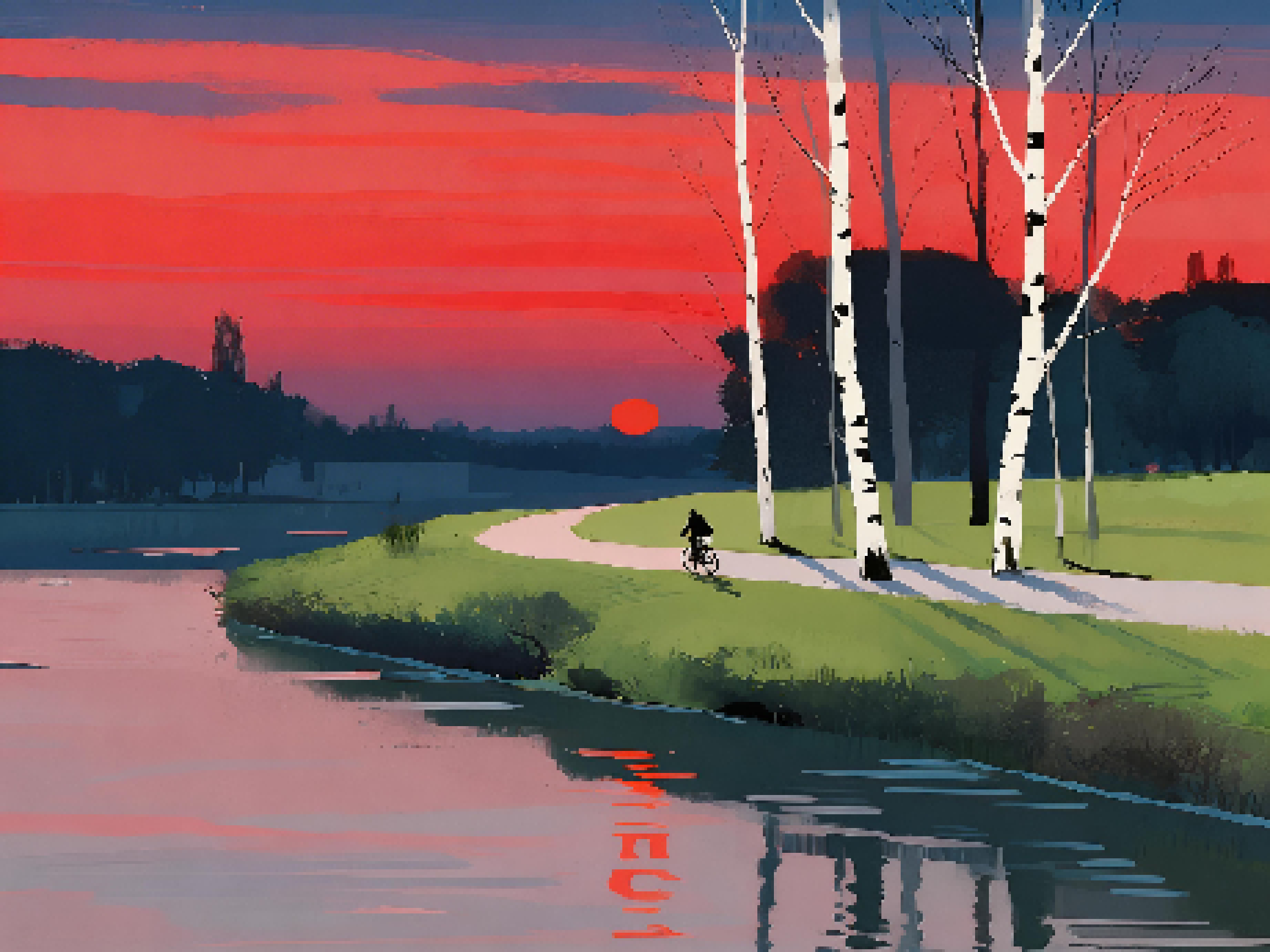
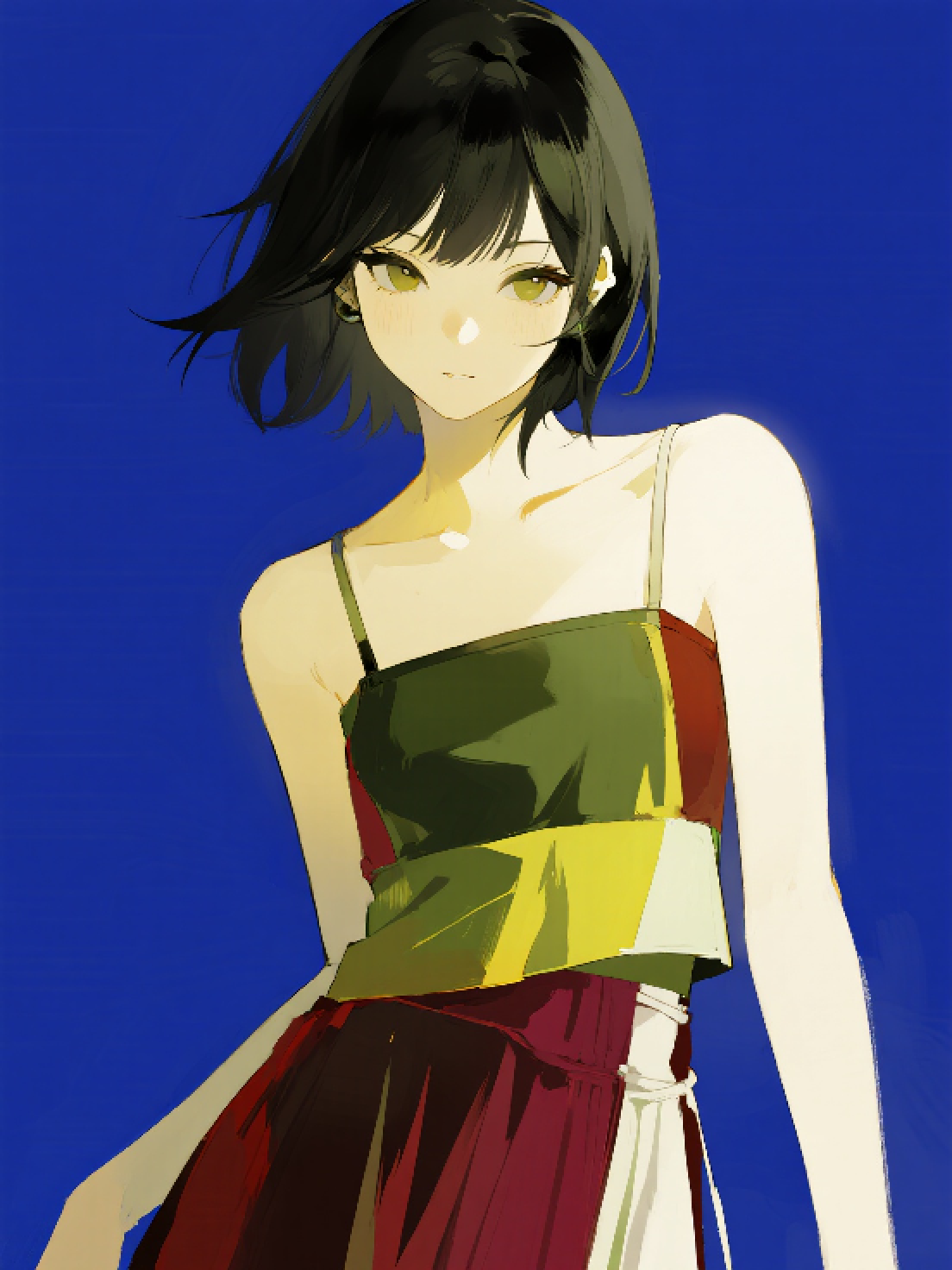
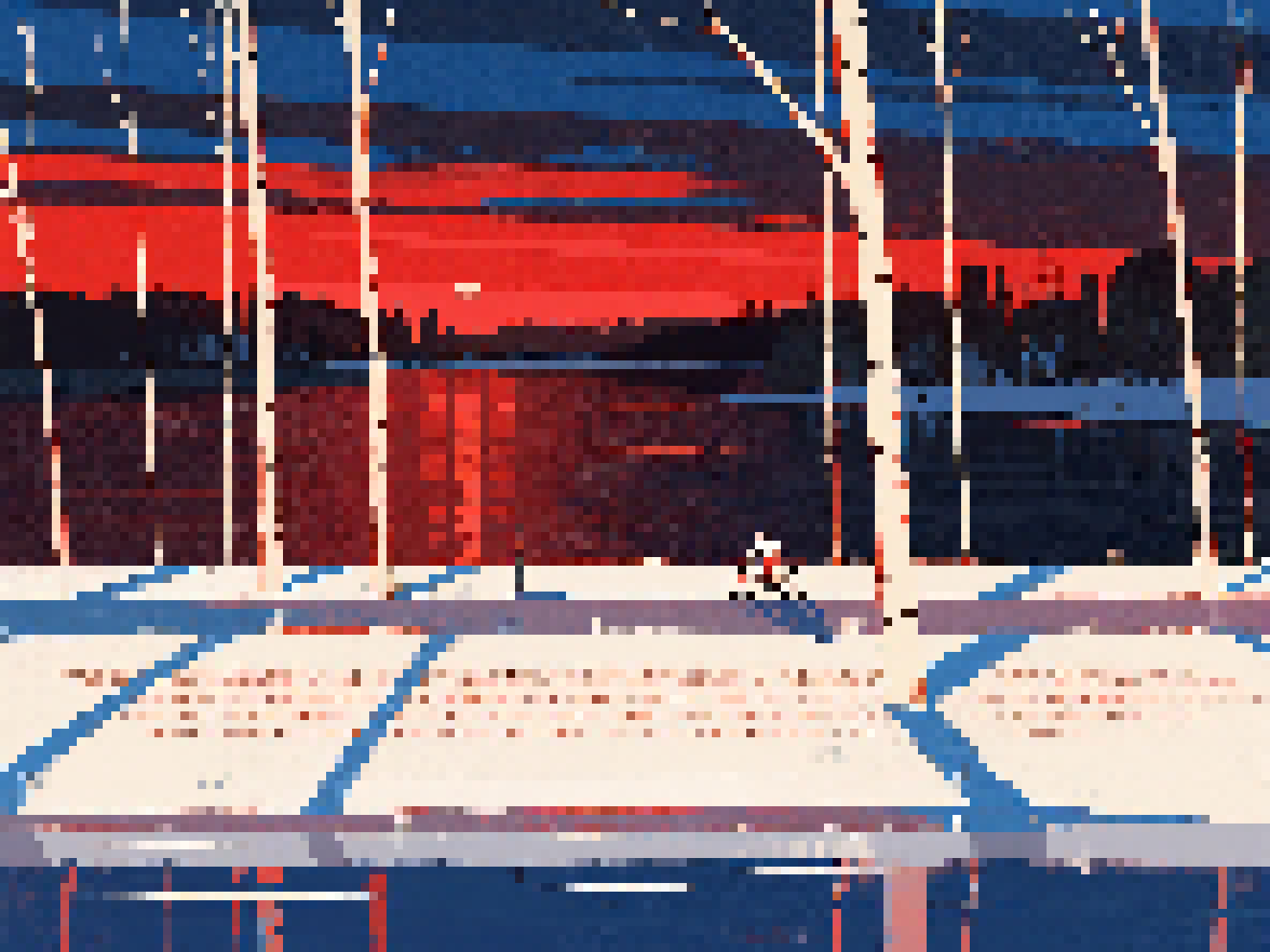
See what you can make with PicToPixel
Straight answers about the tool
It is a tool that simplifies a normal image into a grid of visible blocks — the classic pixel-art look used in games and digital illustrations.
PicToPixel groups nearby pixels into blocks based on the pixel size you choose. Each block is filled from the colors in your original image, which gives the stepped, pixelated look.
Brightness, contrast, and saturation are applied in real time on top of that, so you can refine the mood without starting over.
No — the goal is a sharp, blocky pixel look, not a soft blur. You can change pixel size to get more detail or a bolder, more abstract result.
Yes. There are no hidden fees, subscriptions, or pay-to-export limits for the core tool.
No signup. Open the page, upload an image, and start adjusting settings immediately.
It depends on the style: smaller pixel sizes keep more detail; larger sizes look bolder and more retro. Use the live preview to find the balance you like.
JPG, PNG, and WebP are supported — the formats most browsers and cameras already use.
Join thousands of creators who use PicToPixel every day
Create pixel artNo signup · 100% free · Unlimited conversions