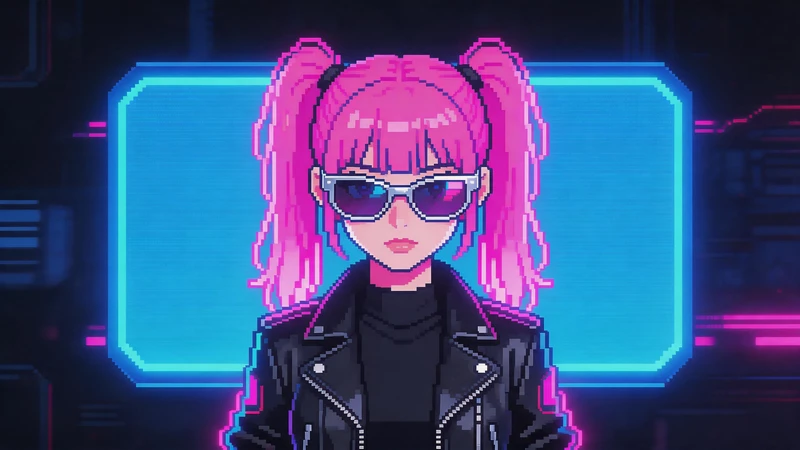
Cyberpunk art and pixel art are a perfect match. Neon lights, futuristic cityscapes, glowing signs, and dark sci-fi atmospheres already contain the bold colors and dramatic contrasts that work beautifully in retro pixel graphics.
If you already have a cyberpunk-style image or artwork, you can easily transform it into retro pixel art online using PicToPixel.
Instead of generating a completely new style, the tool preserves the original cyberpunk aesthetic while converting the image into detailed pixel-style artwork with customizable pixel blocks and retro effects.
Whether you want to create pixel avatars, retro game visuals, social media graphics, or pixel wallpapers, converting existing cyberpunk images into pixel art only takes a few steps.
Why Cyberpunk Images Work So Well as Pixel Art
Cyberpunk visuals naturally fit retro pixel aesthetics because they already contain many classic pixel-art elements:
- Strong neon lighting
- Bold color contrast
- Futuristic environments
- Dark atmospheric scenes
- Bright holographic effects
- Simplified geometric shapes
When these details are transformed into pixel blocks, the result often looks similar to classic sci-fi arcade games and retro 8-bit or 16-bit cyberpunk worlds.
Neon pink, electric blue, purple, and cyan colors especially translate well into pixel art styles.
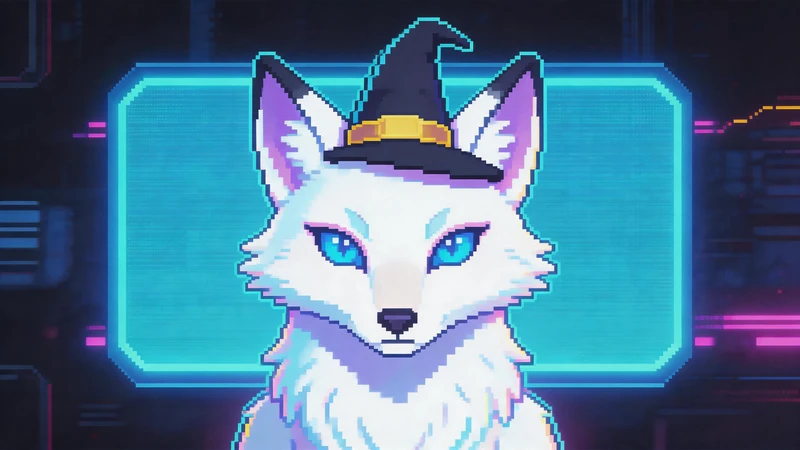
How to Create Cyberpunk Pixel Art Online
PicToPixel is a free online pixel art converter that transforms existing images into retro-style pixel graphics directly in your browser. It works especially well for cyberpunk artwork, preserving the original neon aesthetic, futuristic atmosphere, and vibrant colors while applying customizable pixel effects.
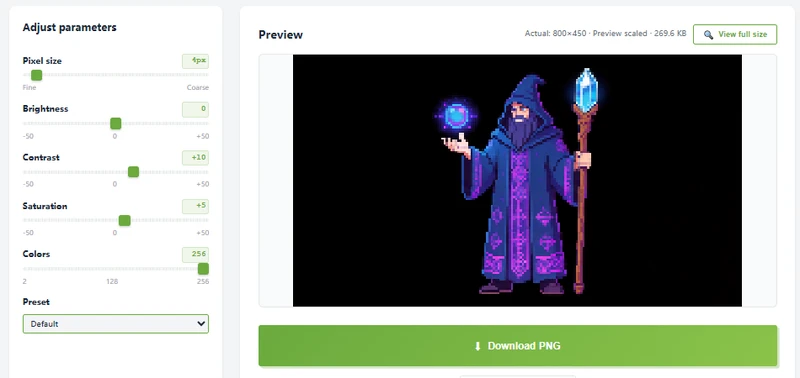
You can easily adjust the pixel size, colors, and retro intensity to create anything from subtle pixel textures to bold 8-bit cyberpunk visuals.
Follow the steps below to quickly convert cyberpunk images into pixel art online — no software or pixel art experience required.
Step 1: Upload a Cyberpunk Image
Start by uploading an existing cyberpunk-style image.
Good examples include:
- Neon city illustrations
- Futuristic anime artwork
- Cyberpunk character art
- Sci-fi wallpapers
- Synthwave artwork
- Futuristic street photography
- AI-generated cyberpunk images
Images with strong lighting and vibrant colors usually create the best pixel art results.
Step 2: Adjust the Pixel Size
Pixel size controls how detailed or retro the final artwork looks.
Smaller pixel blocks preserve more details from the original cyberpunk image, while larger blocks create a stronger retro gaming appearance inspired by classic arcade graphics.
For cyberpunk pixel art, medium or large pixel sizes often create the best balance between detail and stylization.
Step 3: Fine-Tune Colors and Contrast
Cyberpunk art relies heavily on lighting and color atmosphere, so adjusting the image settings can dramatically change the final pixel art style.
Increasing contrast helps neon lights stand out more clearly, while adjusting saturation can create either vibrant futuristic visuals or darker retro sci-fi moods.
Reducing the color count can also make the artwork feel more like authentic retro game graphics.
Step 4: Download Your Pixel Art
Once you are happy with the result, download the final pixel art image instantly as a PNG file.
What Cyberpunk Images Work Best for Pixel Art?
Not every image converts into pixel art equally well. Some cyberpunk visuals naturally translate into retro pixel graphics better because of their lighting, colors, and composition.
In general, images with bold shapes, strong contrast, and neon lighting usually produce the most impressive cyberpunk pixel art results.
Neon Cityscapes
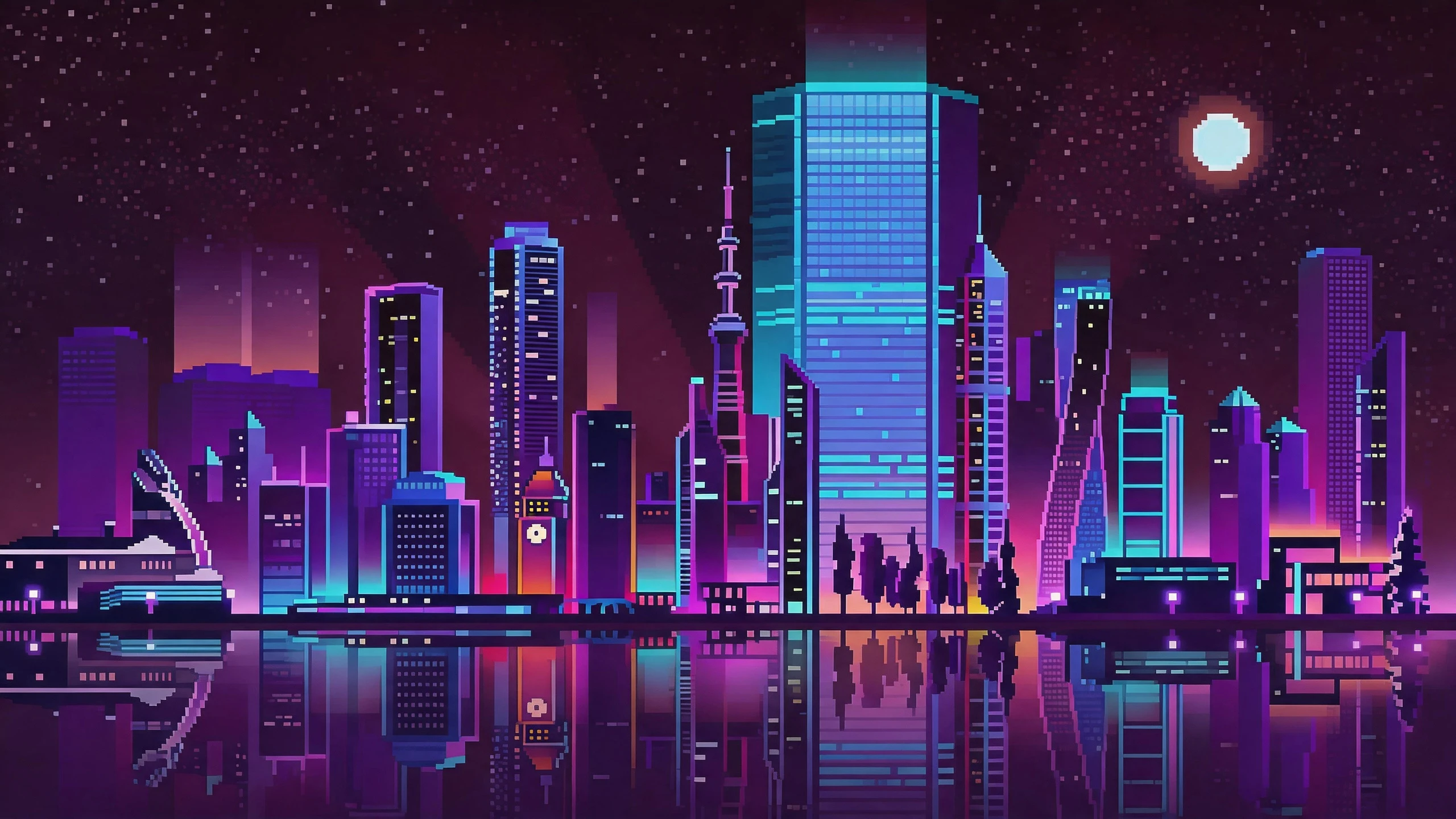
Cyberpunk city scenes are one of the best image types for pixel art conversion.
Images with glowing signs, futuristic buildings, rainy streets, and colorful neon lights create strong visual contrast that looks amazing in retro pixel style. The simplified pixel blocks help emphasize the atmosphere while preserving the futuristic cyberpunk mood.
Scenes with purple, blue, pink, and cyan lighting often work especially well.
Futuristic Character Portraits
Cyberpunk character art and futuristic portraits also convert beautifully into pixel art.
Characters with neon accessories, LED masks, glowing jackets, futuristic helmets, and cybernetic details usually stand out clearly after pixelation. Strong silhouettes and colorful lighting help preserve facial and outfit details even with larger pixel blocks.
High-Contrast Night Scenes
Dark scenes with bright highlights often create the most dramatic pixel art effects.
For example: neon signs in dark streets, holographic billboards, rain reflections, glowing windows, and sci-fi alleyways. These elements naturally fit retro arcade aesthetics and help the pixel grid look cleaner and more cinematic.
Simple Compositions with Clear Subjects
Images with a clear focal point usually produce better pixel art than overly crowded scenes.
A single character, vehicle, or building surrounded by neon lighting is often easier to recognize after pixel conversion. Extremely complex backgrounds may lose detail when converted into larger pixel blocks.
Cleaner compositions help the final pixel artwork look sharper and more visually balanced.
Images with Limited but Bold Color Palettes
Cyberpunk artwork often uses limited neon color palettes, which work perfectly for retro pixel art styles.
Colors that convert especially well include:
- Neon pink
- Electric blue
- Purple
- Cyan
- Red glow
- Dark black backgrounds
Strong color separation helps pixel blocks remain clear and visually striking.
What Are the Best Uses of Cyberpunk Pixel Art?
Cyberpunk pixel art combines retro pixel graphics with futuristic neon aesthetics. Because of its bold colors, glowing city lights, and nostalgic gaming style, it has become popular across gaming, social media, digital art, and online creative communities.
Here are some of the most common uses of cyberpunk pixel art.
Cyberpunk Pixel Avatars and Profile Pictures
One of the most popular uses of cyberpunk pixel art is creating retro-style avatars and profile pictures.
Pixelated cyberpunk portraits work especially well for Discord avatars, Twitch profiles, TikTok profile pictures, YouTube icons, and gaming community accounts.
The neon lighting and retro 8-bit style help profile images stand out instantly online.
Indie Game Graphics and Pixel Sprites
Cyberpunk pixel art is widely used in indie game development because futuristic neon environments naturally fit retro pixel aesthetics.
Developers often create pixel characters, cyberpunk NPCs, retro game sprites, futuristic city backgrounds, and pixel-style UI elements.
The combination of pixel graphics and sci-fi themes creates a nostalgic arcade-style atmosphere that works perfectly for retro-inspired games.
Wallpapers and Social Media Content
Pixelated cyberpunk cityscapes are highly visual and work well for digital content creation.
Creators often use cyberpunk pixel art for desktop wallpapers, phone backgrounds, YouTube banners, Twitch overlays, social media posts, and digital posters.
Neon signs, rainy streets, holographic effects, and glowing skylines create eye-catching pixel artwork that performs well on visual platforms like Pinterest and Instagram.
Creative Art and DIY Projects
Many artists and creators also use cyberpunk pixel art for personal creative projects and digital products.
Popular examples include pixel stickers, retro posters, NFT concepts, animated pixel loops, printable pixel art, and merchandise designs.
Because cyberpunk images already contain bold lighting and strong contrast, they convert naturally into detailed pixel-style artwork.
Create Retro Cyberpunk Pixel Art with PicToPixel
If you already have cyberpunk artwork, futuristic illustrations, or neon city images, PicToPixel makes it easy to transform them into retro pixel art online.
The tool preserves the original cyberpunk atmosphere while adding customizable pixel effects that recreate the look of classic arcade and 8-bit game graphics.
Simply upload your image, adjust the settings, and generate unique cyberpunk pixel art in seconds — no design software or manual pixel drawing required.
FAQ
Q1. Can I convert cyberpunk artwork into pixel art online?
Yes. PicToPixel lets you upload existing cyberpunk images and instantly convert them into retro pixel-style artwork directly in your browser.
Q2. What images work best for cyberpunk pixel art?
Images with neon lighting, futuristic city scenes, bold color contrast, and dark atmospheric backgrounds usually produce the best cyberpunk pixel art results.
Q3. Can I create 8-bit cyberpunk pixel art from AI-generated images?
Absolutely. AI-generated cyberpunk artwork often works very well because it already contains strong sci-fi colors, neon lighting, and stylized environments that translate naturally into pixel art.
Q4. What pixel size works best for cyberpunk pixel art?
Medium to large pixel sizes often work best because they create a stronger retro arcade appearance while still preserving the original cyberpunk atmosphere.
Q5. Can I use cyberpunk pixel art for avatars and wallpapers?
Yes. Cyberpunk pixel art is commonly used for gaming avatars, social media profile pictures, Twitch banners, wallpapers, and retro-inspired digital artwork.
Ready to create your own pixel art?