Introduction
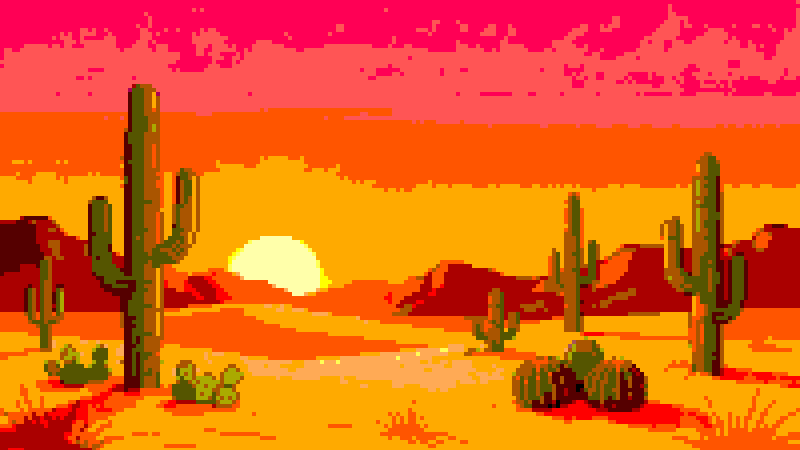
Pixel art is no longer limited to retro games or nostalgic designs. Today, it’s widely used in social media, digital art, branding, and even modern game development. Its simple, blocky style has a unique charm that makes images feel both creative and eye-catching.
However, many people run into the same problem: they love pixel art, but don’t know what to create—or feel they lack the drawing skills to get started.
The good news is, you don’t need to draw pixel art from scratch anymore. One of the easiest and most effective ways to create pixel art today is by converting existing images. Whether it’s a photo, a character, or a simple object, you can turn it into pixel art in just a few steps.
In this guide, you’ll discover a variety of creative ideas for pixel art across different categories. More importantly, you’ll learn how to transform those ideas into real results quickly and easily.
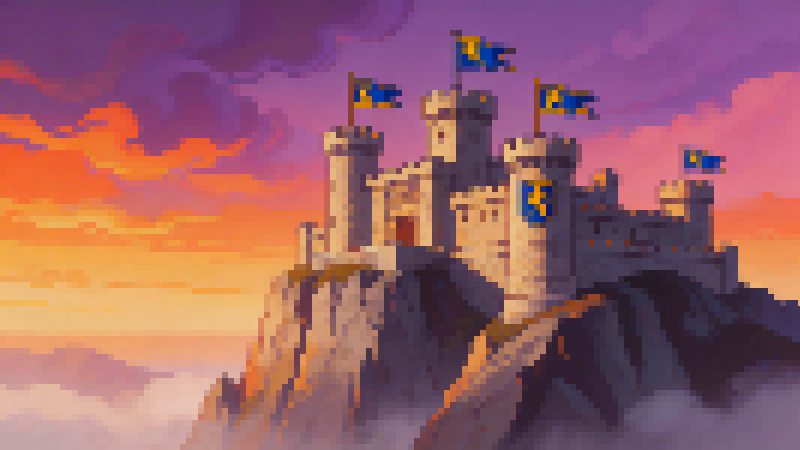
Popular Pixel Art Ideas
Character & Pop Culture Pixel Art
Why This Category Works
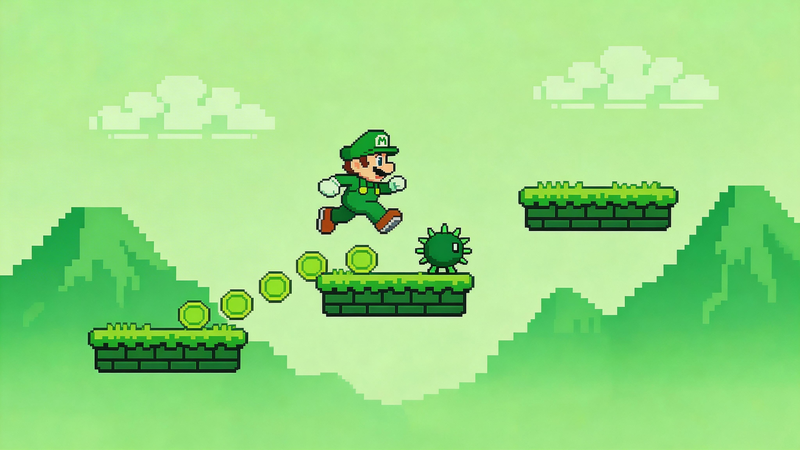
Character-based pixel art is one of the most popular and engaging styles. People naturally connect with familiar characters, whether they come from games, anime, or internet culture.
Popular Ideas
Some widely loved examples include:
- Hello Kitty Pixel Art
- Pokemon Pixel Art
- Mario Pixel Art
- Pixel Art Pikachu
- Anime Girl Pixel Art
These ideas are highly searchable and often shared across platforms, making them great for both inspiration and practical use.
Animals & Cute Pixel Art Designs
Why Animals Work Well
Animals are naturally suited for pixel art because they often have simple, rounded shapes and clear silhouettes. Even when reduced into pixel form, they remain easy to recognize.
Popular Ideas
Some common and effective ideas include:
- Cat Pixel Art
- Dog Pixel Art
- Pixel Art Animals
- Bird Pixel Art
- Bunny Pixel Art
- Panda Pixel Art
These ideas can range from realistic animal representations to more stylized or cartoon-like designs, depending on the original image and the pixel settings you choose.
Objects, Symbols & Text Pixel Art
Why This Category Is Useful
Objects, symbols, and text are some of the most practical types of pixel art you can create. Unlike complex images, these elements rely on clear shapes and simple structures, which makes them ideal for pixel conversion.
Popular Ideas
Some widely used ideas in this category include:
- Pixel Art Heart
- Words to Pixel Art
- Pixel Art Icons
- Pixel Art Letters
- Pixel Art Symbols (stars, arrows, etc.)
These designs are simple but highly versatile, making them easy to adapt for different creative needs.
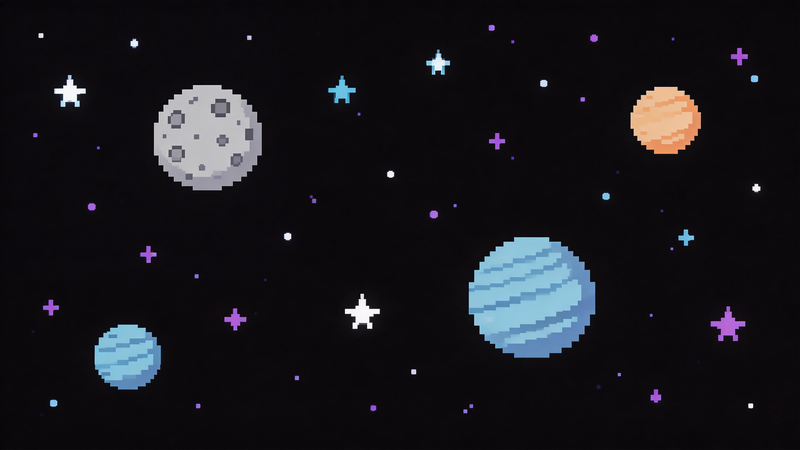
Nature & Aesthetic Pixel Art
Why It Works
Nature-based images translate into pixel art in a very unique way. Unlike characters or objects, these visuals focus more on atmosphere, color, and overall composition rather than precise details.
Popular Ideas
Some common and visually appealing ideas include:
- Flower Pixel Art
- Pixel Art Background
- Landscape Pixel Art
- Sky Pixel Art
- Sunset Pixel Art
These types of images often work well because they rely on color transitions and simple shapes rather than sharp details.
Seasonal & Themed Pixel Art
Why It Works
Seasonal and themed pixel art is highly effective because it connects directly with specific moments, events, or emotions. People naturally engage more with content that feels timely or relevant, especially during holidays or special occasions.
Popular Ideas
Some popular themed ideas include:
- Halloween Pixel Art
- Christmas Pixel Art
- Valentine’s Day Pixel Art
- Birthday Pixel Art
- Holiday Icons in Pixel Style
These ideas are flexible and can be adapted into different styles depending on the mood or occasion.

How to Turn Any Image into Pixel Art
What Is PictoPixel.art
PictoPixel.art is an online image to pixel art converter designed to make the process simple and fast. You don’t need to install any software or create an account. Everything works directly in your browser.
The tool focuses on ease of use while still giving you enough control to customize your results. With real-time preview, you can instantly see how your image changes as you adjust settings, which makes the workflow smooth and efficient.
Explore Creative Styles First with AI Image-to-Image
A standard pixel converter like PictoPixel.art takes the image you upload and maps it to a grid—that works well when you already know the look you want. If you are still exploring directions, an AI image-to-image step can help before the final conversion.
Unlike a simple pixel converter, tools like the Vheer AI Image-to-Image tool generate creative variations of your source image first. You can push a photo toward a different illustration style, mood, or color direction, then convert the version you like best into pixel art on PictoPixel.
This optional preprocessing adds flexibility to your workflow: explore artistic styles, compare a few outputs, and run pixel conversion only when you are happy with the base image. Many creators find that pairing creative variation with a dedicated converter leads to more distinctive pixel art than converting a raw photo on its own.
Step-by-Step Guide
Step 1: Upload Your Image
Go to PictoPixel.art and upload the image you want to convert. Images with clear subjects and good contrast usually work best.
Step 2: Adjust Pixel Size
Set the pixel size to control how detailed or blocky your image appears. You can drag the slider left to reduce the value for more detail, or drag it right to increase the value for a stronger pixel effect.
Step 3: Fine-Tune the Settings
Adjust brightness, contrast, saturation, and colors to refine the final look. Move the sliders left to soften the effect or right to enhance it until you achieve the desired result.
Step 4: Preview and Download
Use the real-time preview to check your adjustments. Once you’re satisfied, download your pixel art and use it for your project.
Key Features of PictoPixel.art
- Real-time preview for instant feedback
- Adjustable pixel size (1–64px)
- Simple slider controls for quick edits
- Preset styles for faster results
- No watermark on exported images
- Clean, ad-free interface for a focused experience
- Complete free tool for image to pixel conversion.
Final Thoughts
Pixel art is simple, fun, and surprisingly versatile. You don’t need drawing skills to get started. You just need an idea and an image to work with.
In this article, we explored different creative directions. Each category shows how flexible pixel art can be, no matter what kind of project you’re working on.
The process is also easy. With an image to pixel converter like PictoPixel.art, you can turn almost any picture into pixel art in just a few minutes.
Ready to create your own pixel art?