Introduction
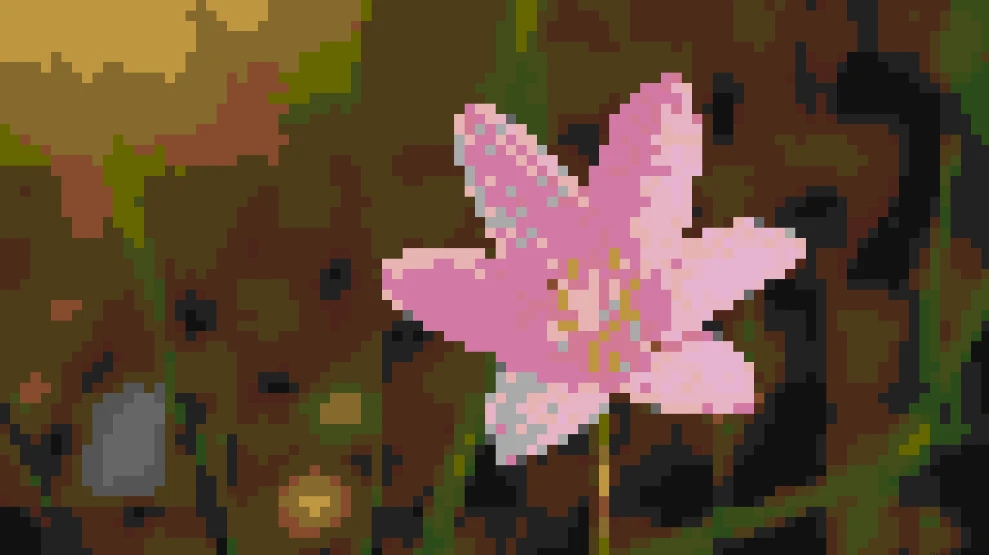
Flower pixel art combines the natural beauty of flowers with the nostalgic charm of pixel graphics. From game assets and cross-stitch patterns to digital decorations and creative hobbies, pixel flowers are a popular and beginner-friendly style to explore.
From simple 16×16 tulips to detailed 64×64 roses, flower pixel art can be created in many styles and with different techniques. You can draw pixels manually, create patterns with online tools, or transform real flower photos into pixel art.
In this guide, you'll learn what flower pixel art is, explore popular flower styles and creative ideas, discover where to find inspiration, and learn simple ways to create your own pixel flowers.
What Is Flower Pixel Art?
Flower pixel art is a digital illustration style that uses individual colored squares (pixels) to create images of flowers. Instead of smooth curves and gradients, each flower is built from carefully arranged pixels, giving it a distinctive retro appearance inspired by classic video games from the 1980s and 1990s.
Despite its simple appearance, flower pixel art can range from tiny 16×16 icons to highly detailed illustrations with hundreds of pixels. Artists often use a limited color palette and carefully placed highlights and shadows to give flowers depth while maintaining the clean, blocky aesthetic that defines pixel art.
Different Types of Flower Pixel Art
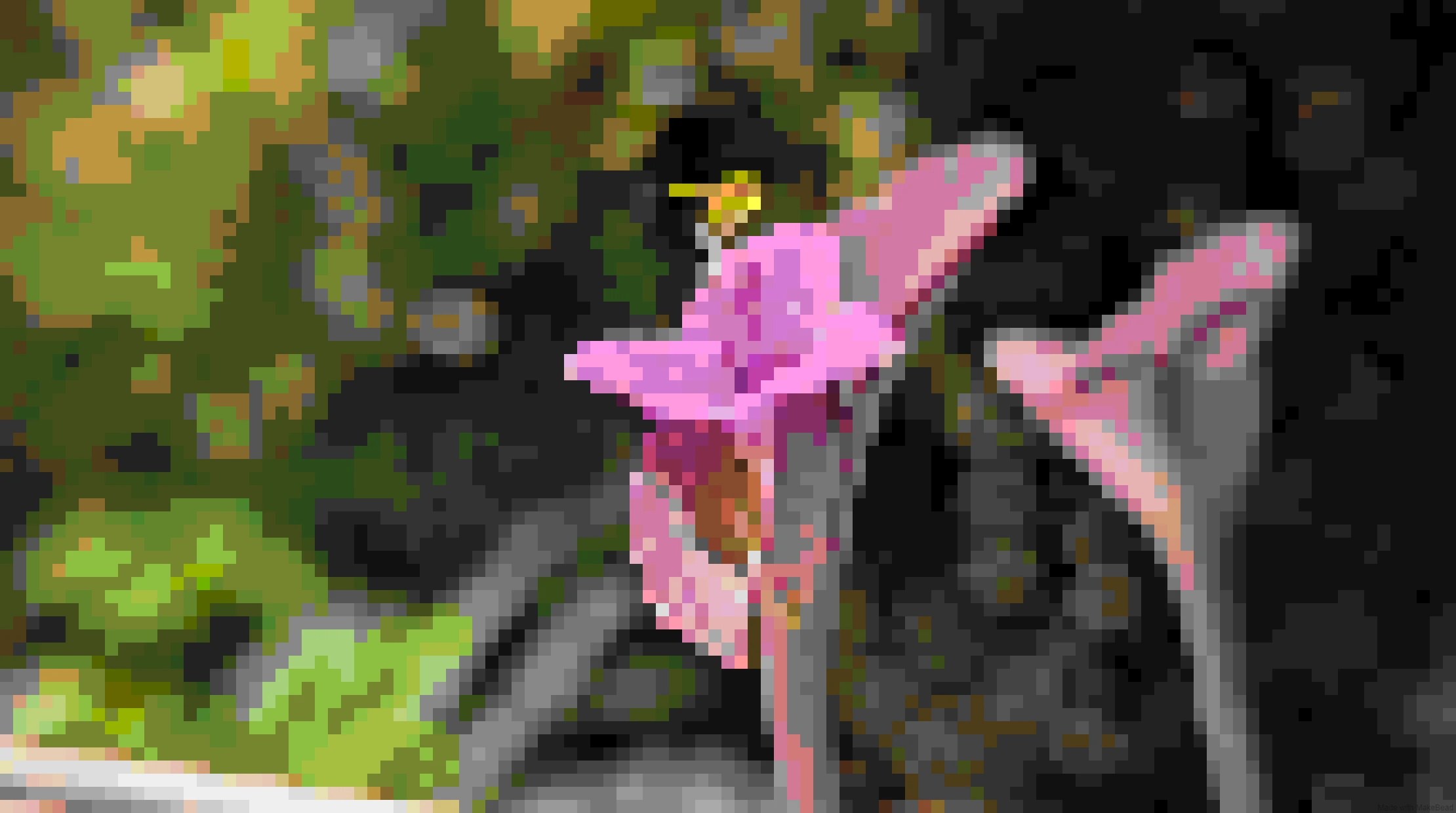
Flower pixel art can be created in countless styles, from simple 8-bit icons to detailed botanical designs. Different flowers have unique shapes, colors, and characteristics, making each one suitable for different pixel art styles and skill levels.
Here are some popular flower pixel art ideas to explore.
Rose Pixel Art
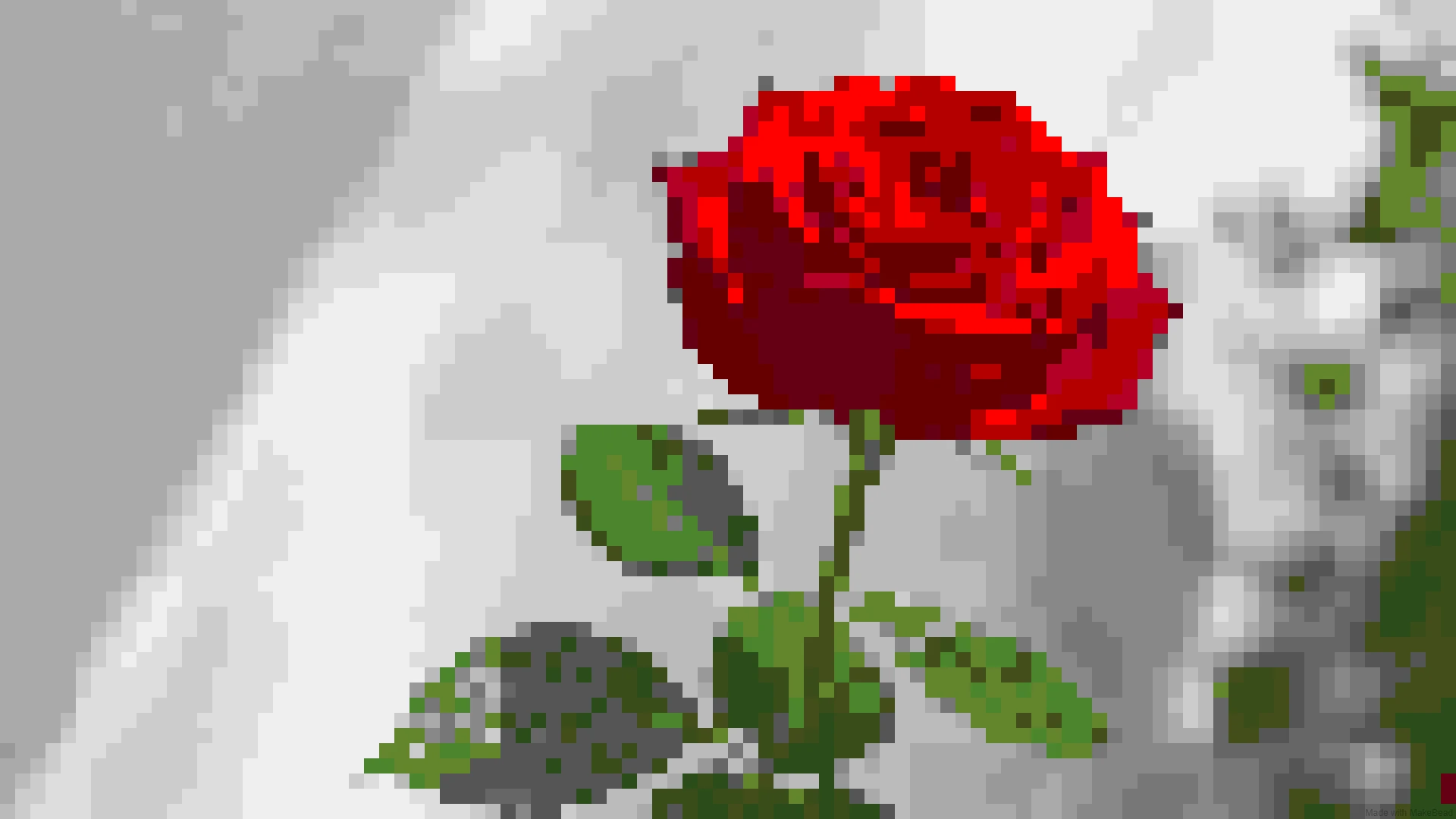
Rose pixel art is one of the most popular choices because roses are widely recognized and have a classic, romantic appearance.
A simple pixel rose can be created with:
- A layered petal structure
- A curved stem
- A few highlight and shadow pixels
Beginners can start with a small 16×16 rose, while larger grids like 32×32 or 64×64 allow more detailed petals and color variations.
Best for:
- Romantic designs
- Game items
- Greeting cards
- Decorative icons
Sunflower Pixel Art
Sunflower pixel art is a great choice for beginners because its large circular center and bright petals are easy to simplify.
Common features include:
- A dark pixel center
- Yellow or orange petals
- A green stem and leaves
Sunflowers work especially well in cheerful, colorful pixel art styles.
Best for:
- Farm-themed games
- Nature designs
- Cute illustrations
Tulip Pixel Art
Tulip pixel art is known for its simple silhouette and clean shape, making it one of the easiest flowers to create.
Because tulips have a compact structure, they look great in small grids such as:
- 8×8
- 16×16
- 32×32
Different colors can create completely different styles, from soft pastel flowers to vibrant spring designs.
Best for:
- Beginner pixel art
- Simple icons
- Spring-themed artwork
Cherry Blossom Pixel Art
Cherry blossom pixel art is popular because of its delicate appearance and beautiful color palette.
Common design elements include:
- Pink or white petals
- Thin branches
- Soft background colors
Cherry blossom designs are often used for relaxing, aesthetic, and Japanese-inspired pixel art themes.
Best for:
- Wallpapers
- Seasonal artwork
- Decorative backgrounds
Daisy Pixel Art
Daisy pixel art has a simple and cute appearance, making it perfect for beginners.
Its basic structure includes:
- White petals
- A yellow center
- A green stem
Because of its simple shape, daisies are often used in cute pixel art collections and game environments.
Best for:
- Cute designs
- Stickers
- Beginner projects
Lavender Pixel Art
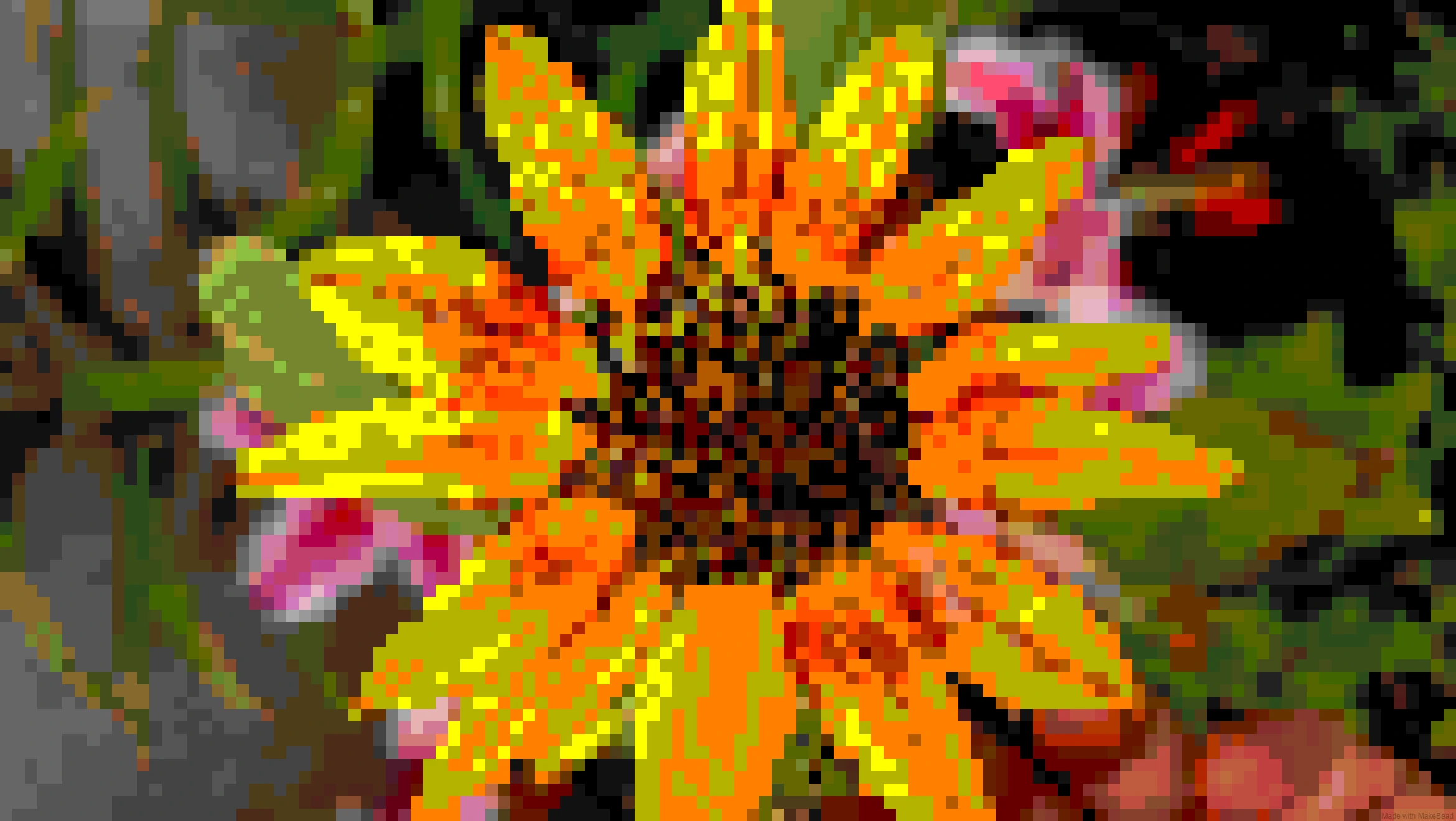
Lavender pixel art has a unique vertical shape and calming color palette.
Instead of focusing on large petals, lavender designs rely on:
- Purple color gradients
- Thin stems
- Repeated small pixel clusters
This makes lavender a great subject for creators who want to practice color combinations.
Best for:
- Aesthetic designs
- Cozy themes
- Nature illustrations
Lotus Pixel Art
Lotus pixel art often features symmetrical petals and layered shapes, creating an elegant appearance.
Popular styles include:
- Minimal lotus icons
- Water-themed scenes
- Fantasy-inspired flowers
Larger grids work better for lotus designs because they allow more detail in the overlapping petals.
Best for:
- Meditation themes
- Fantasy artwork
- Decorative designs
Fantasy Flower Pixel Art
Besides realistic flowers, many creators enjoy designing imaginary pixel flowers.
Examples include:
- Glowing magic flowers
- Crystal flowers
- Rainbow flowers
- Alien plants
- Fantasy garden elements
Fantasy flower pixel art allows more creativity because there are no limits on colors, shapes, or styles.
Best for:
- Game development
- Character worlds
- Creative experiments
How to Make Flower Pixel Art (2 Free Methods)
Creating flower pixel art is easier than many people think. You do not need professional drawing skills or expensive software to get started.
Depending on your goal, there are several ways to create pixel flowers:
- Convert an existing flower photo into pixel art
- Draw pixel flowers manually with online editors
Each method has its own advantages, so you can choose the one that best fits your experience and creative needs.
Method 1: Convert an Existing Flower Photo into Pixel Art with PicToPixel
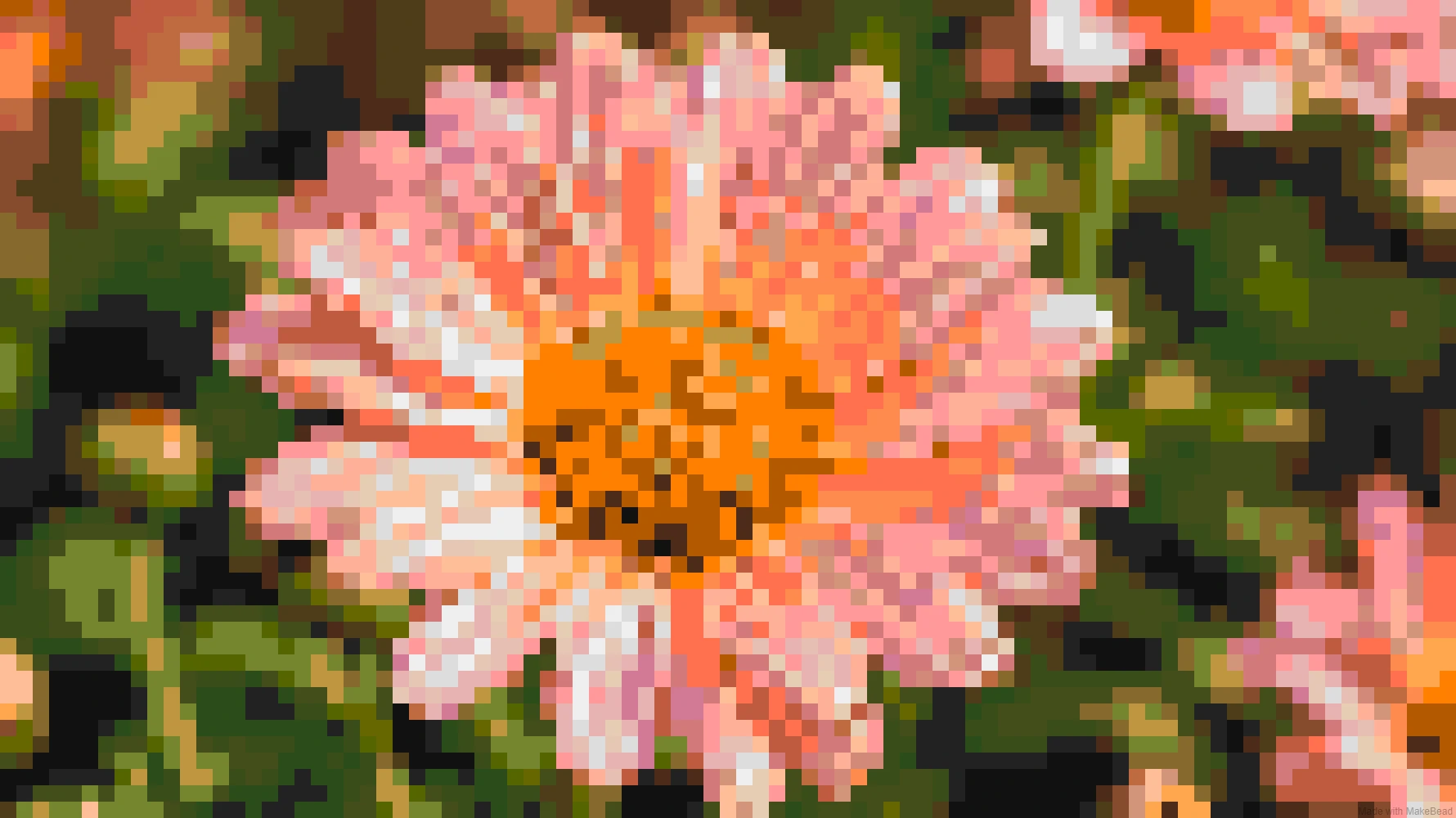
One of the easiest ways to create flower pixel art is to convert an existing flower photo into a pixel-style image.
Instead of drawing every pixel manually, you can start with a real flower image and transform it into pixel art automatically. This method is especially useful if you want to create a pixel version of a specific flower, bouquet, or plant that you cannot easily find online.
You can use:
- Photos from your garden
- Flower pictures you take yourself
- Free flower images from websites like Unsplash, Pexels, and Pixabay
- Existing flower illustrations
The result is a unique flower pixel art design based on your original image.
With PicToPixel, you can transform photos into pixel art directly in your browser. You can upload an image, adjust the pixel style, preview the result, and download the final PNG file without complicated editing software.
Follow these simple steps:
Step 1: Upload Your Flower Image
Start by choosing a flower image you want to convert.
For better results, use images with:
- Clear flower shapes
- Good lighting
- Strong color contrast
- Simple backgrounds
A close-up photo of a single flower usually works better than a complex image with many objects.
Step 2: Adjust the Pixel Style
After uploading your image, customize the pixel effect based on your preferred style.
You can experiment with settings such as:
- Pixel size
- Brightness
- Contrast
- Saturation
- Color adjustments
A smaller pixel size keeps more details, while a larger pixel size creates a stronger retro pixel art appearance.
Step 3: Preview and Download Your Flower Pixel Art
Once you are happy with the result, preview your pixel flower and download the final image. Because the design starts from your own chosen image, every conversion creates a more personalized result.
Method 2: Draw Flower Pixel Art from Scratch
If you want full creative control over your flower pixel art, drawing it from scratch is another great option. Instead of converting an existing image, you can create your own pixel flower by placing each pixel manually and designing every detail yourself.
This method allows you to customize everything, including:
- Flower shape
- Color palette
- Petal arrangement
- Background
- Pixel style
Although drawing pixel art manually takes more time than converting an image, it is a rewarding way to learn how pixel artists create shapes, depth, and visual effects with a limited number of pixels.
How to Draw Flower Pixel Art Online
You can use browser-based pixel art editors such as:
- MakePixelArt
- Pixilart
- Lospec Pixel Editor
These tools provide a simple grid canvas where you can select colors and place pixels one by one.
Step 1: Choose Your Pixel Grid Size
Before drawing, choose a suitable canvas size.
For beginners: 8×8 or 16×16
- Best for simple flower icons
- Easier to manage
- Requires fewer details
32×32
- A good balance between simplicity and detail
- Suitable for most flower designs
- Great for game sprites and decorative artwork
64×64 or larger
- Better for detailed flowers
- Allows more shading and complex shapes
Starting with a smaller grid helps you focus on the most important elements of your flower.
Step 2: Create the Basic Flower Shape
Begin by drawing the main silhouette.
Focus on:
- Overall flower shape
- Number of petals
- Stem and leaves
- Symmetry and proportions
At this stage, avoid adding too many details. A clear silhouette is more important than complicated textures.
For example:
- A sunflower can start with a round center and surrounding petals.
- A tulip can be created with a simple curved outline.
- A rose can use layered shapes to represent overlapping petals.
Step 3: Add Colors and Shading
Pixel art usually works best with a limited color palette.
Instead of using many similar colors, choose a few carefully selected shades:
Example — Rose:
- Dark red for shadows
- Main red for petals
- Light red for highlights
Example — Sunflower:
- Dark brown center
- Yellow petals
- Green stem
Adding highlights and shadows helps your flower pixel art look more three-dimensional while keeping the classic pixel style.
Flower Pixel Art Ideas for Beginners
Creating flower pixel art does not have to be complicated. With a small grid, a simple color palette, and a clear idea, beginners can create beautiful pixel flowers even without previous drawing experience.
If you are looking for inspiration, here are some easy flower pixel art ideas to try.
1. Simple Single Flower Pixel Art
A single flower is one of the easiest ways to start learning pixel art.
Focus on basic elements:
- A clear flower shape
- A simple stem
- A limited color palette
- A clean background
Good beginner choices include:
- Daisy
- Tulip
- Sunflower
- Small rose
A 16×16 grid is usually enough to create a recognizable flower icon.
2. Cute Kawaii Flower Pixel Art
Cute flower pixel art is popular because it uses simple shapes and playful designs.
Common features include:
- Bright colors
- Round petals
- Small faces or expressions
- Soft pastel palettes
Examples:
- Smiling flowers
- Tiny flower characters
- Cute flower gardens
- Cartoon-style plants
This style works well for:
- Stickers
- Avatars
- Game decorations
- Social media graphics
3. Pixel Flower Bouquet
A flower bouquet is a great next step after creating individual flowers.
Instead of focusing on one flower, combine different elements:
- Roses
- Daisies
- Tulips
- Leaves
- Decorative ribbons
Bouquet pixel art allows you to practice:
- Composition
- Color matching
- Layering different shapes
For more details, try a 32×32 or larger grid.
4. Flower Pixel Art with Different Seasons
Seasonal themes are another popular direction for pixel flower designs.
Spring Pixel Flowers — Cherry blossoms, tulips, fresh green leaves.
Summer Pixel Flowers — Sunflowers, tropical flowers, colorful gardens.
Autumn Pixel Flowers — Orange flowers, falling leaves, warm color palettes.
Winter Pixel Flowers — Frozen flowers, snow-covered plants, ice-themed fantasy flowers.
Seasonal pixel art is often used for wallpapers, calendars, and game environments.
5. Pixel Flower Garden Scenes
Instead of creating one flower, you can build an entire pixel garden.
Elements you can include:
- Multiple flower types
- Grass and trees
- Paths
- Fences
- Small animals
- Background scenery
Garden scenes are especially useful for:
- Game backgrounds
- Pixel landscapes
- Digital artwork
A larger canvas such as 64×64 or 128×128 gives more space for details.
6. Minimalist Flower Pixel Icons
Simple pixel flower icons are perfect for small projects.
A minimalist design usually uses:
- Few colors
- Clear outlines
- Simple shapes
Examples:
- Tiny rose icons
- Flower emojis
- App decorations
- Website graphics
These designs are often created with 8×8 or 16×16 grids.
7. Fantasy Flower Pixel Art
For creators who want something more creative, fantasy flowers offer unlimited possibilities.
Ideas include:
- Magical glowing flowers
- Crystal flowers
- Fire flowers
- Moon flowers
- Alien plants
- Enchanted garden elements
Fantasy pixel flowers are especially popular in RPG games, fantasy illustrations, and character design projects.
8. Turn Real Flowers into Pixel Art
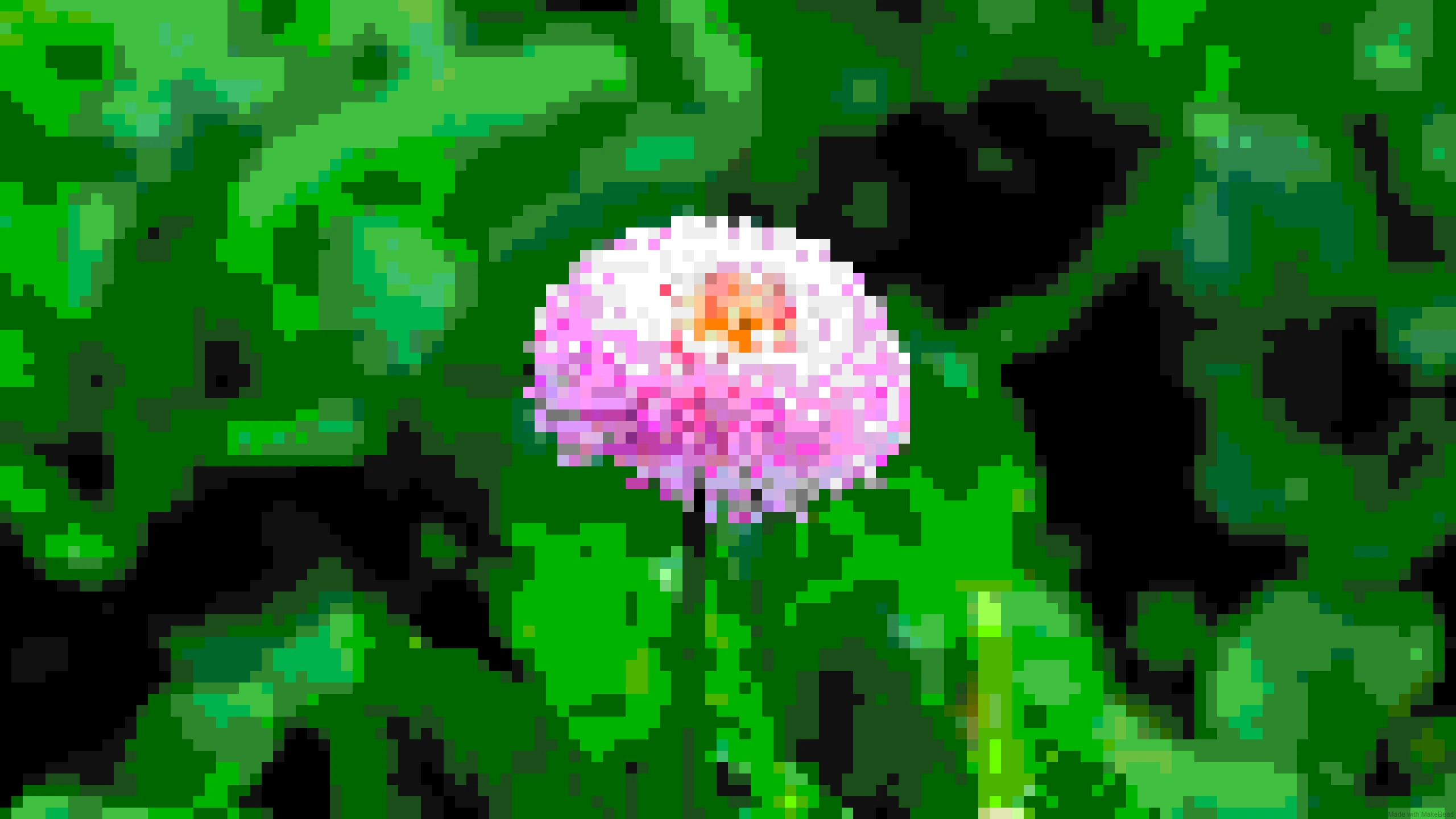
One of the easiest ways to create unique flower pixel art is by transforming real flower photos into pixel designs.
You can use photos of:
- Flowers from your garden
- Store-bought bouquets
- Wildflowers
- Favorite plants
A photo-to-pixel-art tool can automatically simplify colors and shapes, making it easier to create a pixel version of a real flower.
This approach is especially useful for beginners who want personalized flower pixel art without drawing every pixel manually.
Where to Find Flower Pixel Art Inspiration
Before creating your own flower pixel art, collecting references and exploring different styles can help you understand shapes, colors, and composition.
Whether you want to design a simple pixel flower icon, create game assets, or turn a real flower into pixel art, these platforms can provide plenty of inspiration.
Pinterest: Explore Different Flower Pixel Art Styles
Pinterest is one of the easiest places to discover flower pixel art ideas.
You can find inspiration for:
- Simple flower pixel designs
- Cute pixel flowers
- Pixel art bouquets
- Floral patterns
- Color palettes
- Pixel garden scenes
Useful search terms include:
- "flower pixel art"
- "pixel flower"
- "cute flower pixel art"
- "flower pixel art pattern"
- "16x16 flower pixel art"
- "32x32 flower pixel art"
Pinterest is especially useful for beginners because it helps you quickly discover different styles and visual directions.
Pixel Art Communities
Dedicated pixel art communities are great places to study how experienced artists create flowers using limited pixels and colors.
PixelJoint
PixelJoint is a long-running pixel art community where artists share their artwork and techniques.
You can explore:
- Detailed pixel illustrations
- Color palettes
- Pixel shading techniques
- Professional-level examples
It is a good resource for learning how artists create depth and detail with a small number of pixels.
Lospec
Lospec is another popular resource for pixel artists.
It provides:
- Pixel art galleries
- Color palette collections
- Pixel art tools
- Tutorials and resources
The limited color palettes on Lospec can be especially helpful when creating flower pixel art because flowers often rely on careful color selection.
Conclusion
Flower pixel art is a creative way to combine the beauty of flowers with the unique style of pixel graphics. Whether you enjoy drawing pixel by pixel, creating patterns, or transforming real flower photos, there are many ways to make your own designs.
From simple 16×16 flower icons to detailed pixel illustrations, anyone can start creating flower pixel art with the right tools and ideas. Experiment with different flowers, colors, and grid sizes to find a style that matches your creativity.
If you want to quickly turn your favorite flower photos into pixel artwork, PicToPixel.art makes it easy to create personalized pixel flowers directly from your images.
Ready to create your own flower pixel art?