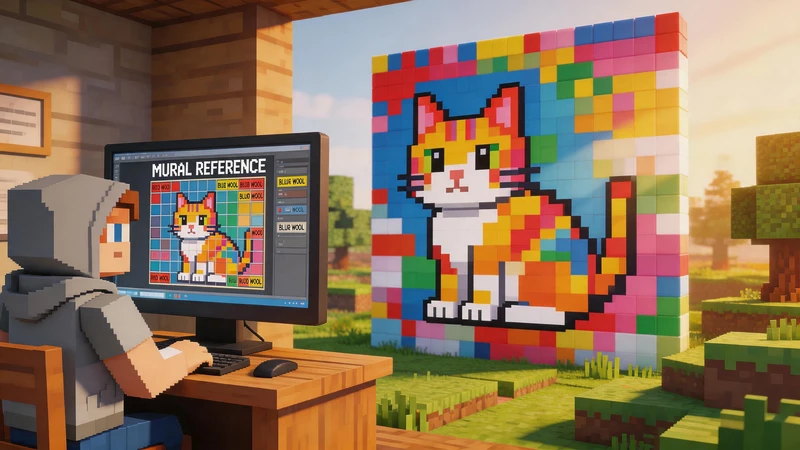
Pixel art never goes out of style. From retro games and Minecraft builds to bead art and pixel avatars, pixel-style graphics are everywhere. But creating pixel art manually can take hours — especially when you need a clean pixel grid.
That’s where a pixel art grid generator helps.
With PicToPixel, you can instantly convert any image into pixel art online with adjustable pixel size and grid effects. No design skills, software, or downloads required.
Whether you want to create Minecraft pixel art, printable bead patterns, or retro-style avatars, this tool makes the process fast and simple.
What Is a Pixel Art Grid?
A pixel art grid is a square-based layout used to create and organize pixel art images. Each small square represents a single pixel or color block, making it easier to design retro-style artwork with clean shapes and sharp edges.
Pixel art grids are commonly used in:
- Retro video game sprites
- Minecraft pixel art builds
- Bead art and Perler bead patterns
- Cross stitch and embroidery designs
- Pixel avatars and profile pictures
- NFT and digital collectible art
- Social media graphics and pixel logos
Artists, gamers, and creators use pixel art grids to plan colors, align details, and convert images into pixel-style designs more accurately. They are especially useful when turning photos into pixel art for games, crafts, or printable projects.
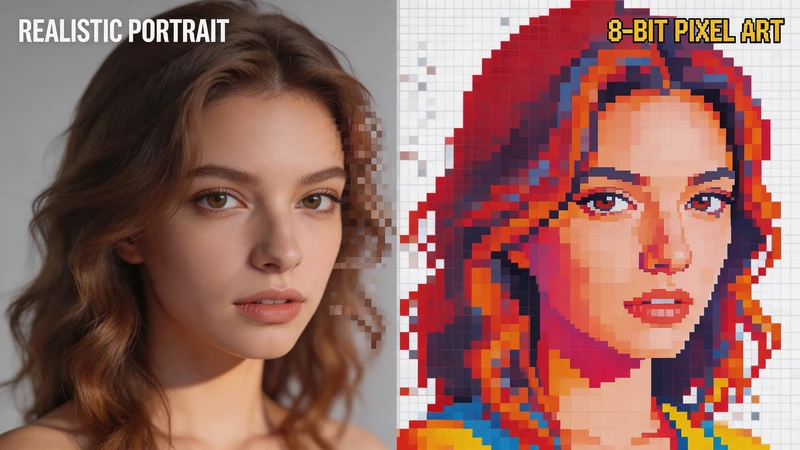
How to Convert an Image into a Pixel Art Grid
Creating pixel art used to require manual drawing and professional software. With PicToPixel, you can instantly convert any image into retro-style pixel art online directly in your browser.
Whether you want to create a pixel art avatar, Minecraft pixel build reference, bead art pattern, or retro game sprite, the process only takes a few steps.
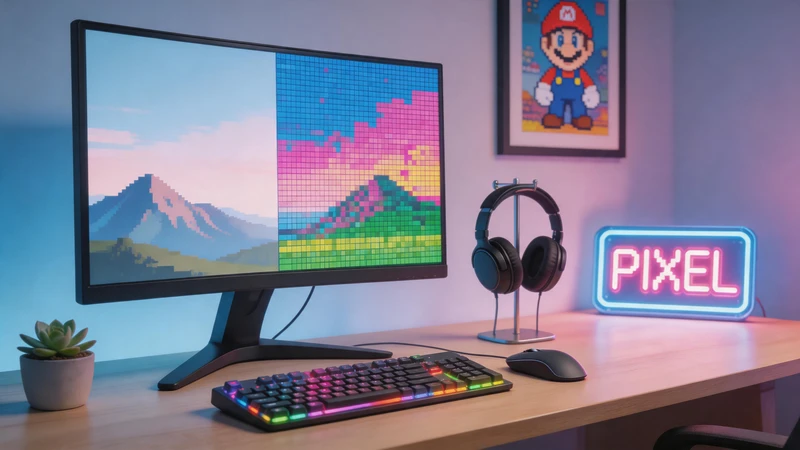
Step 1: Upload Your Image
Start by uploading any image you want to turn into pixel art.
You can use:
- Portrait photos
- Pet pictures
- Anime characters
- Logos
- Landscapes
- Game screenshots
- Social media photos
Once uploaded, the tool automatically converts your image into a basic pixel art effect, giving you a live preview instantly.
Clear images with simple backgrounds usually create the best pixel art results.
Step 2: Adjust the Pixel Art Settings
Now you can customize how your pixel art grid looks using the built-in sliders and controls.
All changes appear in real time, making it easy to experiment with different retro pixel styles.
Pixel Size
Pixel size controls how large each pixel block appears.
- Smaller pixel sizes preserve more detail
- Larger pixel blocks create a classic 8-bit or retro arcade style
This setting is especially useful when creating Minecraft pixel art, pixel avatars, retro game sprites, and printable bead art patterns.
Larger pixels create a stronger pixelated effect, while smaller pixels look cleaner and more detailed.
Brightness
Brightness adjusts how light or dark your pixel art image appears.
Increase brightness to create vibrant pixel artwork, cleaner-looking avatars, and brighter retro game visuals. Lower brightness can create moody pixel art, vintage retro effects, and darker atmospheric scenes.
Small adjustments usually produce the best results.
Contrast
Contrast controls the difference between light and dark areas in your pixel art.
Higher contrast helps shapes stand out more clearly, makes pixel edges look sharper, and makes colors appear bolder—often a good fit for retro pixel graphics and Minecraft-style designs. Lower contrast creates a softer, more muted appearance.
Saturation
Saturation changes how vivid the colors appear.
Higher saturation creates bright pixel art colors, vibrant gaming aesthetics, and colorful social media avatars. Lower saturation produces vintage pixel effects, muted retro palettes, and old-school handheld gaming styles.
This setting is useful for recreating classic retro game looks.
Color Count
The color setting controls how many colors appear in the final pixel art image.
Lower color counts create authentic retro game aesthetics, simplified pixel art grids, and classic 8-bit styles. Higher color counts preserve more image detail, smoother gradients, and more realistic pixel art effects.
Reducing the number of colors often makes pixel art look cleaner and more stylistically consistent.
Step 3: Download Your Pixel Art
Once you are happy with the result, simply click the download button to save your pixel art image as a PNG file.
You can use your pixel art for Minecraft build references, pixel profile pictures, bead art templates, cross stitch patterns, retro posters, indie game assets, and social media content.
The exported image is high quality and ready to share or print.
Why Use an Online Pixel Art Grid Generator?
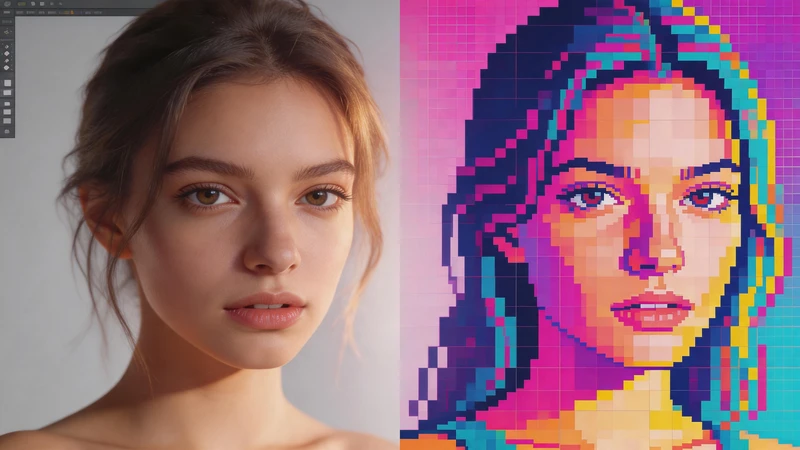
Creating pixel art manually can take a lot of time, especially for beginners. Traditional pixel art software often comes with complicated tools, layers, and drawing settings that can feel overwhelming.
An online pixel art grid generator makes the process much easier.
With a tool like PicToPixel, you can instantly convert photos into pixel art directly in your browser — no design skills or software installation required.
Benefits of using an online pixel art maker include:
- Instant image to pixel art conversion
- Beginner-friendly controls
- Adjustable pixel size and color settings
- Fast online rendering
- No downloads or editing software needed
- Easy creation of retro-style pixel graphics
Instead of drawing every pixel manually, the tool automatically transforms your image into a clean pixel art grid within seconds.
Create Minecraft Pixel Art from Images
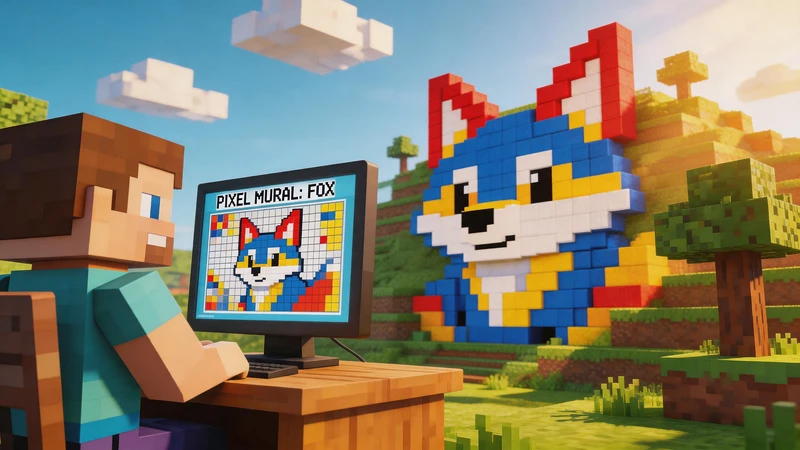
Minecraft players often use pixel art grids to recreate real images using blocks in-game.
A pixel art grid generator helps simplify the building process by turning photos into easy-to-follow pixel references.
You can use it to convert photos into Minecraft pixel art, plan large block builds more easily, create custom wall murals, design map art and pixel structures, and visualize block placement with pixel grids.
The visible pixel blocks make Minecraft creations much easier to build accurately, especially for large projects.
Turn Photos into Printable Bead Art Patterns
Pixel art grids are also widely used for bead art, Perler beads, and DIY pixel crafts.
By converting an image into a pixel grid, you can create printable bead patterns for character designs, pixel keychains, handmade decorations, DIY gifts, and retro pixel artwork.
Each color block acts as a guide, making it easier to place beads correctly and recreate detailed pixel designs.
Make Retro Pixel Art Avatars
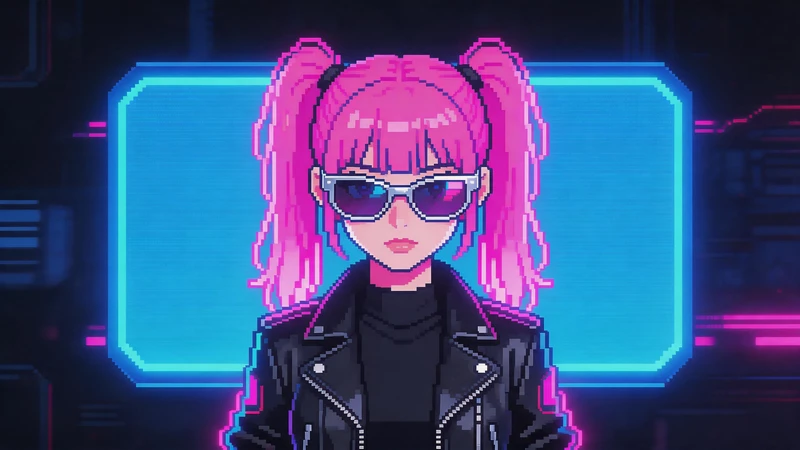
Pixel avatars have become increasingly popular across gaming and social media platforms.
You can quickly turn selfies, profile pictures, or character art into retro-style pixel portraits for Discord avatars, Twitch profiles, YouTube icons, TikTok profile pictures, and gaming communities.
The retro pixel aesthetic gives profile images a nostalgic and creative look that stands out online.
Why Pixel Art Is Still So Popular
Even decades after the early arcade and console era, pixel art remains one of the most recognizable and loved digital art styles online.
Part of its appeal comes from nostalgia. Classic 8-bit and 16-bit games introduced millions of people to pixel-based graphics, and that retro aesthetic still feels iconic today. But pixel art is popular for more than just nostalgia — it also has a clean, creative, and highly stylized look that works perfectly in modern digital culture.
Today, pixel art is widely used across many creative industries and online communities, including indie game development, Minecraft pixel builds, social media avatars and profile pictures, collectible artwork, Twitch and YouTube streaming assets, mobile game graphics, merchandise and stickers, bead art and DIY crafts, and retro posters and pixel animations.
Unlike ultra-realistic graphics, pixel art simplifies images into bold shapes and limited colors. This gives artwork a handcrafted and artistic appearance that feels both playful and visually memorable.
Pixel art is also highly versatile. A simple photo can be transformed into a retro game sprite, a Minecraft build reference, a pixel profile picture, a printable bead pattern, a pixel logo or banner, or a nostalgic 8-bit scene.
Because of this, creators continue to use pixel art for both professional and personal projects.
Try PicToPixel for Free
If you want to convert an image into retro-style pixel art quickly and easily, PicToPixel lets you create pixel graphics directly in your browser without installing any software.
Simply upload your image, and the tool instantly turns it into pixel art with a live preview. You can adjust the pixel size, colors, brightness, contrast, and retro effect to create different pixel art styles in seconds.
PicToPixel is great for creating Minecraft pixel art references, retro gaming graphics, pixel avatars, bead art patterns, and social media content. Instead of drawing pixels manually, the tool automatically transforms your photo into clean pixel-style artwork with just a few clicks.
Whether you want a subtle pixel effect or a classic 8-bit look, PicToPixel makes the process fast, simple, and beginner-friendly.
FAQs
Q1. How do I convert a picture into a pixel art grid?
You can convert any photo into a pixel art grid by uploading it to an online pixel art generator like PicToPixel. The tool automatically transforms your image into pixel-style artwork, and you can adjust the pixel size, colors, and retro effect before downloading the final result.
Q2. What is the best pixel size for pixel art?
The best pixel size depends on the style you want to create. Smaller pixel blocks preserve more image detail and work well for portraits or detailed artwork, while larger pixels create a stronger retro 8-bit look often used in Minecraft pixel art and classic game graphics.
Q3. Can I print pixel art grids?
Yes. Printable pixel art grids are commonly used for bead art patterns, cross stitch designs, Minecraft build references, and DIY pixel craft projects. Many creators use pixel grids as visual guides for recreating artwork by hand.
Q4. Is there a free online pixel art grid generator?
Yes. PicToPixel is a free online pixel art generator that lets you turn images into pixel art directly in your browser without downloading software or creating an account.
Q5. Can I use pixel art grids for Minecraft builds?
Absolutely. Minecraft players often use pixel art grids to recreate images with blocks in-game. A pixel art grid helps simplify block placement, organize colors, and make large Minecraft pixel art projects easier to follow and build accurately.
Q6. What images work best for pixel art conversion?
Clear, high-quality images with simple backgrounds usually produce the best pixel art results. Portraits, pets, logos, anime art, and colorful photos tend to convert especially well into retro-style pixel graphics.
Q7. Can I make retro 8-bit pixel art from photos?
Yes. By increasing the pixel size and reducing the color count, you can easily turn modern photos into classic 8-bit style pixel art inspired by retro arcade and console games.
Ready to create your own pixel art?