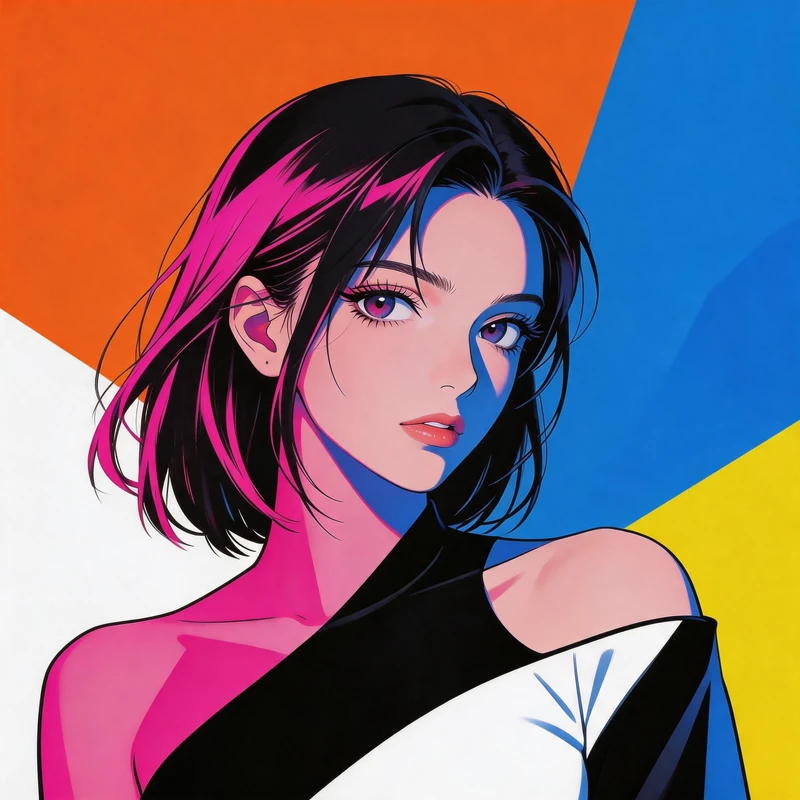
Game Character Avatars
Create pixel-style avatars for RPG profiles, indie game characters, or community platforms like Discord. The output stays visually consistent and easy to recognize.
Need a quick way to turn your photo into a pixel-style avatar? This Pixel Art Avatar Maker lets you convert images into clean, retro pixel avatars with full manual control over style parameters. Unlike AI tools that randomly generate results, here you adjust everything yourself, including pixel size, color depth, and retro level, to create consistent and structured pixel art avatars.
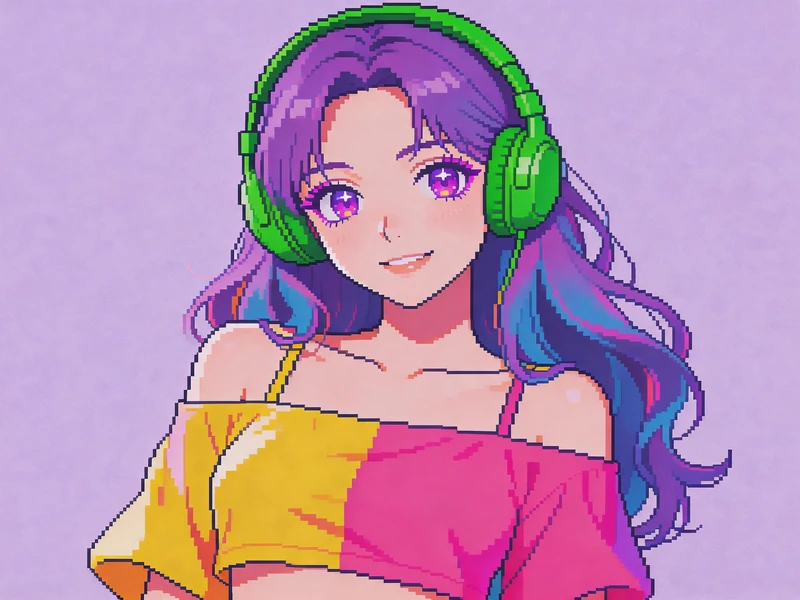
Customize your style, get consistent results every time, and create clean pixel avatars ready for your profile.
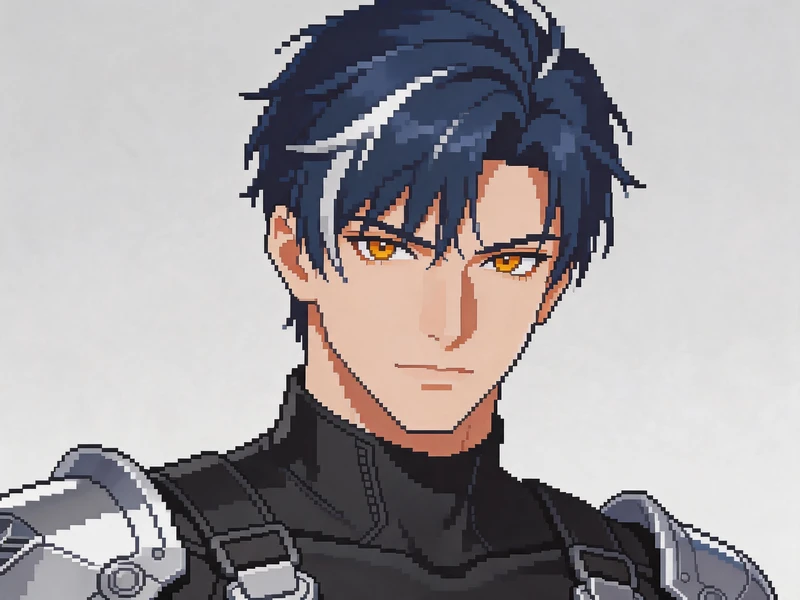
Not all pixel avatars should look the same. Adjust pixel density, color depth, and edge sharpness to shape your avatar exactly the way you want it. Move between detailed pixel portraits and simplified retro game-style characters while keeping output consistent and structured.
Upload an image, adjust your preferred parameters, and instantly get a structured pixel version of your original input. No prompts, no guessing, and no unpredictable style shifts. The same controlled logic produces stable, repeatable results every time.
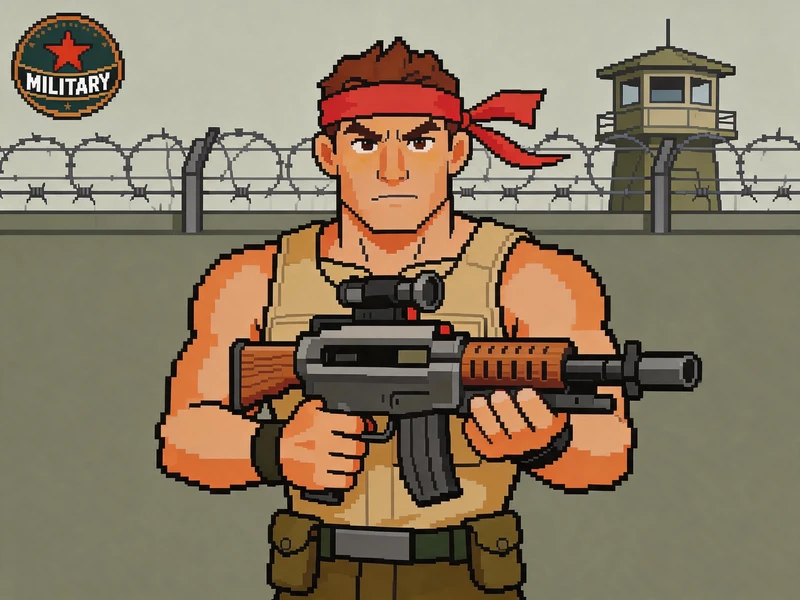
A fast, adjustable workflow for pixel-style PFPs that stay readable and intentional.
Upload once, adjust quickly, and export a clean pixel art avatar in seconds.
Reduce colors to avoid noisy shading and keep the avatar crisp.
Designed for a true pixel look, not a soft blur filter.
Download your avatar without branding on top.
Make pixel avatars anywhere without installing software.
Processing runs locally in your browser, so your photo is not uploaded to our servers.
Transform ordinary images into structured pixel-style avatars for games, social platforms, and creative workflows.
Create pixel-style avatars for RPG profiles, indie game characters, or community platforms like Discord. The output stays visually consistent and easy to recognize.
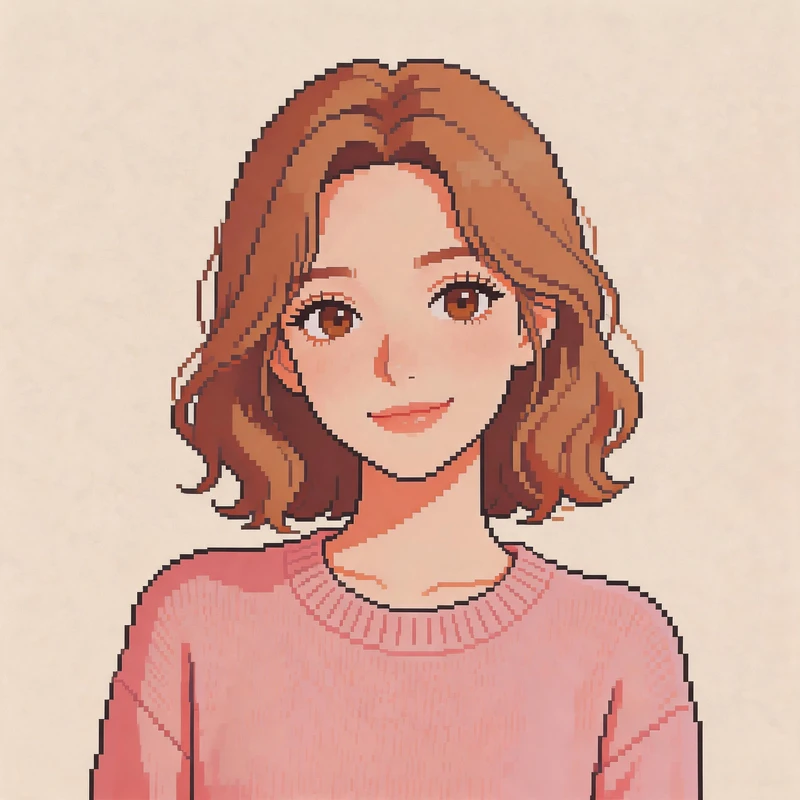
Generate unique pixel avatars for X, Instagram, TikTok, or Discord. A retro-inspired look can stand out while staying simple and readable at small sizes.
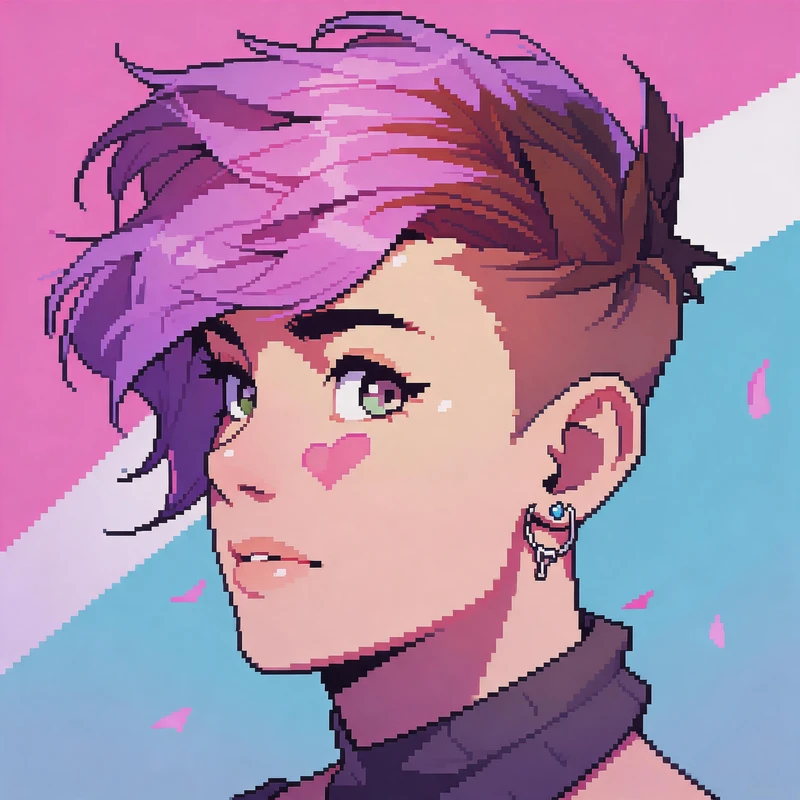
Use it as a fast starting point for character concepts. Convert reference images into pixel-based drafts you can refine further in your design system.
Quick answers about pixel avatars and how to get clean results.
A pixel art avatar is a stylized digital portrait made from visible pixel blocks instead of smooth, high-resolution detail. It focuses on structure, shape, and limited color to create a recognizable retro aesthetic.
A pixel art avatar maker turns a photo into a pixel-style profile picture. PicToPixel runs in your browser and lets you fine-tune settings to match the style you want.
Increase pixel size to make blocks more visible and reduce detail. Then adjust contrast so edges and features stand out.
A medium pixel size usually works well because it simplifies details while keeping the face readable. Use the live preview to find the sweet spot for your photo.
Yes, often. Lower color counts can make pixel avatars look cleaner by reducing noisy gradients and making shading feel more intentional.
Clear, well-lit photos with a single subject work best. If the background is busy, crop to the face or upper body for a cleaner pixel result.
Join thousands of creators who use PicToPixel every day
Create pixel artNo signup · 100% free · Unlimited conversions